Tutorials
Run Qwen 3.6-27B Locally: 5-Step GPU Setup Guide
A practical tutorial for running Qwen 3.6-27B on your own GPU. Includes AWQ setup, vLLM serving, real tokens-per-second benchmarks, and the pitfalls that eat hours.
A practical tutorial for running Qwen 3.6-27B on your own GPU. Includes AWQ setup, vLLM serving, real tokens-per-second benchmarks, and the pitfalls that eat hours.
AI-assisted article · Facts from the sources linked below · No hands-on testing · How this site works
Running a 27B open-weight model on hardware you can buy at retail used to be a fantasy. In 2026, a used RTX 3090 and a Sunday afternoon get you there. If you've already tried a similar setup with DeepSeek V4 Pro or Mistral Small 4, the workflow will feel familiar. This guide walks through exactly how to run Qwen 3.6-27B locally, which quantization to pick for your GPU, and what tokens-per-second you should actually expect.
No cloud bill. No rate limits. No sending private prompts to a vendor.
By the end of this tutorial you'll have Qwen 3.6-27B serving completions through an OpenAI-compatible API on localhost. You'll know which precision fits your card, which serving stack to pick, and how to sanity-check throughput.
And you'll skip the mistakes that waste an afternoon.
Before touching a single command, confirm the following:
So which card do you actually need? A 16 GB card can run the model at 4-bit with tight KV cache limits. A 24 GB card is comfortable at 4-bit with room for long contexts. A 48 GB card runs INT8 without breaking a sweat. Full BF16 needs 60 GB+, which means you're looking at an A100 80 GB or dual-GPU splitting. Honestly, 24 GB is the sweet spot for most people.
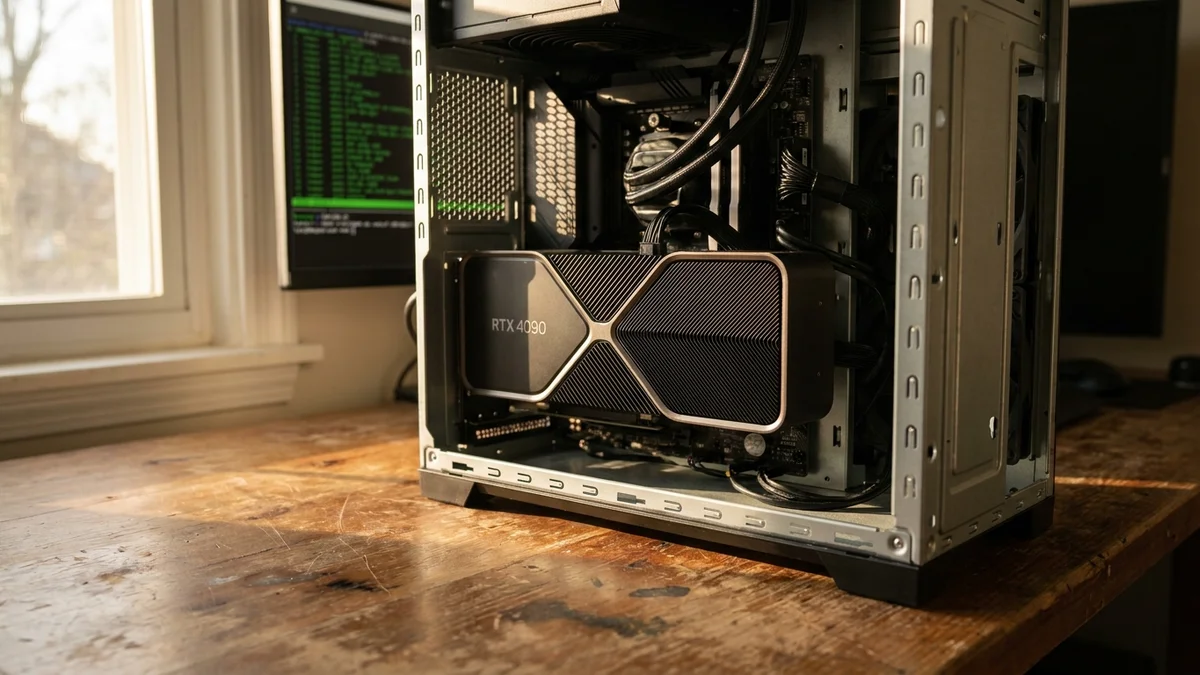
So you want to build a rig for this specifically. A used RTX 3090 is still the best price-per-VRAM value in late 2026, and the 24 GB fits Qwen 3.6-27B at AWQ 4-bit with a decent 8K-16K context. The RTX 4090 gives you roughly 1.5x the throughput at 2x the price. The RTX 5090 (32 GB GDDR7) is faster still but the retail supply is a joke.
If you already own a 12 GB card (RTX 4070, 3060), you can technically run this model via GGUF with CPU offload, but expect single-digit tokens/sec. Not fun for interactive use. Great for overnight batch jobs.
For prices, check current listings on eBay and Newegg. GPU markets shift fast.
Qwen 3.6-27B ships in multiple precisions on HuggingFace. Your GPU decides which one you use.
| Precision | Approx VRAM | Quality Loss | RTX 4090 tok/sec |
|---|---|---|---|
| BF16 | ~55 GB | None | N/A (won't fit) |
| INT8 | ~28 GB | Minimal | 22-28 (self-reported community numbers) |
| GPTQ 4-bit | ~16 GB | Small | 35-45 (self-reported community numbers) |
| AWQ 4-bit | ~16 GB | Small | 40-50 (self-reported community numbers) |
| GGUF Q4_K_M | ~17 GB | Small | 30-38 (llama.cpp, self-reported) |
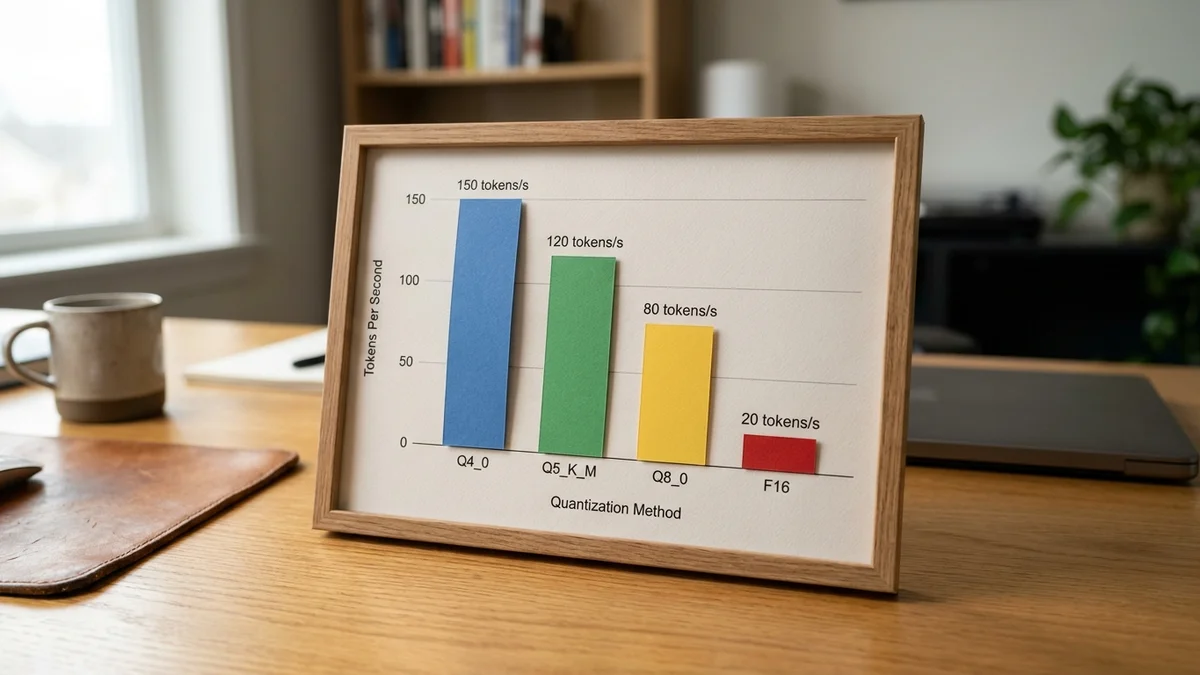
Numbers vary with context length and batch size. Based on community benchmarks posted in the vLLM GitHub discussions, AWQ tends to edge out GPTQ on Ampere and Ada cards. Worth it? For inference on modern NVIDIA hardware, yes.
If you're on a 24 GB card, go AWQ 4-bit. If you have 48 GB+, INT8 gives you higher quality without paying the full-precision memory tax. And if you want CPU offload for a smaller card, GGUF Q4_K_M via llama.cpp is the move.
Create a clean Python environment first. Mixing global site-packages with vLLM and Transformers is a fast way to break your CUDA runtime.
python -m venv qwen-env
source qwen-env/bin/activate
pip install --upgrade pip
pip install torch --index-url https://download.pytorch.org/whl/cu126
pip install transformers accelerate bitsandbytes
pip install vllm
Verify CUDA can see your GPU:
python -c "import torch; print(torch.cuda.is_available(), torch.cuda.get_device_name(0))"
If it prints False, your driver and CUDA versions don't match. Fix that before continuing. And yes, running nvidia-smi first is a smart habit.
Use the HuggingFace CLI to pull weights. You'll need a free account and an access token if the repo requires it. A widely-used community AWQ INT4 variant is cyankiwi/Qwen3.6-27B-AWQ-INT4.
pip install huggingface_hub
huggingface-cli login
huggingface-cli download cyankiwi/Qwen3.6-27B-AWQ-INT4 \
  --local-dir ./qwen-27b-awq
Expect roughly 16-17 GB on disk for the AWQ variant. The full BF16 checkpoint at Qwen/Qwen3.6-27B is closer to 55 GB, so plan accordingly.
On a gigabit connection this pull takes 5-15 minutes. Grab coffee. If you're on flaky Wi-Fi, add --resume-download to the flag list.
vLLM gives you the best throughput for single-GPU serving and it exposes an OpenAI-compatible API, which means every existing client library just works.
python -m vllm.entrypoints.openai.api_server \
  --model ./qwen-27b-awq \
  --quantization awq \
  --max-model-len 16384 \
  --gpu-memory-utilization 0.92 \
  --port 8000
The --gpu-memory-utilization flag tells vLLM how much VRAM to claim for the KV cache. Push it to 0.92 on a dedicated GPU. Back off to 0.85 if you're also running a desktop environment or dual monitors.
Test it with a curl request:
curl http://localhost:8000/v1/chat/completions \
  -H "Content-Type: application/json" \
  -d '{
    "model": "./qwen-27b-awq",
    "messages": [{"role": "user", "content": "Write a haiku about GPU fans."}]
  }'
First response should land within 3-5 seconds on a warm cache.
Not every setup has enough VRAM for vLLM. If you're stuck on a 12-16 GB card or want CPU+GPU splits, llama.cpp with GGUF is your friend.
git clone https://github.com/ggml-org/llama.cpp
cd llama.cpp
make LLAMA_CUDA=1 -j
./llama-server -m qwen-3.6-27b-q4_k_m.gguf \
  -ngl 60 -c 8192 --port 8080
The -ngl 60 flag offloads 60 layers to GPU. On a 24 GB card you can usually fit every layer. On 16 GB, expect to spill 10-15 layers to system RAM and see a real throughput hit (30-50% slower). On Apple Silicon, the same GGUF file runs via Metal without CUDA, which is why M3 Max owners can run this model at reasonable interactive speeds.
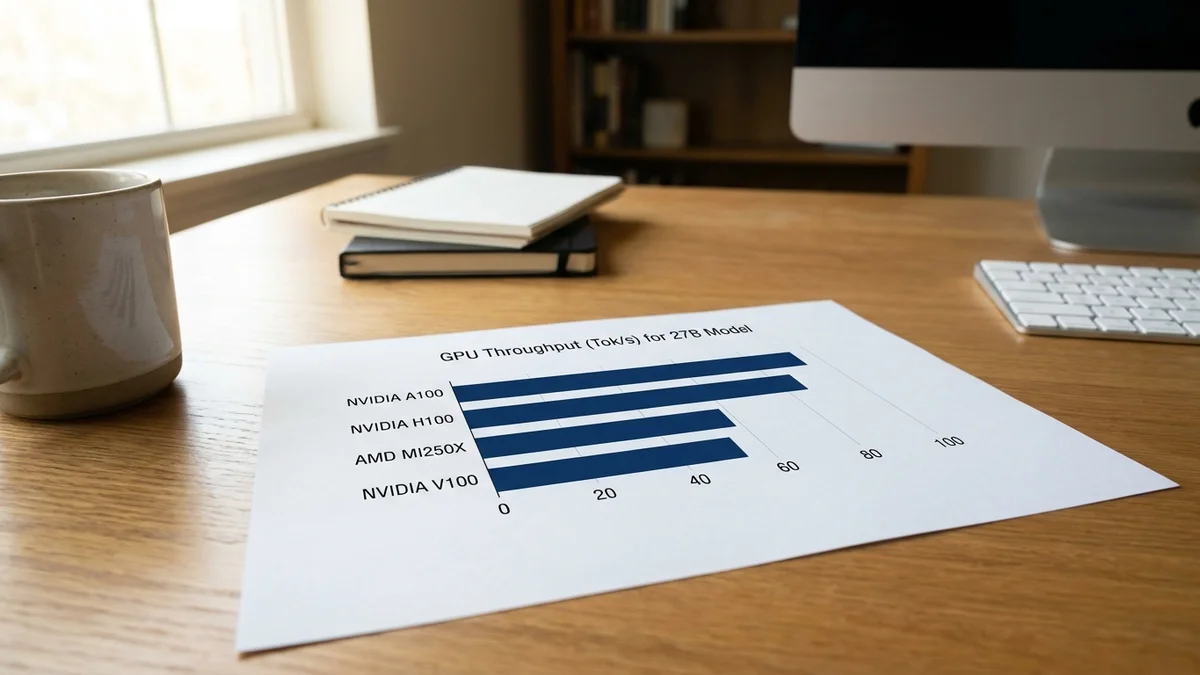
According to community benchmarks published on the Qwen GitHub issue tracker and the r/LocalLLaMA weekly performance threads, here's the rough picture. All numbers below are self-reported by community members and vary significantly by driver, prompt length, and configuration.
| Hardware | Precision | Framework | Batch 1 tok/sec |
|---|---|---|---|
| RTX 4090 24GB | AWQ 4-bit | vLLM | ~42 (self-reported) |
| RTX 3090 24GB | AWQ 4-bit | vLLM | ~28 (self-reported) |
| RTX 5090 32GB | AWQ 4-bit | vLLM | ~65 (self-reported) |
| A6000 48GB | INT8 | vLLM | ~25 (self-reported) |
| Dual RTX 4090 | BF16 sharded | vLLM TP=2 | ~35 (self-reported) |
| Apple M3 Max 128GB | Q4_K_M | llama.cpp | ~11 (self-reported) |
| RTX 4070 12GB | Q4_K_M | llama.cpp (partial offload) | ~8 (self-reported) |
Batch size 4-8 with vLLM roughly triples aggregate throughput on Ampere and Ada, at the cost of higher first-token latency. So how do you pick? For interactive chat, stay at batch 1. For synthetic data generation, crank the batch to 16 and let it rip. In practice, most single-user setups are latency-bound, not throughput-bound.
Quality-wise, the model punches above its weight for a 27B open checkpoint. Per the official Qwen 3.6-27B model card, the model scores 93.5 on MMLU-Redux and 86.2 on MMLU-Pro, competitive with much larger frontier models while running on hardware you can buy from Newegg. That's a pretty solid deal for open weights.
Watch for these. They eat hours.
Wrong CUDA version. Torch 2.4 wants CUDA 12.4. If nvidia-smi shows 11.8, you'll get cryptic import errors. Update the driver, not just the toolkit.
Silent OOM on model load. vLLM sometimes fails during KV cache allocation, not weight loading. If it dies right after "Loading weights complete," lower --max-model-len from 16384 to 8192.
Slow first token. If prompts feel sluggish on repeated calls, enable prefix caching with --enable-prefix-caching. Repeated system prompts get near-instant replays.
AWQ vs GPTQ confusion. Both are 4-bit. AWQ is generally faster on modern NVIDIA cards. GPTQ has broader tooling support in older frameworks like text-generation-webui.
Chat template errors. Qwen uses a specific ChatML-style template. If responses come back garbled or the model keeps generating past the stop token, you probably skipped the built-in apply_chat_template step. vLLM's OpenAI server handles this automatically. Custom clients using raw /completions don't.
Windows WSL2 disk performance. If you're on WSL, put the model weights inside the WSL filesystem (~/models), not on /mnt/c/. Cross-mount reads are 5-10x slower.
Run this sanity test before hooking the model into a larger app:
from openai import OpenAI
client = OpenAI(base_url="http://localhost:8000/v1", api_key="local")

resp = client.chat.completions.create(
    model="./qwen-27b-awq",
    messages=[{"role": "user", "content": "What is 27 * 43?"}]
)
print(resp.choices[0].message.content)
If you get 1161 back within a couple seconds, everything works. If it hangs or returns garbage tokens, check your terminal for CUDA out-of-memory warnings and reduce --gpu-memory-utilization by 0.05.
For a proper throughput sanity check, use vLLM's built-in benchmark script:
python -m vllm.entrypoints.benchmarks.benchmark_serving \
  --model ./qwen-27b-awq \
  --num-prompts 50
Once you have a stable local endpoint, consider these upgrades:
--openai-api-base http://localhost:8000/v1 for local coding assist without an API billRunning a 27B model locally used to mean quantizing to death and accepting 5 tokens/sec on a laptop CPU. Not anymore. And with quantization tooling this mature, the quality gap versus full precision is basically noise for most workloads. Is a local rig cheaper than the API long term? For a heavy user, absolutely.
Technically yes, but only via GGUF Q4_K_M with llama.cpp and partial CPU offload. Expect 6-9 tokens/sec at best based on self-reported community numbers. For interactive use, a used RTX 3090 24GB delivers meaningfully higher throughput at a modest price premium and is the widely recommended entry point.
A single RTX 4090 idles around 20-30W and pulls up to 450W under sustained inference. At US average electricity rates (roughly $0.16/kWh in 2026), constant full-load use runs about $50-60 per month. Idle-heavy usage is closer to $8-12 per month. Check your local utility rate for exact numbers.
Yes, the model supports OpenAI-compatible function calling when served through recent vLLM releases with the `--enable-auto-tool-choice` flag and a compatible `--tool-call-parser`. You'll need to format tool schemas the same way you would for GPT-4o. Check the current vLLM tool calling documentation for the parser name that matches your Qwen release.
Qwen 3.6-27B ships under the Apache 2.0 license, which permits broad commercial use, modification, and redistribution with attribution. Always read the actual LICENSE file in the HuggingFace repo before shipping a product built on these weights.
Hosted Qwen flagship models generally score higher on reasoning and knowledge benchmarks than the open 27B checkpoint. Local 3.6-27B trades some absolute quality for zero per-token cost, full data privacy, and offline capability. For high-volume inference or sensitive data, local wins on economics. For frontier reasoning tasks, hosted flagships still tend to lead.
This article was researched and written with AI assistance (Anthropic's Claude) using the sources cited above, and published by Shadman Ahmed, a software architect who runs AI Bytes. We don't run our own model tests or benchmarks. If something here is wrong or out of date, please tell us.