Run DeepSeek V4.1-Flash Locally: The 2026 GPU Guide | AI Bytes
0% read
Run DeepSeek V4.1-Flash Locally: The 2026 GPU Guide
Tutorials
Run DeepSeek V4.1-Flash Locally: The 2026 GPU Guide
A no-nonsense tutorial on running DeepSeek V4.1-Flash — a 552B-parameter multimodal MoE — on your own hardware, with real VRAM math, quantization tradeoffs, and honest benchmark takeaways.
September 23, 2026
16 min read
6 views
Running a frontier open-weights model on your own box used to be a fantasy reserved for people with $30K worth of H100s under a desk. That equation has shifted — a bit. If you want to run DeepSeek V4.1-Flash locally without renting cloud GPUs by the hour, this guide walks through the actual hardware math, the install steps, and the benchmark reality you should expect.
And yes, this is written for people who have real GPUs (plural, in most cases) sitting in a real machine (not a Colab notebook).
What You'll Build
Pay attention here — by the end of this tutorial you'll have:
A working local install of DeepSeek V4.1-Flash serving an OpenAI-compatible API on localhost:8000
A tested inference stack using vLLM (or llama.cpp if you're VRAM-constrained and can tolerate heavy CPU offload)
A clear picture of tokens/second on your specific hardware
Quantization choices that match your GPU (and system RAM) budget
DeepSeek V4.1-Flash is a multimodal Mixture-of-Experts model with a 552B-parameter backbone, activating roughly 8B parameters per token during prefill and 16B during decode. That "Flash" label is the smaller sibling of V4-Pro (a ~1.6T-parameter MoE), not a distilled small model — the weights on disk are still on the order of half a terabyte. This is per DeepSeek's official model card on Hugging Face.
Prerequisites
Before we touch any code, you need the boring stuff sorted:
NVIDIA GPU(s) with CUDA compute capability 8.0 or higher (Ampere, Ada, Hopper, Blackwell). Realistically, a multi-GPU H100/H200/MI300X node — see the VRAM math below. AMD works via ROCm but expect rough edges.
Ubuntu 22.04 or 24.04 (or WSL2 on Windows 11). macOS users should skip vLLM and jump to the llama.cpp section — and read the honest note there about model size.
NVIDIA driver 550+ and CUDA 12.4+ toolkit installed
Python 3.11 or 3.12 (3.13 has been flaky with several inference stacks)
At least 512GB of system RAM if you plan to run quantized weights with heavy CPU offload
1TB of free NVMe storage for model weights, KV cache, and Docker layers (the FP8 weights alone are ~510GB)
Check your driver first:
Bash
nvidia-smi
If that command errors out, stop and fix your driver stack before continuing. Nothing else will work.
The VRAM Math: Which GPU Do You Actually Need?
Before you download half a terabyte of weights, do the calculation. For a large MoE model like V4.1-Flash the storage size dominates, because you must hold all expert weights in memory even though only a few experts activate per token. Using DeepSeek's published 552B backbone (plus ~196B "Engram" memory params that are sparsely accessed but must be resident), the rough VRAM/memory footprint lands like this:
Precision
Weights (approx)
+KV cache & overhead
Realistic Minimum Setup
BF16
~1.1 TB
~1.2 TB+
16x H100 80GB / 8x H200 141GB
FP8 (native, shipped)
~500 GB
~550 GB
8x H100 80GB or 4x H200 141GB
INT4 (community AWQ, when available)
~250 GB
~300 GB
4x A100 80GB, 4x H100 80GB
INT4 + heavy CPU offload
24 GB+ VRAM
plus 300 GB system RAM
Single 3090/4090 with 512 GB RAM, expect single-digit tok/s
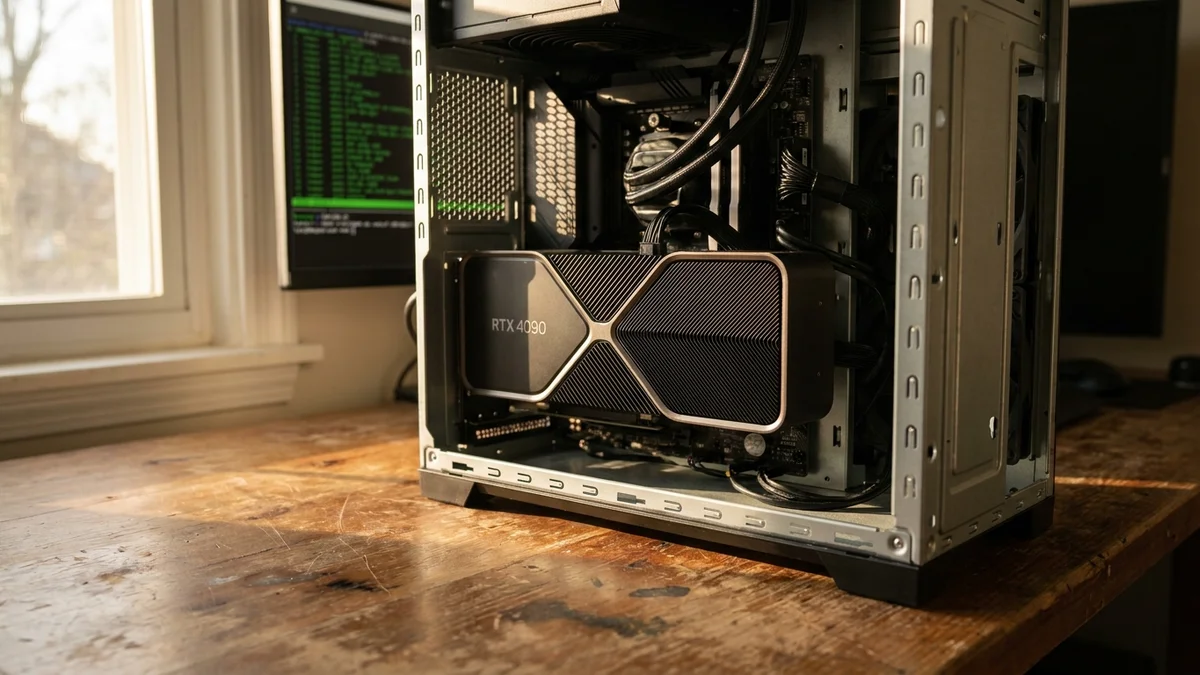
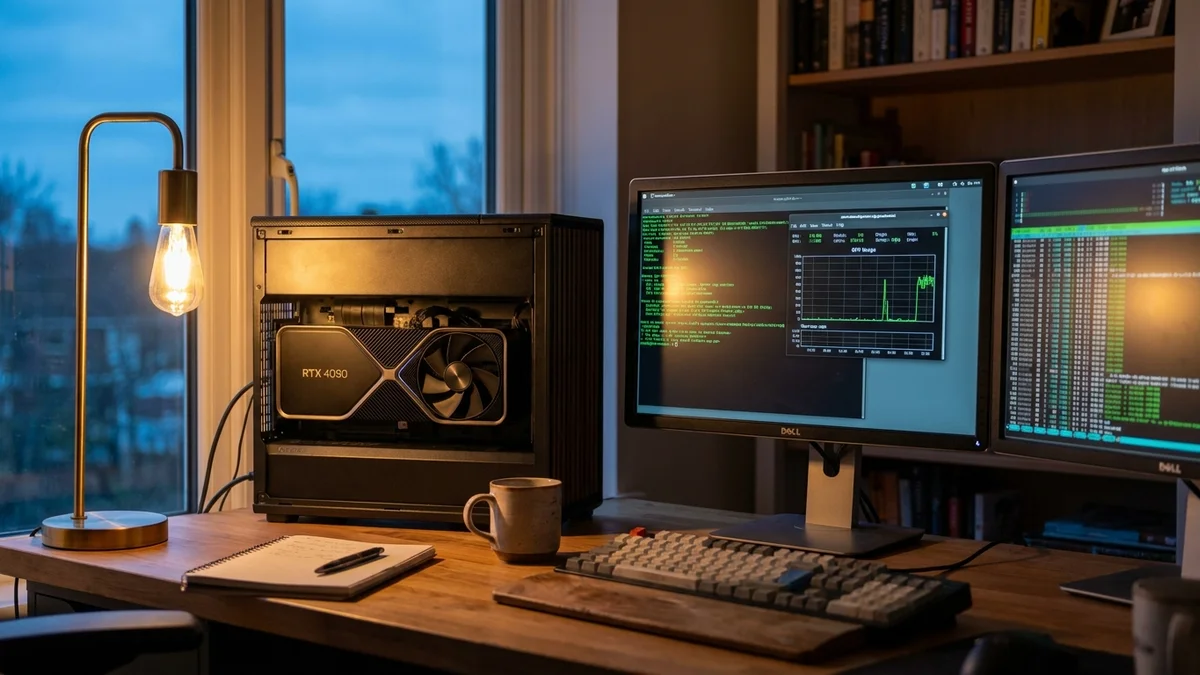
So can you run it on a single 4090? Only with aggressive INT4 quantization and massive CPU offload, and throughput will be painful. Single-node inference at usable speeds realistically needs a multi-GPU H100/H200 or MI300X box. This is not a "put a card in your gaming PC" model.
Step 1: Set Up Your Python Environment
Use a clean virtual environment. Trust me on this. Mixing PyTorch versions across projects is how weekends die.
If that prints False, your PyTorch build and driver don't match. Fix it now.
Step 2: Install vLLM
vLLM is the serving engine of choice for anything larger than about 7B parameters. It handles PagedAttention, continuous batching, and expert parallelism for MoE models without you writing a single line of CUDA.
Bash
pip install vllm
Recent vLLM builds ship FP8 and AWQ kernels out of the box, which is why FP8 inference on H100-class hardware is viable at all for a model this large. Check vLLM's release notes for the minimum version supporting DeepSeek-V4.1 architectures before you install.
Step 3: Download the Weights
Grab the model from Hugging Face. Use hf transfer if your connection is fast — you're pulling roughly 510GB across 48 safetensor shards:
If you want a smaller community-quantized variant, search Hugging Face for AWQ or GGUF quants of DeepSeek-V4.1-Flash and verify checksums against the uploader's card before serving. Not every community quant is faithful.
This download will chew through your bandwidth cap. Grab coffee, and possibly lunch.
Step 4: Launch the vLLM Server
Here's a starter command for an OpenAI-compatible server on a multi-GPU node. Adjust --tensor-parallel-size to your GPU count:
--tensor-parallel-size 8 shards the model across 8 GPUs. Set this to match your actual GPU count.
--quantization fp8 matches the native FP8 weights DeepSeek ships. Use awq if you downloaded a community AWQ quant.
--max-model-len 32768 caps the context window. The model supports up to 1M tokens, but every extra token costs KV cache. Don't set 1M unless you know you need it.
--enable-prefix-caching is basically free performance for chat workloads with repeated system prompts. Always on.
First boot takes several minutes while vLLM loads shards and compiles CUDA graphs. Subsequent starts are faster once caches are warm.
You should get JSON back with a completion. If you get a CUDA OOM error, drop --max-model-len first, then reduce --gpu-memory-utilization, then reconsider whether your hardware can hold the model at all.
The Low-VRAM Path: llama.cpp with GGUF
Don't have a server rack? llama.cpp can run quantized GGUF models with GPU + CPU + disk offload, but be honest about the trade-off: a 552B MoE at Q4_K_M is still roughly 275GB of weights. You will not fit this on a single consumer card without major CPU offload, and throughput will drop into the low single digits.
-ngl 24 offloads 24 layers to GPU and keeps the rest on CPU (or memory-mapped from disk). Tune this number to whatever fits in your VRAM. Every layer that lives off-GPU drops throughput noticeably.
Realistic Benchmarks: What Tokens/Second To Expect
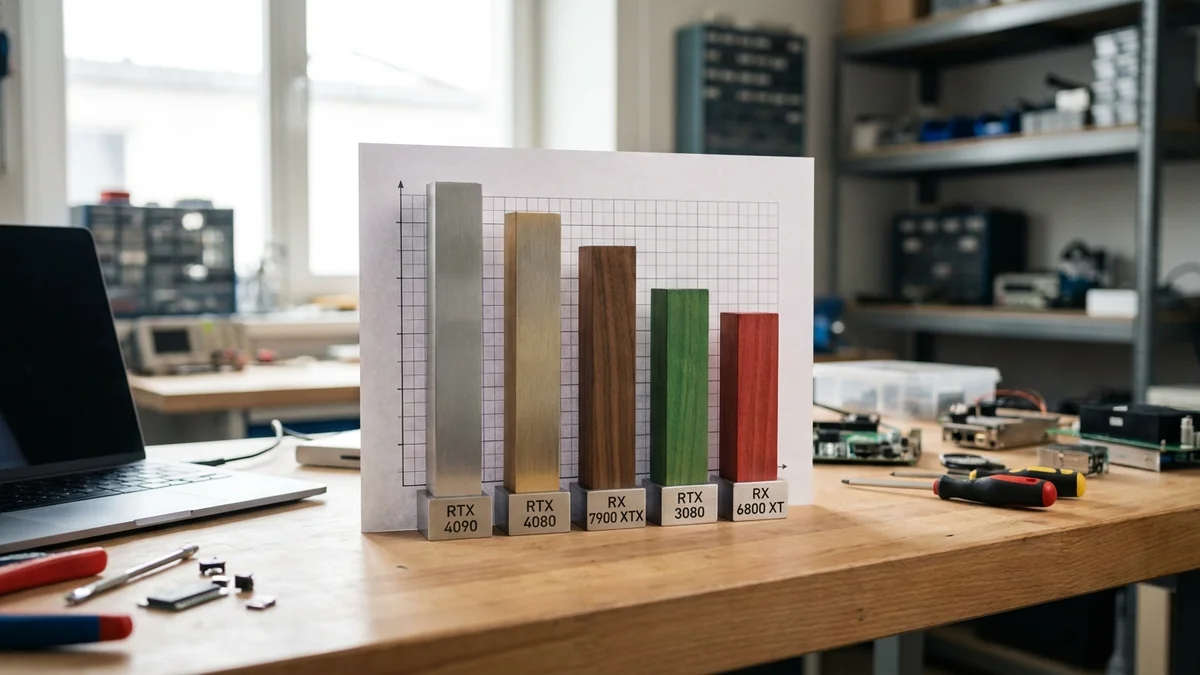
Because V4.1-Flash is so new and its footprint is so large, there aren't yet broad community-published throughput numbers for common consumer configurations. As a rough ordering:
Hardware
Quantization
Throughput (single request)
8x H100 80GB (tensor-parallel)
FP8 (native)
Data-center class — see vLLM release blogs for current numbers
4x A100 80GB
INT4 (community AWQ)
Reduced vs H100 — verify with your own load test
Single 4090 + 512GB RAM + heavy offload
INT4 + CPU offload
Low single digits tok/s
Apple M-series (256GB+ Mac Studio) with Q4 GGUF
Q4_K_M (llama.cpp)
Single digits tok/s, if the quant fits at all
These are directional. Run a real llmperf load test on your own hardware before you promise anything to a stakeholder — see the testing section below.
For task-quality expectations, DeepSeek's own model card reports V4.1-Flash-Base scoring 79.4% on HumanEval (Pass@1, 0-shot) — self-reported in their internal evaluation framework. Verify your specific deployment against the official DeepSeek GitHub release notes.
Common Pitfalls
A few things that will bite you:
CUDA OOM at long contexts. KV cache scales linearly with context length. Cap --max-model-len at what you actually use — asking for 1M tokens by default will OOM even a large H200 cluster.
Wrong tokenizer version. DeepSeek ships custom tokenizers. Always use the exact tokenizer.json from the release. Grabbing a tokenizer from a fork is how you get garbage output that looks almost right.
Thermal throttling on air-cooled H100s in a workstation chassis. Under sustained inference, densely packed cards hit thermal limits and start dropping clocks. If your tokens/second degrade over time, that's why. Improve airflow or move to a purpose-built server chassis.
Docker on WSL2 with GPU. Works, but you need the WSL CUDA driver package and --gpus all at runtime. Native Linux is less painful.
If you're brand new to local LLM serving, do NOT start with a 552B model. Get vLLM working with a small 7B–14B model first, then scale up. Debugging tensor parallelism against a half-terabyte checkpoint is not a fun first project.
Testing and Verification
Once your server is up, run a quick load test to confirm real-world performance. oha or wrk both work, but I like llmperf for this specifically:
Compare your median tokens/second against community reports for similar hardware. If numbers look way off, check quantization, prefix caching, tensor parallel size, and thermal state before blaming the model.
Next Steps
Once you have a working server, the interesting stuff opens up:
Wire it into Continue.dev or Cline as your local coding assistant. Both accept an OpenAI-compatible base URL.
Explore DeepSeek's built-in speculative decoding (DSpark, described in the model's tech report) to squeeze extra throughput.
Build a RAG stack with a local vector store and this endpoint as the generation model. No API bill.
Tune tensor parallelism across your GPUs using --tensor-parallel-size N to match your topology.
Compare local hosting to hosted APIs before committing capex — see our writeup on local LLMs vs cloud APIs for the honest cost math.
Running frontier open models on your own hardware isn't fantasy anymore — but for a model this size, "your own hardware" still means serious kit. Plan the budget, size the rack, then start downloading.
Can DeepSeek V4.1-Flash run on a MacBook M-series chip?
Not comfortably. DeepSeek V4.1-Flash is a 552B-parameter MoE model with roughly 510GB of native FP8 weights. Even a Q4_K_M GGUF quant is around 275GB, well beyond the 64–128GB unified memory of a MacBook Pro. A 256GB or 512GB Mac Studio might load a heavily quantized variant with llama.cpp, but expect single-digit tokens per second. Skip vLLM entirely on macOS; it has no Metal backend.
How does local inference cost compare to using the DeepSeek API?
For a model this size, the math almost never favors local hosting unless you already have a multi-GPU H100 or H200 node sitting idle. A brand-new server-class deployment costs tens of thousands of dollars before power. The real value of local hosting is data privacy, offline availability, and freedom to customize the serving stack — not raw cost savings versus [DeepSeek's hosted API](/tutorials/deepseek-v4-flash-api-ship-a-working-app-in-30-min).
Does DeepSeek V4.1-Flash support function calling and tool use locally?
Yes, when served through recent vLLM builds with the `--enable-auto-tool-choice` flag and the correct tool parser. You'll need to pass the chat template that matches the model's tool format, usually included in the tokenizer config. Tool-use quality on any specific deployment should be validated with your own tool schemas rather than assumed from public benchmarks.
What happens if my GPU crashes mid-generation?
vLLM will drop the request and return a 500 error, but the server usually recovers without a restart. If you see repeated CUDA errors in the logs, check `nvidia-smi` for ECC errors or thermal throttling. Persistent crashes on quantized models often trace back to a bad AWQ or GGUF checksum; re-download the weights and verify the SHA.
Can I fine-tune DeepSeek V4.1-Flash on a single 4090?
No. Full fine-tuning of a 552B MoE model is out of reach for any single consumer GPU. Even parameter-efficient methods like LoRA or QLoRA require the base weights resident in memory during training, which a 24GB card cannot hold for this model without massive CPU offload that makes training runs impractically slow. Realistic fine-tuning workflows for a model this size target multi-node H100/H200 clusters.