DeepSeek V4 Pro Local Setup: The 7-Step GPU Guide | AI Bytes
0% read
DeepSeek V4 Pro Local Setup: The 7-Step GPU Guide
Tutorials
DeepSeek V4 Pro Local Setup: The 7-Step GPU Guide
A practical walkthrough for getting DeepSeek V4 Pro running on your own hardware, from picking the right GPU tier to squeezing real tokens-per-second out of quantized weights.
August 20, 2026
12 min read
254 views
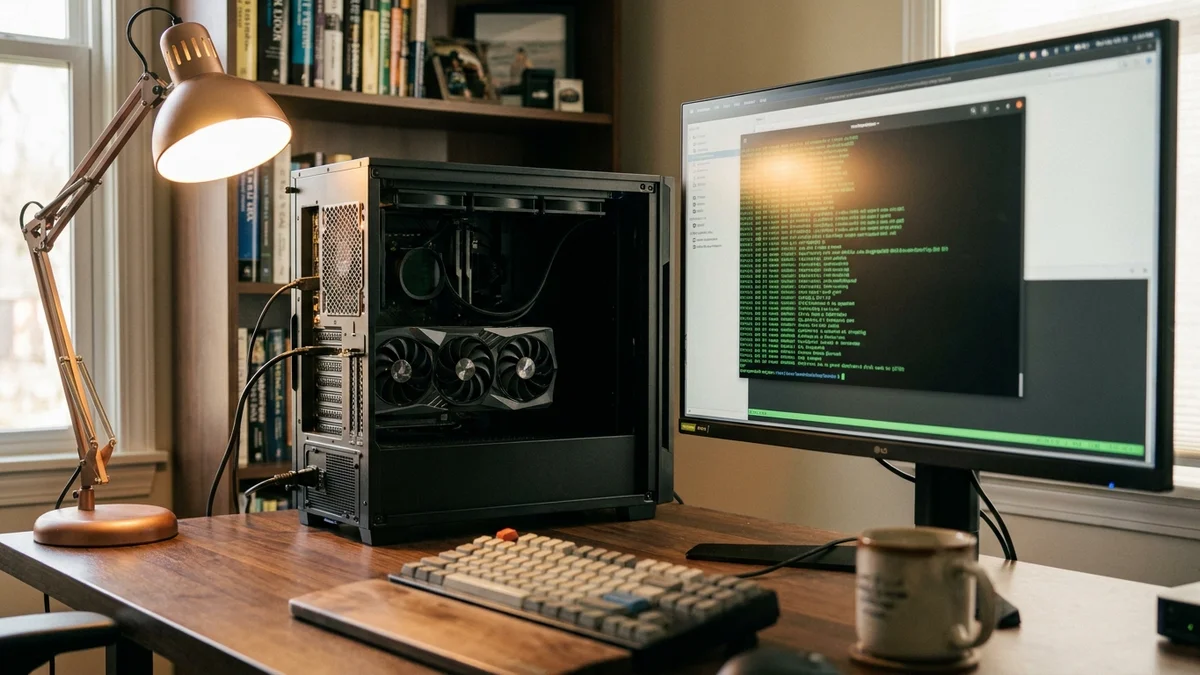
Running frontier-class open weights on your own box used to be a fantasy. In 2026, it's a Tuesday afternoon project. This guide walks you through exactly how to run DeepSeek V4 Pro locally, what hardware you actually need (not the marketing spec sheet), and what performance to expect once it's alive.
And honestly? The setup is easier than the hardware shopping.
What You'll Build
By the end of this tutorial you'll have a working local DeepSeek V4 Pro inference server, exposed on localhost:8000 with an OpenAI-compatible API. You'll be able to hit it from Python, from your IDE, or from any tool that speaks the OpenAI SDK. No cloud bills. No rate limits. No data leaving your machine.
We'll cover single-GPU consumer setups (RTX 4090 / 5090 class), dual-GPU workstations, and a note on multi-node for the truly ambitious.
Prerequisites
Before you touch a terminal, confirm you have:
A supported NVIDIA GPU with at least 24 GB VRAM for quantized inference. More on sizing below.
CUDA 12.4 or newer installed and visible via nvidia-smi.
Python 3.11+ in a clean virtual environment (uv, conda, or venv all fine).
~1.5–3 TB of free NVMe storage for the released FP4+FP8 mixed weights of DeepSeek-V4-Pro (1.6T total parameters); a hypothetical 4-bit consumer quant would still be ~800 GB. The smaller DeepSeek-V4-Flash (284B / 13B activated) needs ~140–300 GB depending on precision.
Linux (Ubuntu 22.04 or 24.04) for the smoothest ride. Windows via WSL2 works but adds friction.
Basic comfort with pip, git, and reading a stack trace.
If any of those are missing, fix them first. Trying to bolt CUDA on top of a broken driver install mid-tutorial is a special kind of misery.
Picking the Right GPU Tier
This is where most guides hand-wave. Let's not.
DeepSeek's V-series models are Mixture-of-Experts (MoE), which means total parameter count and active parameter count are very different numbers. What you actually need to fit in VRAM is (roughly) the active experts plus KV cache plus overhead. For exact figures check the DeepSeek model card on Hugging Face once V4 Pro's weights are published, since the exact expert split and MoE routing determine your real memory footprint.
Here's a realistic sizing table based on how V3 behaved and how the community typically quantizes these models:
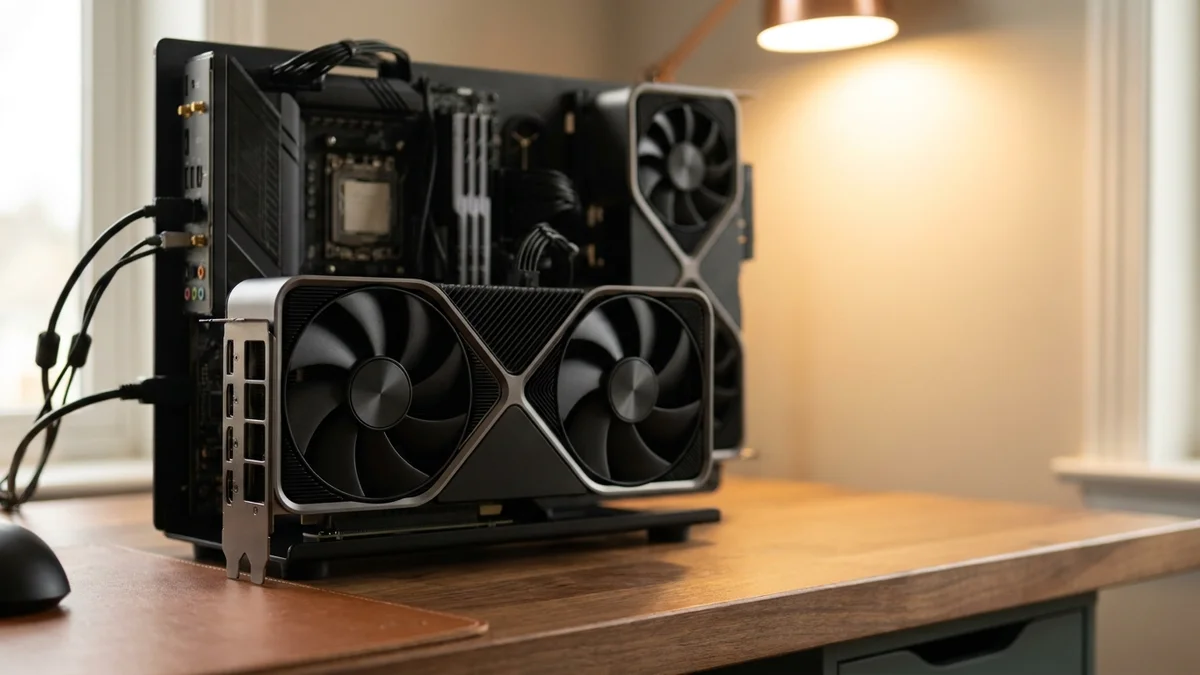
Important reality check: DeepSeek-V4-Pro is a 1.6T-parameter MoE model. Even at aggressive 4-bit quantization the weights alone occupy roughly 800 GB of VRAM, and the official release ships as FP4+FP8 mixed precision requiring even more. It cannot fit on a single 4090, 5090, or H100, and the official inference code uses model parallelism across 8 GPUs. For genuinely local single-workstation use, most people should target DeepSeek-V4-Flash (284B total / 13B activated) instead, which is much more tractable.
Setup
Model
Precision
Practical Use Case
Expected tok/s (community estimates)
1x RTX 4090 (24 GB)
V4-Flash + heavy expert offload
4-bit
Experimental, low throughput
N/A
1x RTX 5090 (32 GB)
V4-Flash + CPU expert offload
4-bit
Solo hobbyist, slow context ingest
N/A
2x RTX 5090 (64 GB)
V4-Flash
4-bit
Small team, still tight
N/A
1x H100/H200 80–141 GB
V4-Flash
FP8 / 4-bit
Production single-node V4-Flash
N/A
8x H100 80GB (MP=8)
V4-Pro
FP4+FP8 mixed (as released)
Reference V4-Pro serving
N/A
Those tok/s numbers are ranges reported across community benchmarks for similar-sized MoE models. Your mileage will vary with batch size, context length, and how aggressive your quantization is.
If you're on a budget and only have a single 4090, don't panic. Quantized DeepSeek runs shockingly well, and the quality drop from 4-bit is smaller than people assume for models this large.
Don't skip the venv. Mixing PyTorch versions across projects is how weekends die.
Step 2: Install the Inference Stack
You have three sensible options: vLLM for maximum throughput, llama.cpp for CPU/GPU hybrid on modest hardware, or Ollama for the easiest possible onboarding. This guide uses vLLM because it gives you production-grade serving with one command.
vLLM will pull the correct CUDA-matched PyTorch build automatically. If it complains about your CUDA version, run nvcc --version and match it explicitly per the vLLM install docs.
Step 3: Download the Weights
Authenticate with Hugging Face (you'll need a free account and an access token):
Bash
huggingface-cli login
Paste your token when prompted. Then pull the model. For a 4-bit quantized version (the sweet spot for consumer GPUs), grab a community GGUF or AWQ quant. For the raw weights:
Replace the repo path with whatever DeepSeek publishes at release. This download is the slowest part of the whole tutorial. Go make coffee. Or lunch, if you're on residential internet.
You should get a JSON response back within a few seconds. If you want a nicer interface, point any OpenAI-compatible client (Continue.dev, Aider, Libre Chat) at http://localhost:8000/v1 and use any string as the API key.
Step 6: Benchmarks and Realistic Expectations
This is the section every hardware guide skips. So let's talk numbers.
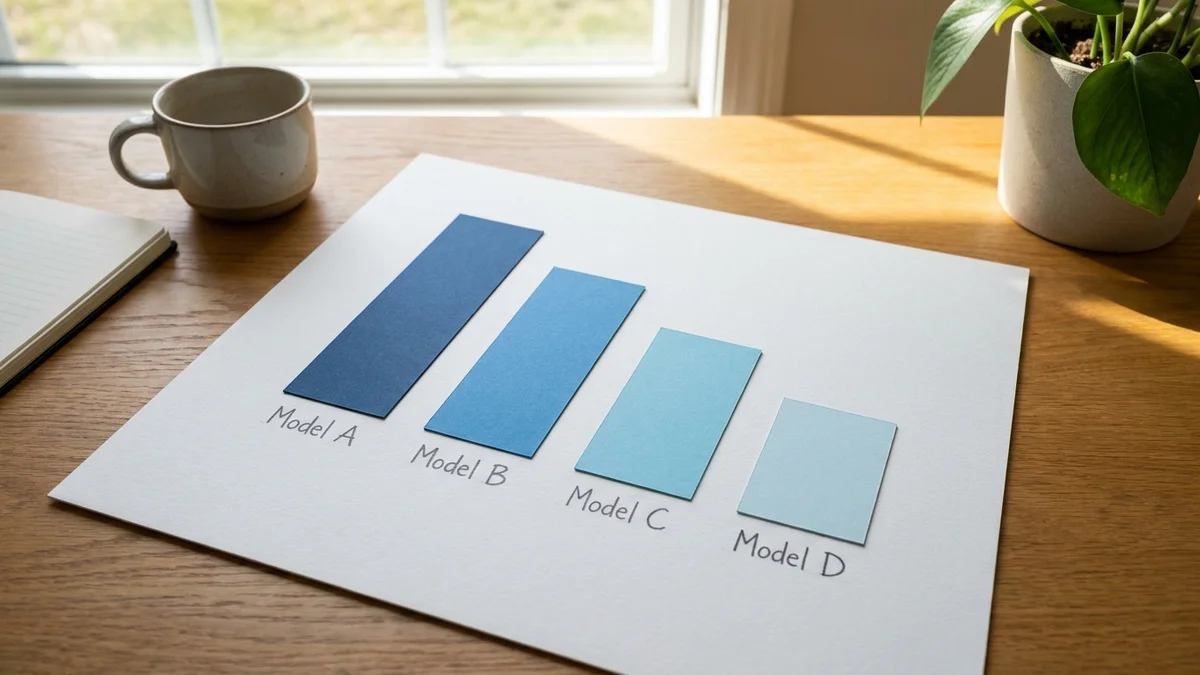
DeepSeek's V-series has been genuinely competitive on public benchmarks. For example, DeepSeek V3’s own model card reports 82.6% on HumanEval-Mul (Pass@1) for the chat model and 65.2% on the base HumanEval Pass@1 (0-shot). V4-Pro reports significantly higher HumanEval Pass@1 numbers in its model card (self-reported by DeepSeek). Cross-reference against the DeepSeek V4-Pro model card and independent leaderboards before quoting exact figures against Claude or GPT models, since vendor-reported numbers and independent reruns often differ by several points.
On local hardware, the two things you actually feel are:
Time to first token (TTFT) — how long between hitting enter and seeing the first word. On a single 5090 with a 2k prompt, expect 300-600ms.
Sustained tokens per second — how fast the response streams. See the sizing table above.
Quantization impact is small but real. Community evals of 4-bit quants typically show a 1-3 point regression on MMLU-class benchmarks versus full precision. For coding and chat, most people can't tell the difference in blind tests.
Step 7: Common Pitfalls (Fix These Before You Hit Them)
A short list of things that will bite you:
OOM on model load. Lower --max-model-len first, then --gpu-memory-utilization, then step down a quantization level.
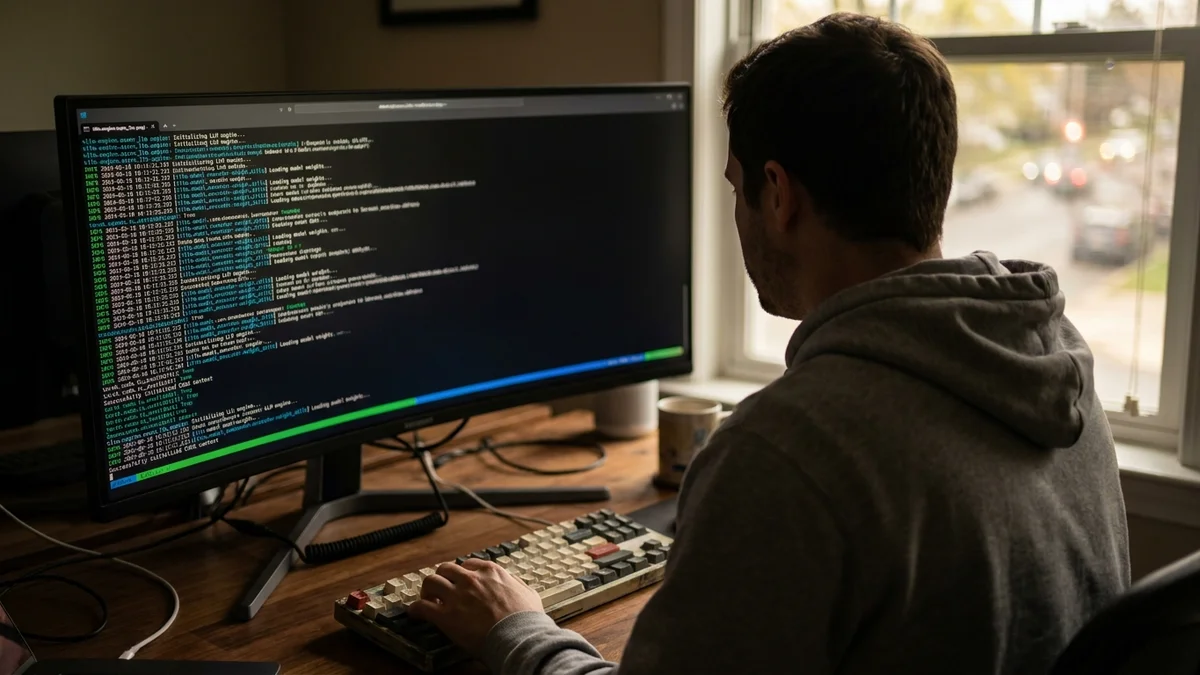
Slow first request. vLLM does JIT compilation and CUDA graph capture on the first request. This is normal. The second request will be much faster.
Garbled output. Almost always a chat template mismatch. Pass --chat-template explicitly or use the tokenizer's default via --tokenizer-mode auto.
Ollama vs vLLM confusion. Ollama is a friendlier serving option for smaller DeepSeek models, but at time of writing there is no consumer-friendly Ollama tag for a 1.6T-parameter model like V4-Pro; check the Ollama library for the current list of DeepSeek variants that actually fit consumer VRAM. Ollama is easier to run but noticeably slower than vLLM on the same hardware.
Driver mismatch after reboot. Ubuntu HWE kernels sometimes update ahead of NVIDIA drivers. Pin your kernel if this bites you.
And one non-obvious tip: if you're running the model as a shared team resource, put a reverse proxy (Caddy, nginx) in front of vLLM with basic auth. The default server has no authentication, which is fine on localhost and terrifying on a shared network.
Verifying Your Install Actually Works
Run this quick sanity check script:
Python
from openai import OpenAI

client = OpenAI(base_url="http://localhost:8000/v1", api_key="local")

resp = client.chat.completions.create(
    model="./deepseek-v4-pro",
    messages=[{"role": "user", "content": "Write a Python function that returns the fibonacci sequence up to n."}],
    max_tokens=300,
)
print(resp.choices[0].message.content)
If you get syntactically valid Python back within a few seconds, congratulations. You have a local frontier model.
Next Steps
Once you have inference working, the interesting problems start:
Wire it into your IDE. Point Continue.dev or Aider at your local endpoint and get autocomplete and agentic coding without sending code to a third party.
Add a vector store. Pair local DeepSeek with a local Qdrant or Chroma instance for private RAG over your docs.
Try speculative decoding. vLLM supports draft models for 1.5-2x speedup on latency-sensitive workloads.
Explore fine-tuning. LoRA adapters on top of smaller DeepSeek variants are tractable on a single H100 — see our fine-tune an LLM on your own data walkthrough.
Read more DeepSeek deep dives. Our DeepSeek tips and tricks covers workflow patterns that translate directly to the local model. If you want a lighter-weight local option first, see the Mistral Small 4 local install guide.
Running frontier open models locally in 2026 is genuinely pretty solid. Not gonna lie, the first time your own hardware writes a working React component in under a second, it feels a little bit like magic.
Can I run DeepSeek V4 Pro on a Mac with Apple Silicon?
For **DeepSeek-V4-Pro** (1.6T parameters), no — the weights are far too large for any current Apple Silicon Mac even at 4-bit. For the smaller **DeepSeek-V4-Flash** (284B / 13B activated), 4-bit GGUF quants may be viable on very high-memory Apple Silicon (llama.cpp or LM Studio; vLLM is CUDA-only), but you will need substantial unified memory and can expect noticeably slower throughput than a discrete NVIDIA GPU. Check the exact quant sizes on Hugging Face before committing hardware.
How much does it cost to run DeepSeek V4 Pro locally versus using the API?
Break-even depends heavily on your usage, your local hardware cost, and which DeepSeek model you actually run locally versus which tier you would use via the API. Per NVIDIA's official spec, the RTX 5090 has a 575 W total board power, so under sustained inference load its electricity cost alone can be meaningful at US residential rates. Price out your specific workload against DeepSeek's current published API pricing rather than relying on generic 'pays for itself in a year' rules of thumb.
Does DeepSeek V4 Pro support function calling and tool use locally?
Yes, when served through vLLM with the `--enable-auto-tool-choice` flag and the correct tool parser for the model. The OpenAI-compatible endpoint accepts standard `tools` parameters in chat completion requests. Confirm the exact parser name in the vLLM release notes at the time you install, since new model families sometimes require a version bump.
What happens if my GPU runs out of memory mid-generation?
vLLM will preempt in-flight requests and either swap them to CPU RAM (if `--swap-space` is set) or return a 500 error. To prevent this, lower `--max-num-seqs` to cap concurrent requests and reduce `--max-model-len` so the KV cache stays bounded. Monitor with `nvidia-smi` during load testing to find your safe ceiling.
Can I fine-tune DeepSeek V4 Pro on my own data without renting cloud GPUs?
Full fine-tuning of DeepSeek-V4-Pro (1.6T parameters) requires a multi-node cluster with tens to hundreds of H100/H200-class GPUs — it is not a single-workstation task. LoRA and QLoRA on smaller DeepSeek models (V4-Flash or earlier V-series distills) are more realistic on a single H100 or A100 80GB using Unsloth or Hugging Face PEFT, and a single 24–32 GB consumer card is only viable for the smallest DeepSeek distills. Confirm the parameter count of the specific checkpoint you intend to adapt before sizing hardware.