Tutorials
Run Mistral Large 3 Locally: GPU Setup & Real Benchmarks
A practical guide to running Mistral Large 3 on your own server hardware. VRAM math for the 675B MoE, vLLM setup, and what to expect from FP8 and NVFP4 deployments.
A practical guide to running Mistral Large 3 on your own server hardware. VRAM math for the 675B MoE, vLLM setup, and what to expect from FP8 and NVFP4 deployments.
AI-assisted article · Facts from the sources linked below · No hands-on testing · How this site works
So you want to run Mistral Large 3 on your own box. Good news: with the right quantization and a serious GPU rig, it's doable in 2026. Bad news: this model is a 675B-parameter Mixture-of-Experts (with ~41B active per token), and even quantized it does not fit on a single consumer GPU.
This guide walks through the hardware math, the install, and the throughput numbers you should expect. No fluff, no "just use the API" cop-outs.
By the end of this tutorial, you'll have Mistral Large 3 running locally with one of two realistic setups:
We'll also walk through what Mistral has published about the model so you know what you're getting before you commit a workstation to this.
Before you start, make sure you have:
And patience. The download alone takes a while.
The official model card describes Mistral Large 3 as a granular Mixture-of-Experts with 41B active parameters and 675B total parameters, with a 256k context window and a 2.5B vision encoder bolted on. The instruct release is shipped in native FP8 format.
Quick VRAM math for a 675B total-parameter MoE (all experts must fit in memory even if only ~41B are active per token):
| Precision | Bytes per param | Weights only | Realistic node |
|---|---|---|---|
| BF16 | 2 | ~1.35 TB | Multi-node only |
| FP8 (native) | 1 | ~675 GB | 1 node of 8x H200 (Mistral-recommended) |
| NVFP4 | 0.5 | ~340 GB | 1 node of 8x H100 80GB or 8x A100 80GB |
Add 10-20% on top for KV cache, especially if you plan to push toward the full 256k context. The cache scales linearly with sequence length and adds up faster than people expect.
This is not a model you run on consumer GPUs. A single RTX 4090 (24GB) cannot host even a small fraction of the active experts, and the routed-MoE structure means you cannot cheaply offload "unused" experts the way some dense models tolerate. If you want local Mistral output and don't have multi-GPU server hardware, the practical advice is to use Mistral's API or a hosted endpoint instead — or step down to Mistral Small 4, which actually fits on a single workstation GPU.
Even an M3 Ultra Mac Studio (maxes out at 512GB unified memory in the current configuration) struggles here: an FP8 deployment needs ~675GB just for weights, which is more than any single Mac Studio can hold. Sub-FP8 community quants may eventually shrink this further, but at the time of writing there is no practical Mistral Large 3 setup on Apple Silicon.
Fresh conda environment, always:
conda create -n mistral-large python=3.11 -y
conda activate mistral-large
pip install --upgrade pip
Mistral's official recommendation is vLLM. Per the model card, you need vLLM 1.12.0 or newer (which pulls in a compatible mistral_common):
pip install --upgrade "vllm>=1.12.0"
Sanity-check the install:
python -c "import mistral_common; print(mistral_common.__version__)"
Log in to HuggingFace and grab the model. The native FP8 weights live at mistralai/Mistral-Large-3-675B-Instruct-2512:
huggingface-cli login
huggingface-cli download mistralai/Mistral-Large-3-675B-Instruct-2512 \
  --local-dir ./mistral-large-3 \
  --local-dir-use-symlinks False
If you're targeting H100s or A100s, grab the official NVFP4 build instead: mistralai/Mistral-Large-3-675B-Instruct-2512-NVFP4. A BF16 reference build (mistralai/Mistral-Large-3-675B-Instruct-2512-BF16) is also published if you need it.
Fair warning: large gated downloads can stall. If you hit a timeout, use --resume-download and walk away for a few hours.
For the FP8 build on a single 8x H200 node (Mistral's recommended configuration):
vllm serve mistralai/Mistral-Large-3-675B-Instruct-2512 \
  --max-model-len 262144 \
  --tensor-parallel-size 8 \
  --tokenizer_mode mistral \
  --config_format mistral \
  --load_format mistral \
  --enable-auto-tool-choice \
  --tool-call-parser mistral
A few notes on those flags:
tensor-parallel-size 8 shards the model across all eight GPUs in the node.max-model-len 262144 exposes the full 256k context. Drop it if you don't need that much; KV cache shrinks linearly.enable-auto-tool-choice and tool-call-parser mistral are required for the model's native function-calling behavior.-NVFP4 variant; the rest of the flags are the same.Once the server is up, hit it with the OpenAI-compatible endpoint:
curl http://localhost:8000/v1/chat/completions \
  -H "Content-Type: application/json" \
  -d '{
    "model": "mistralai/Mistral-Large-3-675B-Instruct-2512",
    "messages": [{"role": "user", "content": "Explain MoE routing in 3 sentences."}],
    "temperature": 0.1
  }'
Mistral recommends temperature below 0.1 for daily-driver and production usage; bump it for creative tasks if you want.
Mistral publishes a paired draft model at mistralai/Mistral-Large-3-675B-Instruct-2512-Eagle for use with speculative decoding. If you want maximum tokens-per-second from your node, serve the main checkpoint with the Eagle draft model attached per Mistral's vLLM instructions. This is usually a 1.5-2x throughput improvement on common tasks.
Mistral's model card publishes head-to-head plots versus similarly-sized models but does not include a clean table of raw scores. For verified, third-party numbers you should look at the LMSYS Chatbot Arena leaderboard and curated benchmark sites — don't rely on marketing slides.
A rough qualitative picture of where Mistral Large 3 sits among open-weight competition:
| Model | Architecture | License | Notes |
|---|---|---|---|
| Claude Opus 4.6 | Closed | Proprietary | Closed weights, API-only |
| DeepSeek V3 | ~671B MoE | Open weights | Comparable scale, open weights |
| Mistral Large 3 | 675B MoE / 41B active | Apache 2.0 | Multimodal, 256k context |
| Llama 4 Maverick | MoE | Llama license | Open weights |
If you need apples-to-apples numbers, pull the latest from the LMSYS Arena or each model's official card.

Mistral does not publish per-GPU throughput numbers, so anything specific here would be guesswork. In general:
Treat any specific tok/sec number from a forum post with suspicion until you measure it on your own hardware with your real prompts.
A few things that will absolutely waste your evening:
nvidia-smi and check.--tokenizer_mode mistral --config_format mistral --load_format mistral are not optional — leaving them off will give you broken outputs or load failures.--max-model-len and only push higher if you need it.--enable-auto-tool-choice and --tool-call-parser mistral, native function calling silently won't work.Quick sanity check script. Drop this in test_inference.py:
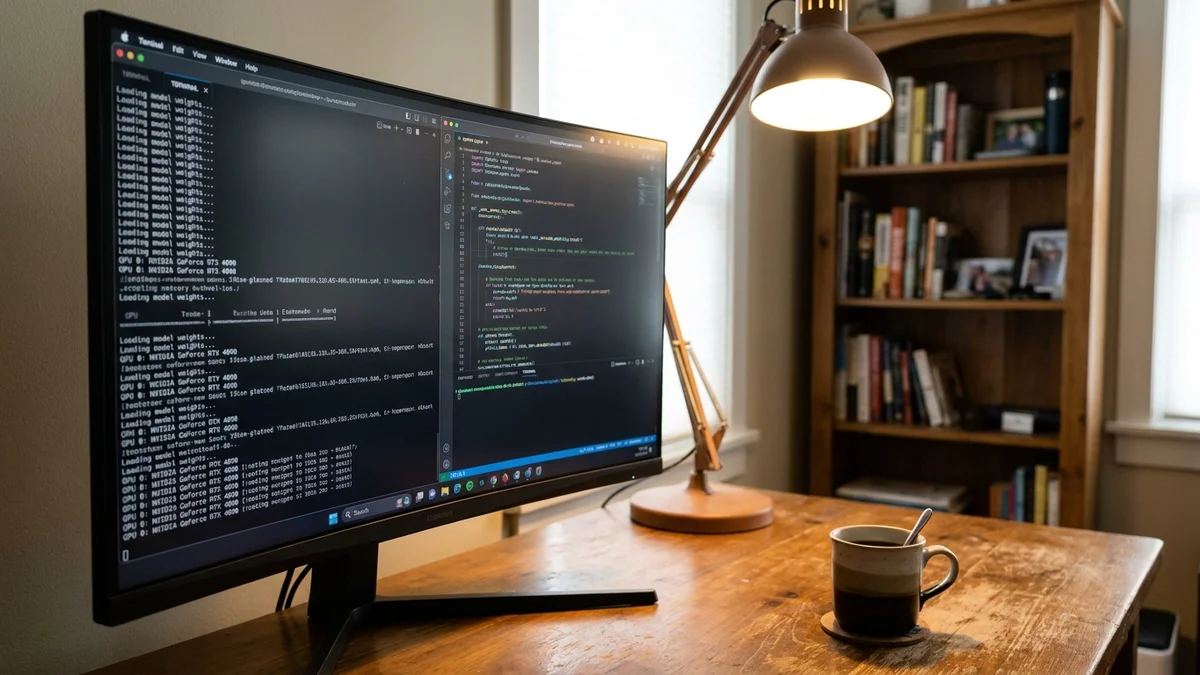
import time
from openai import OpenAI

client = OpenAI(base_url="http://localhost:8000/v1", api_key="dummy")

prompts = [
    "Write a Python function that reverses a linked list.",
    "Summarize the plot of Crime and Punishment in 3 sentences.",
    "Solve: a train leaves Boston at 3pm going 60mph...",
]

for p in prompts:
    start = time.time()
    r = client.chat.completions.create(
        model="mistralai/Mistral-Large-3-675B-Instruct-2512",
        messages=[{"role": "user", "content": p}],
        max_tokens=300,
    )
    elapsed = time.time() - start
    tokens = r.usage.completion_tokens
    print(f"{tokens/elapsed:.1f} tok/s | {p[:40]}...")
Run it. If you're getting consistent token/sec numbers across all three prompts and the outputs make sense, you're in business.
Now that you have a local Mistral Large 3 running, a few directions worth exploring:
And honestly? If you don't have a multi-GPU server, the math here doesn't pencil out. Mistral Large 3 is Apache 2.0 — open weights, commercially usable — but a single 8x H200 or H100 node is the entry ticket. If you can't justify that, the Mistral API gives you the same model at full quality.
But if you have the hardware, running Mistral Large 3 locally in 2026 is straightforward and well-supported. The official tooling actually works.
Sources
No. Mistral Large 3 is a 675B-parameter Mixture-of-Experts model — even in NVFP4 the weights alone are roughly 340GB, and all experts must reside in GPU memory even though only ~41B parameters are active per token. A single 24GB consumer card cannot host any usable fraction of this model. The official deployment targets are a single 8x H200/B200 node in FP8 or a single 8x H100/A100 node in NVFP4.
The native FP8 weights are roughly 675GB and even on fast residential broadband will run overnight or longer. The NVFP4 build is around 340GB. Use the `--resume-download` flag with the HuggingFace CLI since large gated downloads sometimes drop mid-transfer.
Yes. Mistral Large 3 has native function-calling support, and vLLM exposes it through OpenAI-compatible tool-call APIs when you launch the server with `--enable-auto-tool-choice --tool-call-parser mistral`. Without those flags, tool calls silently won't work.
Spot or on-demand H100/H200 nodes on RunPod, Lambda Labs, and similar GPU clouds are the realistic budget option — the model needs a full 8-GPU node to serve at native precision. For occasional use that is far cheaper than buying hardware. For intermittent calls, hosted Mistral Large 3 endpoints on Mistral's own API or third-party serverless providers are usually cheaper than spinning up a node yourself.
Yes. Mistral Large 3 is released under the Apache 2.0 license, which permits commercial use. That said, always re-read the license text on the current model card before shipping a product, since terms can be tightened on future revisions.
This article was researched and written with AI assistance (Anthropic's Claude) using the sources cited above, and published by Shadman Ahmed, a software architect who runs AI Bytes. We don't run our own model tests or benchmarks. If something here is wrong or out of date, please tell us.