Tutorials
Fine-Tune an LLM on Your Own Data: A 2026 Guide
A practical walkthrough for fine-tuning open-source LLMs with QLoRA, from dataset prep to evaluation. Real code, real costs, no fluff.
April 29, 2026
A practical walkthrough for fine-tuning open-source LLMs with QLoRA, from dataset prep to evaluation. Real code, real costs, no fluff.
So you want to fine-tune an LLM on your own data. Good call. As of early 2026, fine-tuning a small open-weights model on a focused dataset can match (and sometimes beat) GPT-4o for narrow tasks at roughly 1/100th the inference cost.
But most tutorials skip the boring parts: dataset formatting, evaluation, and what to do when your loss curve looks like a heart monitor. This guide covers the full pipeline using QLoRA on a single consumer GPU, with the same workflow used by teams shipping production models.
By the end, you'll have a fine-tuned Llama 3.1 8B model trained on a custom JSONL dataset, quantized to 4-bit for inference, and evaluated against the base model. The whole thing runs on a single 24GB GPU (think RTX 4090 or a rented A10G).
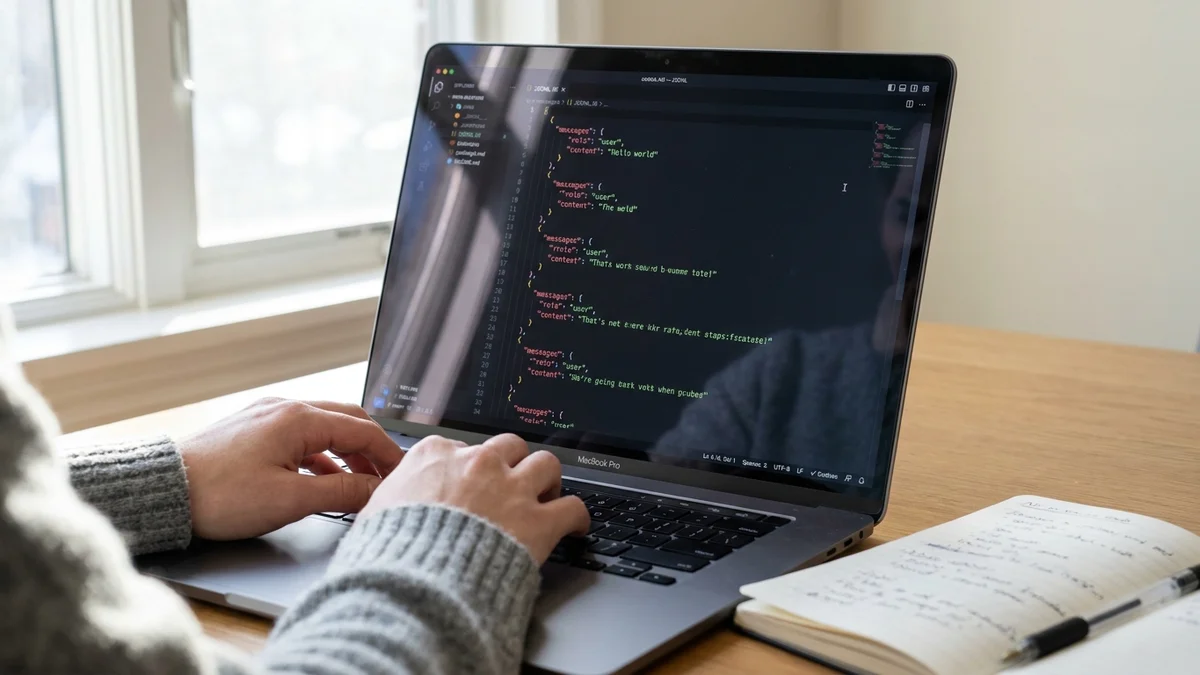
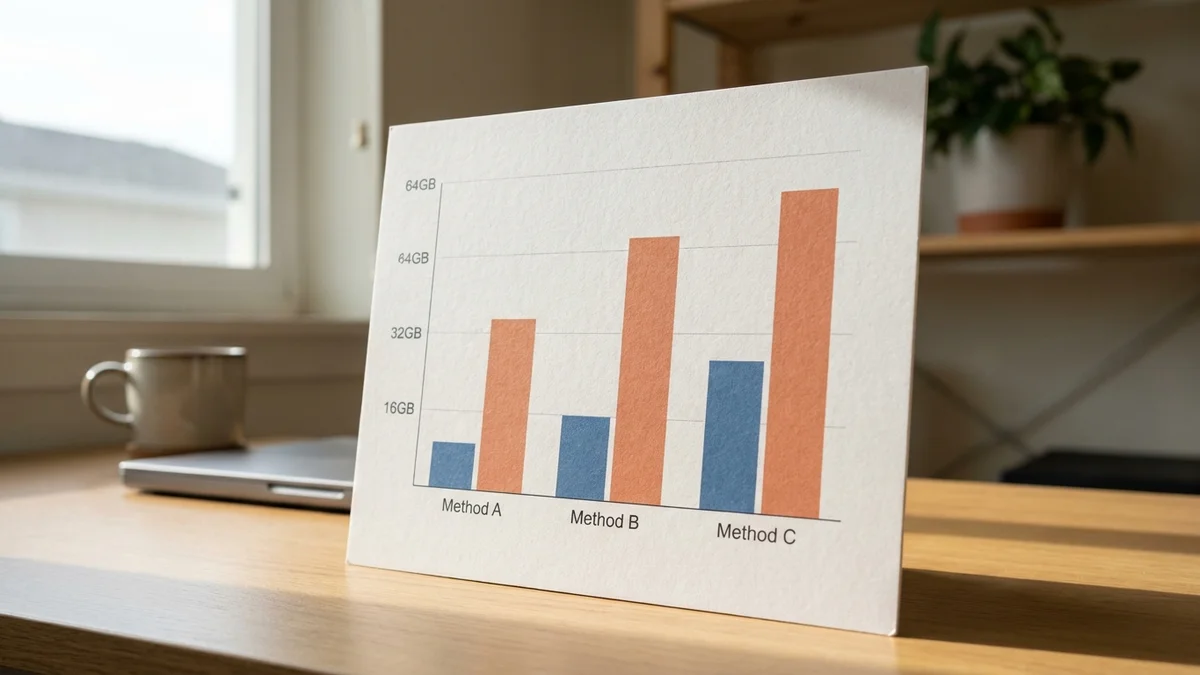
We'll use QLoRA because it's the most efficient method that still produces production-quality results. Full fine-tuning of an 8B model needs ~80GB of VRAM. QLoRA squeezes the same job into 16GB.
Before you write a single line of code:
Install the core stack:
pip install torch transformers datasets peft bitsandbytes accelerate trl
The trl library from Hugging Face handles the training loop. peft does the LoRA magic. bitsandbytes handles 4-bit quantization. According to the PEFT docs, this combo is now the standard recipe.
This is where 80% of fine-tuning projects fail. Garbage in, garbage out, except worse because you also paid for the GPU time.
Your data should be in JSONL format with a clear instruction structure. The most common schema (and the one TRL expects by default) looks like this:
{"messages": [{"role": "user", "content": "Summarize this support ticket: ..."}, {"role": "assistant", "content": "Customer reports billing issue..."}]}
A few non-negotiable rules:
If your data is in CSV or plain text, convert it with a quick script:
import json
import pandas as pd

df = pd.read_csv('your_data.csv')
with open('train.jsonl', 'w') as f:
    for _, row in df.iterrows():
        record = {
            "messages": [
                {"role": "user", "content": row['prompt']},
                {"role": "assistant", "content": row['response']}
            ]
        }
        f.write(json.dumps(record) + '\n')
Now the fun part. Load Llama 3.1 8B with 4-bit quantization so it actually fits in memory.
from transformers import AutoModelForCausalLM, AutoTokenizer, BitsAndBytesConfig
import torch

model_id = "meta-llama/Llama-3.1-8B-Instruct"

bnb_config = BitsAndBytesConfig(
    load_in_4bit=True,
    bnb_4bit_quant_type="nf4",
    bnb_4bit_compute_dtype=torch.bfloat16,
    bnb_4bit_use_double_quant=True,
)

tokenizer = AutoTokenizer.from_pretrained(model_id)
tokenizer.pad_token = tokenizer.eos_token

model = AutoModelForCausalLM.from_pretrained(
    model_id,
    quantization_config=bnb_config,
    device_map="auto",
    torch_dtype=torch.bfloat16,
)
The nf4 (4-bit Normal Float) quantization is the standard recommendation from the original QLoRA paper. Double quantization saves another ~0.4 bits per parameter, which adds up on bigger models.
If you get an access error, accept the model's license on its Hugging Face page first. Llama models gate-keep behind a click-through agreement.
LoRA freezes the base model and trains tiny rank-decomposition matrices instead. You end up modifying maybe 0.5% of the parameters but capture most of the benefit.
from peft import LoraConfig, get_peft_model, prepare_model_for_kbit_training

model = prepare_model_for_kbit_training(model)

lora_config = LoraConfig(
    r=16,
    lora_alpha=32,
    target_modules=["q_proj", "k_proj", "v_proj", "o_proj",
                    "gate_proj", "up_proj", "down_proj"],
    lora_dropout=0.05,
    bias="none",
    task_type="CAUSAL_LM",
)

model = get_peft_model(model, lora_config)
model.print_trainable_parameters()
A few opinionated defaults:
You should see something like "trainable params: 41M / 8B (0.51%)". That's the goal.
The TRL library makes this almost embarrassingly simple:
from trl import SFTTrainer, SFTConfig
from datasets import load_dataset

dataset = load_dataset("json", data_files={
    "train": "train.jsonl",
    "validation": "val.jsonl"
})

training_args = SFTConfig(
    output_dir="./llama-finetuned",
    num_train_epochs=3,
    per_device_train_batch_size=4,
    gradient_accumulation_steps=4,
    learning_rate=2e-4,
    warmup_ratio=0.03,
    lr_scheduler_type="cosine",
    bf16=True,
    logging_steps=10,
    eval_strategy="steps",
    eval_steps=50,
    save_strategy="steps",
    save_steps=100,
    max_seq_length=2048,
)

trainer = SFTTrainer(
    model=model,
    args=training_args,
    train_dataset=dataset["train"],
    eval_dataset=dataset["validation"],
    processing_class=tokenizer,
)

trainer.train()
While it trains, watch the eval loss. If it stops decreasing after epoch 1 and starts climbing, you're overfitting. Stop early. If it never decreases at all, your data is broken (go back to Step 1).
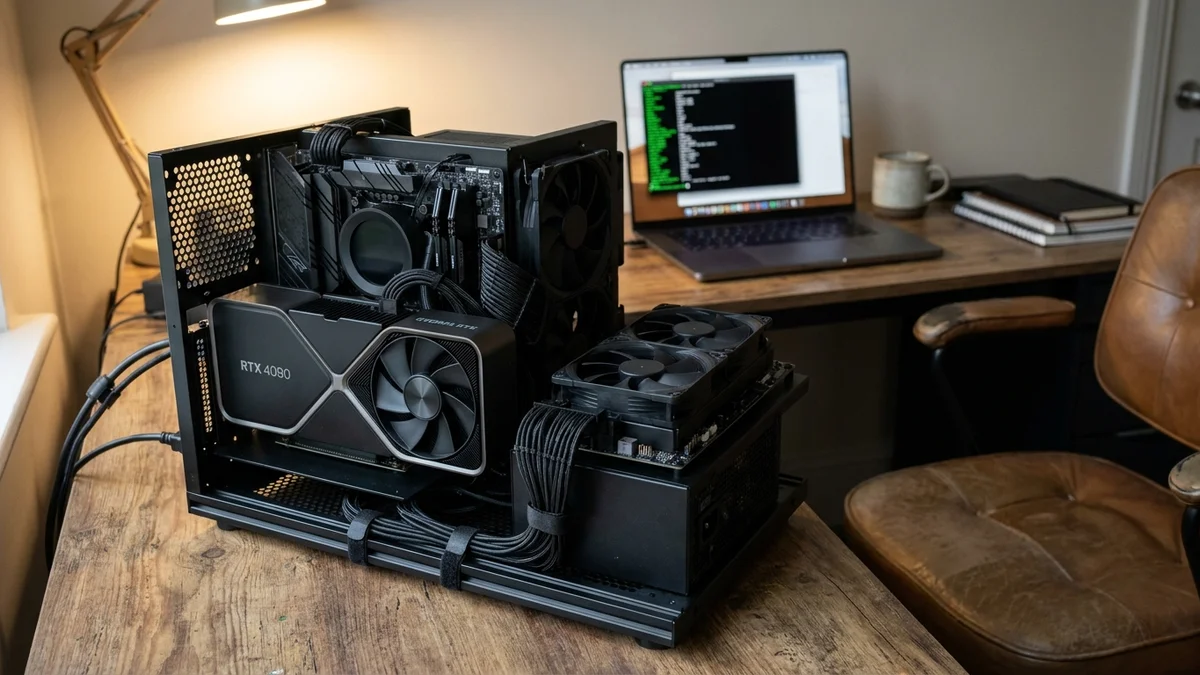
For 1,000 examples and 3 epochs on an A10G, expect roughly 30-45 minutes of training time. An RTX 4090 cuts that nearly in half.
Merge the LoRA weights into the base model and run a quick sanity check:
from peft import PeftModel

model.save_pretrained("./llama-finetuned-final")
tokenizer.save_pretrained("./llama-finetuned-final")

prompt = "Your test prompt here"
inputs = tokenizer(prompt, return_tensors="pt").to("cuda")
outputs = model.generate(**inputs, max_new_tokens=200, temperature=0.7)
print(tokenizer.decode(outputs[0], skip_special_tokens=True))
Compare a handful of outputs side-by-side with the base model. If the difference isn't obvious on your domain task, your dataset probably needs work, not your hyperparameters.
A quick reference for the inevitable problems:
| Problem | Likely Cause | Fix |
|---|---|---|
| Loss is NaN | Learning rate too high or fp16 instability | Drop LR to 1e-4, switch to bf16 |
| Eval loss climbs after epoch 1 | Overfitting | Reduce epochs to 1-2, add dropout |
| Model outputs gibberish | Tokenizer mismatch or bad chat template | Verify tokenizer.apply_chat_template matches training format |
| OOM on 24GB GPU | Sequence length too long | Drop max_seq_length to 1024, batch size to 1 |
| Training is glacially slow | Gradient checkpointing off, no flash attention | Enable both in config |
And one mistake almost everyone makes the first time: forgetting to set the pad token. Llama's tokenizer doesn't ship one by default. If you skip tokenizer.pad_token = tokenizer.eos_token, training will crash in confusing ways.
Loss is necessary but not sufficient. The real question: does the model do the thing better?
Three practical evaluation methods:
Don't trust public benchmarks for fine-tuned models. They measure general capability you probably degraded slightly. That's the trade-off.
For a 1,000-example dataset on Llama 3.1 8B:
If your task hits 10M tokens per month, the math favors fine-tuning fast. Below 1M tokens per month, just use the API and call it a day. Once your fine-tune is ready, our LLM API on AWS guide covers production deployment, and 10 tricks to slash your AI API bill helps trim inference costs further.
Once your first fine-tune works, the obvious upgrades:
Fine-tuning isn't magic. It's mostly dataset hygiene, sensible defaults, and patience. But when it clicks, you get a model that does your specific job better than anything you can buy.
Sources
The practical minimum is around 500 high-quality examples, but 1,000-5,000 is the sweet spot for most domain tasks. Quality matters more than volume: 500 carefully curated pairs will outperform 50,000 scraped ones. If you're seeing no improvement over the base model, your problem is almost always data quality, not quantity.
OpenAI offers fine-tuning for GPT-4o through their platform with per-token training fees plus elevated inference costs. Anthropic does not currently offer public fine-tuning for Claude Opus 4.7 as of early 2026. For full control over weights, hyperparameters, and deployment, open-weights models like Llama 3.1 or Mistral remain the practical choice.
Full fine-tuning updates every parameter and needs roughly 80GB VRAM for an 8B model. LoRA freezes the base and trains small adapter matrices, cutting memory to ~24GB. QLoRA adds 4-bit quantization on top, dropping requirements to 16GB while preserving 95-99% of LoRA's quality. For most teams, QLoRA is the default starting point.
For 1,000 training examples and 3 epochs on Llama 3.1 8B, expect 30-45 minutes on an A10G or about 20 minutes on an RTX 4090. Times scale roughly linearly with dataset size and model parameters. A 70B model fine-tune on the same data takes 6-10 hours on an A100 80GB.
Yes, slightly. This is called catastrophic forgetting and it's unavoidable to some degree. LoRA reduces the effect compared to full fine-tuning because most weights stay frozen. If general capability matters, mix 10-20% general-purpose instruction data into your training set and keep the learning rate conservative (1e-4 to 2e-4).