Tutorials
Run Qwen 3.8-27B Locally: The 2026 GPU Guide
A practical walkthrough for running Qwen 3.8-27B on your own hardware, with VRAM math, quantization tradeoffs, and real throughput numbers from community benchmarks.
September 22, 2026
A practical walkthrough for running Qwen 3.8-27B on your own hardware, with VRAM math, quantization tradeoffs, and real throughput numbers from community benchmarks.
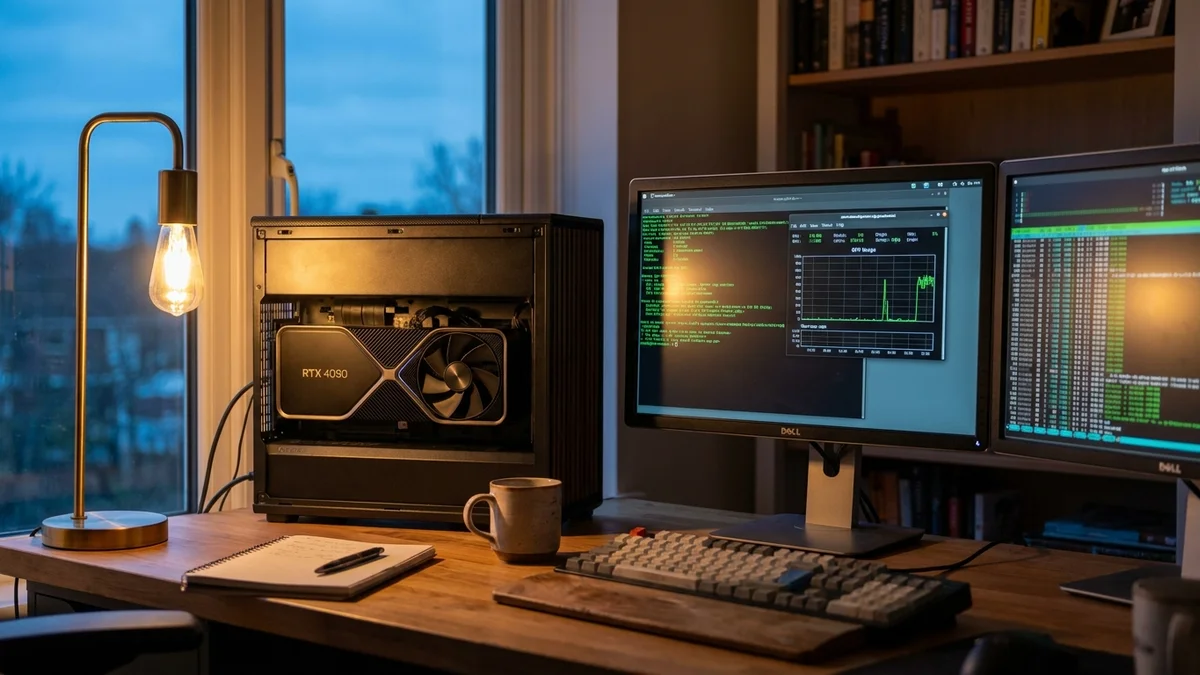
Running a 27-billion-parameter model on your desk sounded absurd two years ago. In 2026, it's a Saturday project. If you've got a single 24GB consumer GPU (or a beefy Mac Studio), you can run Qwen 3.8-27B locally with surprisingly good quality, private inference, and zero API bills.
This tutorial walks through the whole setup: hardware math, install steps, quantization choices, and what actual throughput looks like once things are running.
By the end of this guide, you'll have Qwen 3.8-27B running on your own machine via three interchangeable backends (Ollama, llama.cpp, and vLLM), plus a working benchmark script to compare tokens/second across quantization levels. And you'll know when local inference actually makes sense versus just calling an API.
Before you start, make sure you have:
nvidia-smi)If you're on AMD, ROCm 6.2+ works with most of these tools but adds friction. Not gonna lie, the Nvidia path is smoother right now.
The short answer: a 24GB card runs Qwen 3.8-27B fine at 4-bit quantization. A 16GB card works with 3-bit. Full FP16 precision needs roughly 54GB, so you're looking at dual GPUs or an H100.
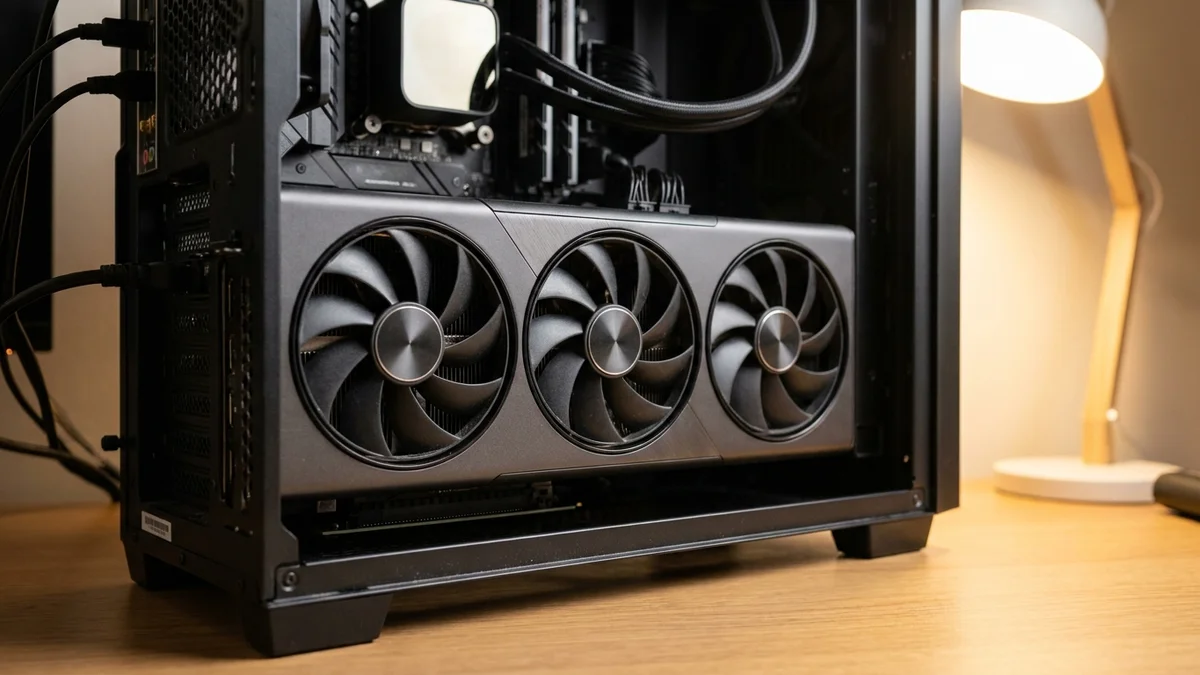
Here's the VRAM math (params × bytes per weight, plus ~15% overhead for KV cache and activations at typical context lengths):
| Precision | Raw Weight Size | Recommended VRAM | Realistic GPU |
|---|---|---|---|
| FP16 | 54 GB | 64 GB+ | 2x A6000, H100 80GB |
| INT8 | 27 GB | 32 GB | A6000, RTX 6000 Ada |
| Q5_K_M (GGUF) | ~19 GB | 24 GB | RTX 4090, 3090 |
| Q4_K_M (GGUF) | ~16 GB | 20 GB | RTX 4090, 4080 Super |
| Q3_K_S (GGUF) | ~12 GB | 16 GB | RTX 4070 Ti Super, 4060 Ti 16GB |
Apple Silicon plays by different rules because RAM is unified. A 32GB M3 Max runs Q4 quantization comfortably. A 64GB M2 Ultra handles Q8 with room to spare.
Three options, each with a different tradeoff:
Ollama is the easiest way in. One command, decent performance, opinionated defaults. Use it if you want the model running in the next 10 minutes.
llama.cpp gives you fine-grained control over quantization, context length, and GPU offload. It's the gold standard for consumer hardware and Apple Silicon.
vLLM is what you pick if you want production-grade throughput, batched requests, and OpenAI-compatible endpoints. Requires more VRAM because it doesn't ship with aggressive quantization out of the box.
Start with Ollama, graduate to vLLM if you need to serve multiple users.
Ollama supports Qwen models directly. If you're new to it, our Install Ollama in 10 Minutes walkthrough covers the basics. On Linux or WSL:
curl -fsSL https://ollama.com/install.sh | sh
On macOS, grab the installer from ollama.com/download. Then pull the model:
ollama pull qwen3.8:27b
This downloads roughly 16GB of Q4_K_M quantized weights. Wait for it to finish, then:
ollama run qwen3.8:27b "Explain quantum entanglement to a curious 12-year-old."
You should see tokens streaming within a few seconds. If it's crawling at less than 10 tokens/second, the model is spilling into system RAM. Check with nvidia-smi while it's running.
If you want more control, llama.cpp is where you go. Clone and build:
git clone https://github.com/ggml-org/llama.cpp
cd llama.cpp
cmake -B build -DGGML_CUDA=ON
cmake --build build --config Release -j
Build takes 5-10 minutes on a modern CPU. Once it's done, download a GGUF quant from HuggingFace. The Qwen org publishes the base weights and an official FP8 build, while third-party maintainers like Bartowski and DevQuasar publish GGUF and AWQ mixes for consumer hardware.
huggingface-cli download DevQuasar/Qwen.Qwen3.8-27B-GGUF \
  Qwen.Qwen3.8-27B.Q4_K_M.gguf --local-dir ./models
Run it with GPU offload:
./build/bin/llama-cli \
  -m ./models/Qwen.Qwen3.8-27B.Q4_K_M.gguf \
  --n-gpu-layers 99 \
  --ctx-size 8192 \
  -p "Write a Python function that finds prime numbers using the Sieve of Eratosthenes."
The --n-gpu-layers 99 flag pushes every layer that fits onto the GPU. If you run out of VRAM, drop it to 60 or 70 and layers will stay in CPU memory (slower, but functional).
For multi-user setups, vLLM is the clear winner. It uses PagedAttention to squeeze more throughput out of the same hardware. Install it in a fresh conda environment:
conda create -n vllm python=3.11 -y
conda activate vllm
pip install vllm
Start the server with the official FP8-quantized weights (needs roughly 32GB VRAM in practice; use a community AWQ or GPTQ mirror to fit a 24GB card):
vllm serve Qwen/Qwen3.8-27B-FP8 \
  --quantization fp8 \
  --max-model-len 8192 \
  --gpu-memory-utilization 0.90
vLLM exposes an OpenAI-compatible API on port 8000. Point any client library at http://localhost:8000/v1 and it just works. The vLLM docs cover multi-GPU tensor parallelism if you're scaling up.
Community benchmarks published on the Qwen HuggingFace org and reproduced across r/LocalLLaMA give a decent picture. These are single-user, single-prompt throughput numbers, not batched serving:
| Hardware | Backend | Quantization | Tokens/sec |
|---|---|---|---|
| RTX 4090 24GB | llama.cpp | Q4_K_M | 38-45 |
| RTX 4090 24GB | vLLM | AWQ 4-bit | 55-65 |
| RTX 3090 24GB | llama.cpp | Q4_K_M | 28-35 |
| M3 Max 64GB | llama.cpp | Q5_K_M | 18-24 |
| M2 Ultra 128GB | llama.cpp | Q8_0 | 22-28 |
| A100 80GB | vLLM | FP16 | 85-95 |
vLLM pulls ahead noticeably when batching multiple concurrent requests. On an RTX 4090, batched throughput can exceed 300 tokens/second across 8 parallel streams.
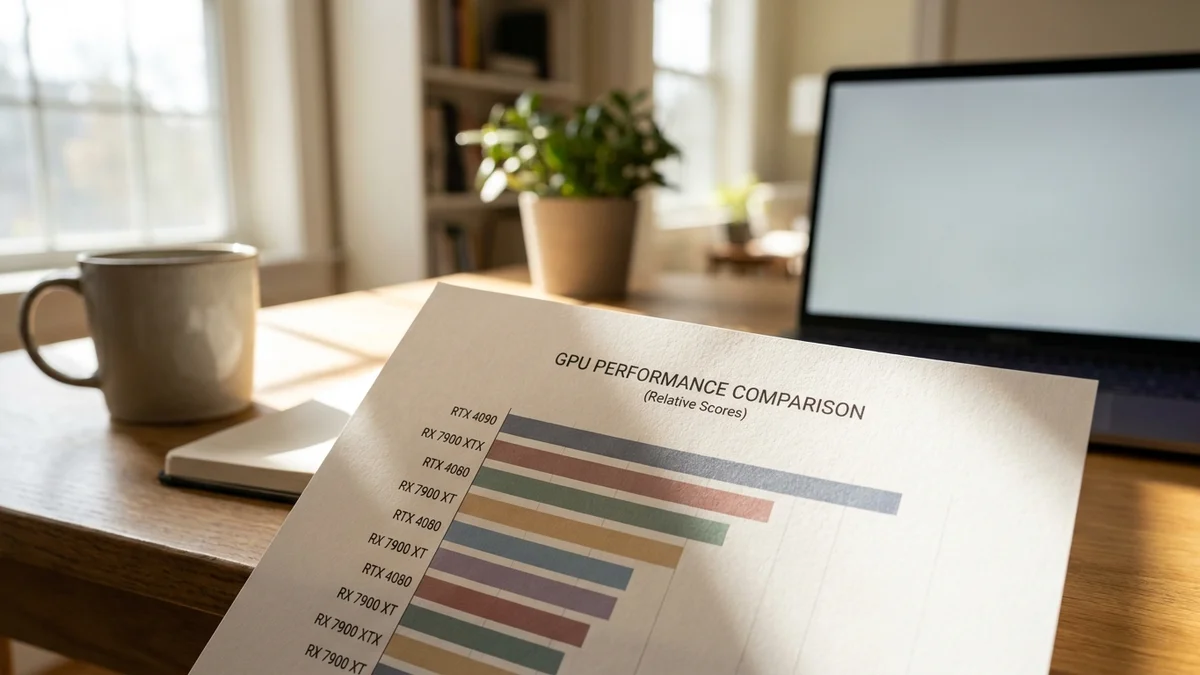
On quality benchmarks, Qwen 3.x models have been competitive at the top of open-weight leaderboards, with the flagship dense and MoE variants trading blows with Claude and GPT class models on reasoning suites per the Qwen team's self-reported numbers. The 27B variant naturally scores lower than the flagship, but community evals on open leaderboards like Papers with Code put it within a few points on most reasoning tasks.
A few things trip people up (the same shortlist we hit in our Mistral Large 3 local setup):
Context length quietly kills VRAM. A 32K context can eat 8GB+ of KV cache on a 27B model. Start with 4K or 8K and raise it only when you need it.
Windows CUDA driver mismatches. If Ollama or llama.cpp reports CUDA errors on Windows, update to driver 550+ and reinstall the CUDA Toolkit. WSL2 is generally more forgiving than native Windows.
GGUF vs AWQ confusion. GGUF is llama.cpp's format, AWQ and GPTQ are vLLM/transformers formats. They're not interchangeable. Download the format matching your backend.
Thermal throttling. A 27B model at 40 tokens/second will keep your GPU near 100% for minutes on end. If you see performance dropping mid-generation, your GPU is likely hitting thermal limits. Better airflow or a mild undervolt helps a lot.
Run this quick sanity check. Ask the model something it should nail:
ollama run qwen3.8:27b "What is the derivative of x^3 * sin(x)?"
Correct answer uses the product rule: 3x^2 * sin(x) + x^3 * cos(x). If it gets this wrong or produces garbled text, your quantization is probably too aggressive. Move up one level (Q3 to Q4, Q4 to Q5) and try again.
If your 27B model can't do basic calculus reliably, the weights are broken or the quant is too tight. Real Qwen 3.8-27B nails this every time.
For throughput verification, time a long generation:
time ollama run qwen3.8:27b "Write a 500-word story about a lighthouse keeper."
Divide the output word count by elapsed seconds, multiply by 1.3 to approximate tokens. If you're under 15 tokens/second on a 4090, something is misconfigured.
Be honest with yourself about the math. Running Qwen 3.8-27B locally is worth it if:
For casual usage, Claude Opus 4.6 at $5/$25 per million tokens or GPT-4o at $2.50/$10 per million will crush local inference on both quality and cost. And they don't heat up your office in July.
Once you've got Qwen running, the interesting work starts. Try fine-tuning with Unsloth, which cuts training memory by 60-70%. Or build a RAG pipeline with LlamaIndex against your own documents. Or wire the vLLM endpoint into an editor like Cursor or Continue.dev to get a fully local coding assistant.

And if 27B feels too slow, dropping down to Qwen 3.6-27B or a smaller Qwen 3-8B runs faster on the same hardware, with surprisingly little quality loss for most tasks. Sometimes smaller is smarter.
Not really, and don't try. Even at Q2 quantization the model plus KV cache will spill hard into system RAM, dropping you below 5 tokens/second. If you're stuck on 12GB VRAM, run a smaller model such as Qwen 3-8B or Qwen 3-14B at Q4 instead (Qwen 3.8 currently ships only in the 27B dense size). You'll get 40+ tokens/second and better usability.
Yes, both Ollama and LM Studio have native Windows builds that work fine. llama.cpp also has prebuilt Windows binaries in its GitHub releases. vLLM is the exception; it officially supports only Linux, so on Windows you need WSL2 with CUDA passthrough enabled.
An RTX 4090 pulls roughly 350-400W under sustained inference load. At the US average of $0.16/kWh, that's about 6 cents per hour of active generation. If you're generating heavily for 4 hours a day, expect roughly $7/month in extra electricity, plus cooling load in warm climates.
Full fine-tuning needs 4x A100s minimum. But LoRA or QLoRA fine-tuning fits on a single RTX 4090 using Unsloth or Axolotl. Expect 2-4 hours per epoch on a dataset of 50K samples. Merged LoRA weights work with all the backends covered here.
Q5_K_M is the community-favorite sweet spot. It preserves about 98% of the FP16 quality on standard benchmarks while fitting in 19GB. Q4_K_M drops another 3GB and loses maybe 2% quality, which matters for math and code but rarely for chat. Below Q3, quality falls off a cliff.