Tutorials
Ditch the API Bill: Run Claude Code on Local LLMs
Connect Claude Code CLI to a local llama.cpp server in under 10 minutes. Full tutorial covering terminal setup, VS Code integration, and performance tuning for local open-weight models.
Connect Claude Code CLI to a local llama.cpp server in under 10 minutes. Full tutorial covering terminal setup, VS Code integration, and performance tuning for local open-weight models.
AI-assisted article · Facts from the sources linked below · No hands-on testing · How this site works
What if you could run one of the highest-rated AI coding agents available — without paying a single cent in API fees?
Claude Code is, as of April 2026, one of the top-rated CLI coding agents in community rankings. But running it against Anthropic's cloud models gets expensive. Claude Opus 4.6 costs $5 per million input tokens and $25 per million output tokens. If you're using it as a daily driver, that bill climbs fast.
Here's the workaround: you can point Claude Code directly at a local llama.cpp server, replacing Anthropic's cloud API with whatever open-weight model you're running on your own hardware. Free inference. No API key needed. And connecting Claude Code to llama.cpp takes about ten minutes.
This tutorial walks you through the complete process — from terminal config to VS Code integration to the performance tweaks that make local models actually usable with Claude Code.
Running Claude Code against local models won't match Opus 4.6 quality, but for routine coding tasks, a solid local model is surprisingly capable — and the price is right.
By the end of this guide, you'll have:
Before you start, make sure you have:
llama-server binary ready to goNo Anthropic account or API key is required. That's the whole point.
First, get llama.cpp serving your model. If you've already got a server running, skip ahead.
./llama-server -m ./models/your-model.gguf -c 8192 --host 0.0.0.0 --port 8080
The -c 8192 flag sets context length to 8,192 tokens. You can go higher if your hardware allows it, but (more on context limits in Step 4) you'll want to keep this modest for local models.
Verify it's working:
curl http://localhost:8080/health
You should get a JSON response confirming the server is ready. If not, check that the model file path is correct and you have enough VRAM.
Claude Code uses environment variables to decide which API endpoint to hit. By overriding three variables, you redirect everything to your local server.
Add these lines to your .bashrc (or .zshrc):
export ANTHROPIC_AUTH_TOKEN="not_set"
export ANTHROPIC_API_KEY="not_set_either!"
export ANTHROPIC_BASE_URL="http://localhost:8080"
Reload your shell:
source ~/.bashrc
Now launch Claude Code with the --model flag pointing to whatever model your llama.cpp server is hosting:
claude --model Qwen3.5-35B-Thinking
That's the basic CLI setup. The ANTHROPIC_AUTH_TOKEN and ANTHROPIC_API_KEY values are dummy strings — llama.cpp doesn't check authentication, but Claude Code expects these variables to exist before it'll start.
The dummy API key trick feels hacky, but it's the cleanest workaround available. Claude Code validates that these env vars are set, not that they contain real credentials.
If you use VS Code with the Claude Code extension, you can configure the same redirect there — plus set up automatic model routing so different task types use different models.
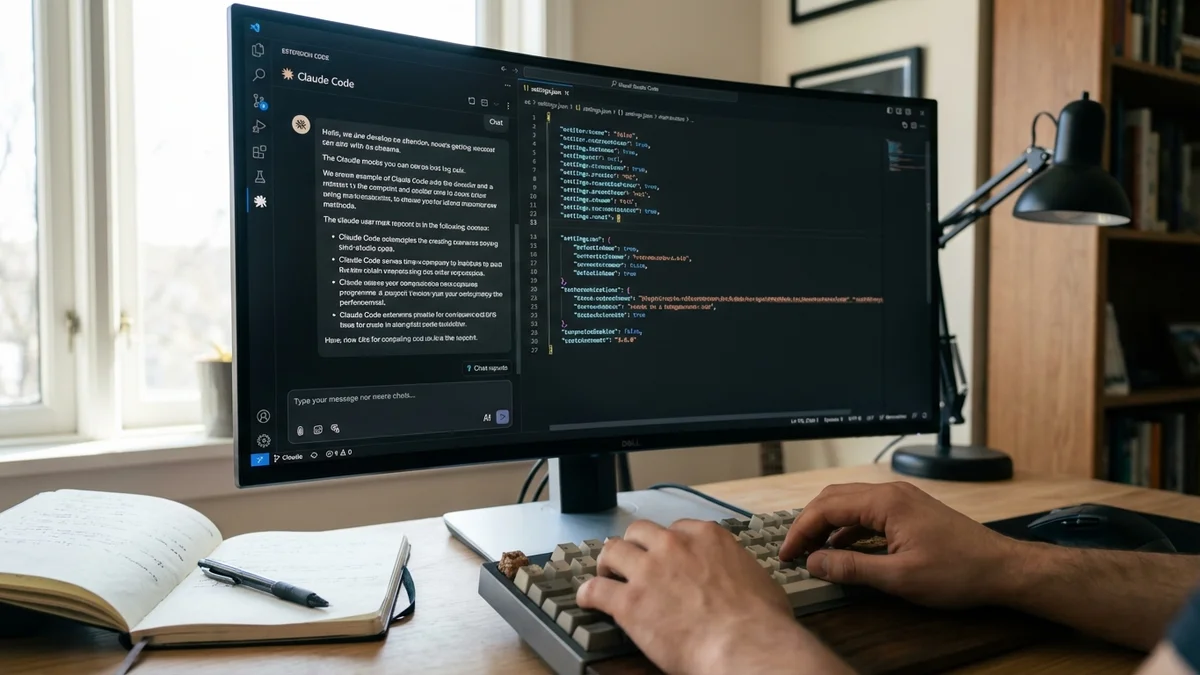
Edit your VS Code user settings at $HOME/.config/Code/User/settings.json and add:
{
  "claudeCode.environmentVariables": [
    { "name": "ANTHROPIC_BASE_URL", "value": "http://localhost:8080" },
    { "name": "ANTHROPIC_AUTH_TOKEN", "value": "dummy" },
    { "name": "ANTHROPIC_API_KEY", "value": "sk-no-key-required" },
    { "name": "ANTHROPIC_MODEL", "value": "your-default-model" },
    { "name": "ANTHROPIC_DEFAULT_SONNET_MODEL", "value": "Qwen3.5-35B-Thinking-Coding" },
    { "name": "ANTHROPIC_DEFAULT_OPUS_MODEL", "value": "Qwen3.5-27B-Thinking-Coding" },
    { "name": "ANTHROPIC_DEFAULT_HAIKU_MODEL", "value": "gpt-oss-20b" },
    { "name": "CLAUDE_CODE_DISABLE_NONESSENTIAL_TRAFFIC", "value": "1" }
  ],
  "claudeCode.disableLoginPrompt": true
}
| Variable | Purpose |
|---|---|
ANTHROPIC_BASE_URL | Points Claude Code to your local server instead of Anthropic's API |
ANTHROPIC_MODEL | Default model for general tasks |
ANTHROPIC_DEFAULT_SONNET_MODEL | Model used when Claude Code internally requests "Sonnet" (medium tasks) |
ANTHROPIC_DEFAULT_OPUS_MODEL | Model used for "Opus" requests (complex reasoning) |
ANTHROPIC_DEFAULT_HAIKU_MODEL | Model used for "Haiku" requests (quick, lightweight tasks) |
CLAUDE_CODE_DISABLE_NONESSENTIAL_TRAFFIC | Stops background telemetry calls to Anthropic's servers |
The model names must exactly match what you've configured in your llama.cpp server or llama-swap setup. One typo and you'll get cryptic 404 errors.
And don't forget to set claudeCode.disableLoginPrompt: true — without it, VS Code will nag you to sign in to Anthropic every time you launch.
Here's where a lot of people hit a wall. Local models — even good 70B ones — don't have the same context window or reasoning depth as Claude Opus 4.6, which supports up to 1,000,000 tokens natively. (For more on llama.cpp performance, see our Krasis vs llama.cpp benchmark comparison.) Think of it like swapping a V8 engine for a four-cylinder: you'll get where you need to go, but you need to drive differently.
Based on community testing shared on r/LocalLLaMA, the original poster noted that CLI performance was underwhelming out of the box. The likely culprit? Context length mismatches.
Add these environment variables:
export CLAUDE_CODE_DISABLE_1M_CONTEXT=1
export CLAUDE_CODE_MAX_OUTPUT_TOKENS=4096
The first prevents Claude Code from trying to use Opus 4.6's full 1M context window with your local model, which likely supports far less. The second caps output generation, keeping local models from drifting into incoherent territory on long responses.
Think of the three model slots as a tiered system:
If you only have one GPU, just assign the same model to all three slots. No shame in that — it simplifies everything and avoids model-swapping latency.
Verify the setup works. Launch Claude Code:
claude --model your-model-name
Give it a simple task:
Write a Python function that checks if a string is a palindrome
Watch your llama.cpp server logs — you should see incoming requests being processed. If Claude Code hangs or throws errors, check these three things:
curl http://localhost:8080/health and confirm--model argument must match what llama.cpp is serving — case-sensitiveecho $ANTHROPIC_BASE_URL to verifyFor VS Code, open the Claude Code panel and try the same test. Check the Output panel (View → Output → Claude Code) for connection errors.
"Connection refused" errors: Your llama.cpp server is either not running or bound to 127.0.0.1. If you're connecting from another machine, make sure you started the server with --host 0.0.0.0.
Gibberish after long conversations: You've blown past the model's real context window. Lower CLAUDE_CODE_MAX_OUTPUT_TOKENS, keep conversations shorter, and restart Claude Code sessions frequently.
Claude Code tries to phone home: Set CLAUDE_CODE_DISABLE_NONESSENTIAL_TRAFFIC=1. Without this, Claude Code makes periodic requests to Anthropic's servers that will fail (since your dummy key isn't real) and slow things down.
Tool use breaks entirely: Claude Code relies heavily on tool calling — file reads, writes, bash commands. Not all local models support the tool-calling format Claude Code expects. As of April 2026, models with explicit tool-calling training (like Qwen coding variants and DeepSeek Coder models) tend to work best here. If you prefer Ollama over raw llama.cpp, the same approach works — see the FAQ below.
VS Code keeps asking you to log in: Double-check that "claudeCode.disableLoginPrompt": true is in your settings.json. Easy to miss, annoying to debug.

On the plus side: zero API costs, full data privacy (nothing leaves your machine), and the ability to code completely offline. For routine tasks — generating boilerplate, writing tests, explaining unfamiliar code — a solid 35B coding model handles things pretty well.
But you're giving up real capability. As of April 2026, Claude Opus 4.6 ranks among the top performers on SWE-bench Verified, scoring around 75% on the independent leaderboard. Your local 35B model won't touch those numbers. Complex multi-file refactors, subtle bug hunts, and architectural decisions are where the gap becomes painfully obvious.
The sweet spot? Use local models for everyday coding grunt work, and keep your Anthropic API key ready for the tasks that genuinely need Opus-level reasoning.
So the real answer depends on your workflow. If you're cost-sensitive and mostly doing straightforward coding, this setup is a solid win. If you need top-tier reasoning on hard problems, you'll still want the cloud models for those moments. But having both options available — that's the real advantage of this setup.
Sources
Yes. Ollama exposes an OpenAI-compatible API on port 11434 by default. Set ANTHROPIC_BASE_URL to http://localhost:11434/v1 and use the same dummy key approach. The main difference is that Ollama handles model management for you, so you won't need to point to a specific GGUF file. However, llama.cpp gives you finer control over context length and quantization settings. For a deeper comparison of local model managers, see our Ollama vs LM Studio guide at /comparisons/ollama-vs-lm-studio-7-differences-that-matter.
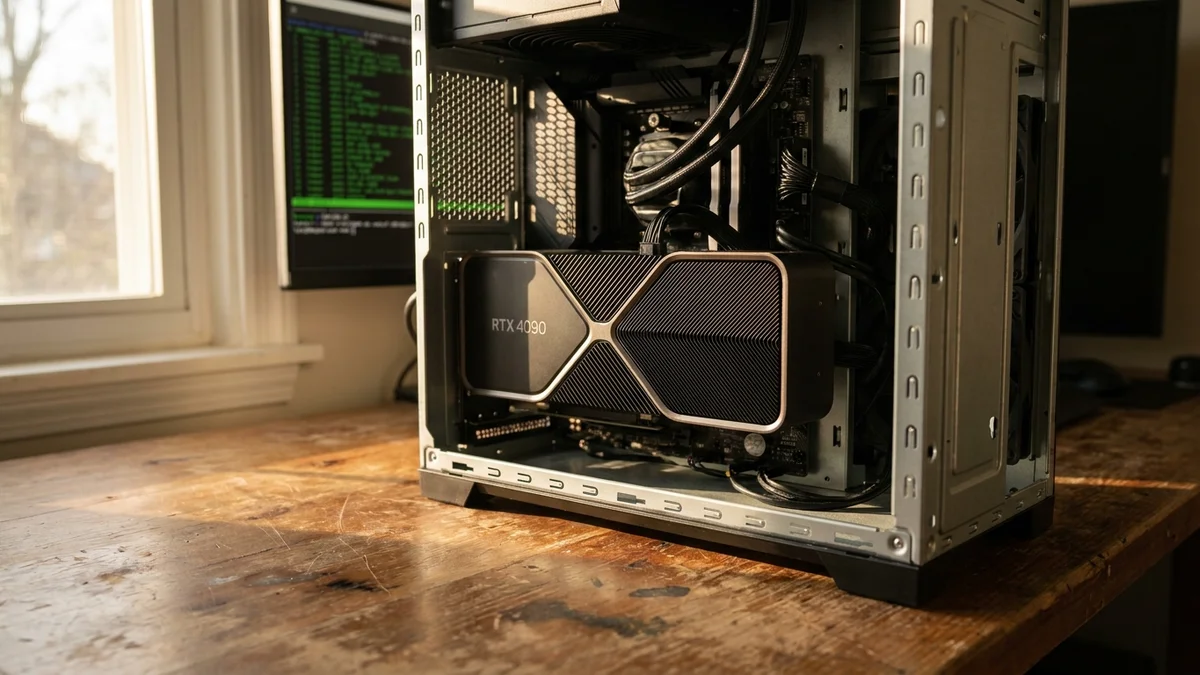
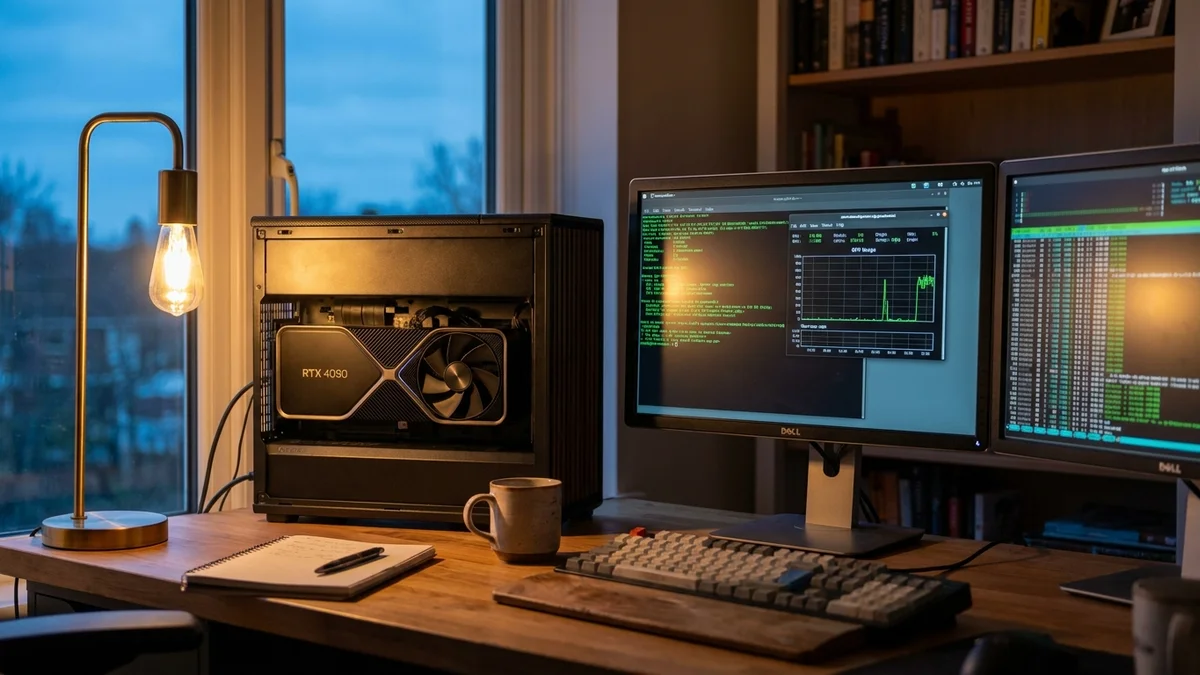
For a usable experience, aim for at least 12GB of VRAM with a 20B parameter model at Q4 quantization. A 35B model at Q4 needs roughly 20GB, and a 70B model at Q4 needs around 40GB. If you're running multiple model slots with llama-swap, you'll need enough VRAM for only the largest model since llama-swap loads one at a time. Consumer GPUs like the RTX 4090 (24GB) handle 35B models well.
Absolutely. Replace localhost in ANTHROPIC_BASE_URL with the IP address or hostname of your remote machine (e.g., http://192.168.1.100:8080). Make sure llama-server was started with --host 0.0.0.0 and that port 8080 is open in your firewall. For remote access over the internet, put the server behind a reverse proxy with TLS — never expose llama.cpp directly to the public internet.
There's no guarantee either way. The environment variable overrides that make this work are undocumented but have persisted across multiple Claude Code releases. The community treats them as stable since they're also used for enterprise proxy setups. That said, a future update could change the API contract. Pin your Claude Code version if stability matters to your workflow.
Models specifically trained on tool-calling and function-calling datasets perform best. As of April 2026, Qwen Coder variants and DeepSeek Coder models are among the most reliable choices. Generic chat models often fail at tool use because Claude Code relies on structured tool calls for file operations and bash commands. Check the model card for explicit mention of tool-calling or function-calling support before downloading.
This article was researched and written with AI assistance (Anthropic's Claude) using the sources cited above, and published by Shadman Ahmed, a software architect who runs AI Bytes. We don't run our own model tests or benchmarks. If something here is wrong or out of date, please tell us.