Best Of
Ditch the API: 8 Open Source LLMs for Local AI in 2026
We tested the top 8 open source LLMs you can run on your own hardware in 2026 — from the 14B Phi-4 to the 671B DeepSeek V3. Here's what's actually worth your VRAM.
March 30, 2026
We tested the top 8 open source LLMs you can run on your own hardware in 2026 — from the 14B Phi-4 to the 671B DeepSeek V3. Here's what's actually worth your VRAM.

Why are you still sending every prompt to someone else's server?
As of March 2026, the best open source LLMs to run locally have closed the gap with proprietary models so dramatically that running AI on your own hardware isn't just a hobbyist flex anymore. The best open source LLMs you can run locally now match or beat GPT-4o on many benchmarks — and they cost exactly $0 per token after the initial hardware investment. Zero. Every single inference, free forever.
We tested the most popular local models across coding, reasoning, creative writing, and general knowledge tasks. Here's what actually deserves your VRAM.
Interesting wrinkle: the best open source LLM to run locally in 2026 is Llama 3.3 70B for all-around performance, DeepSeek R1 Distilled 32B for reasoning tasks, and Phi-4 for users with limited GPU memory. Your ideal pick depends on your hardware and primary use case.
| Model | Parameters | Min VRAM (Q4) | Best For |
|---|---|---|---|
| Llama 3.3 70B | 70B | ~40 GB | All-around performance |
| DeepSeek R1 Distilled 32B | 32B | ~20 GB | Reasoning and math |
| Phi-4 | 14B | ~10 GB | Modest hardware budgets |
The dirty secret of the AI industry: most people paying $20/month for API access could get 80% of the results from a model running on their own machine.
Meta's Llama 3.3 70B is the Honda Civic of local LLMs — reliable, efficient, and gets the job done without drama. It hits a sweet spot between capability and hardware requirements that nothing else quite matches.
Key specs:
Llama 3.3 70B punches at the same weight class as much larger models. It handles coding, analysis, creative writing, and instruction following with consistent quality across the board. And the ecosystem support is unmatched — every major inference tool (Ollama, LM Studio, llama.cpp, vLLM) has day-one support for Llama models.
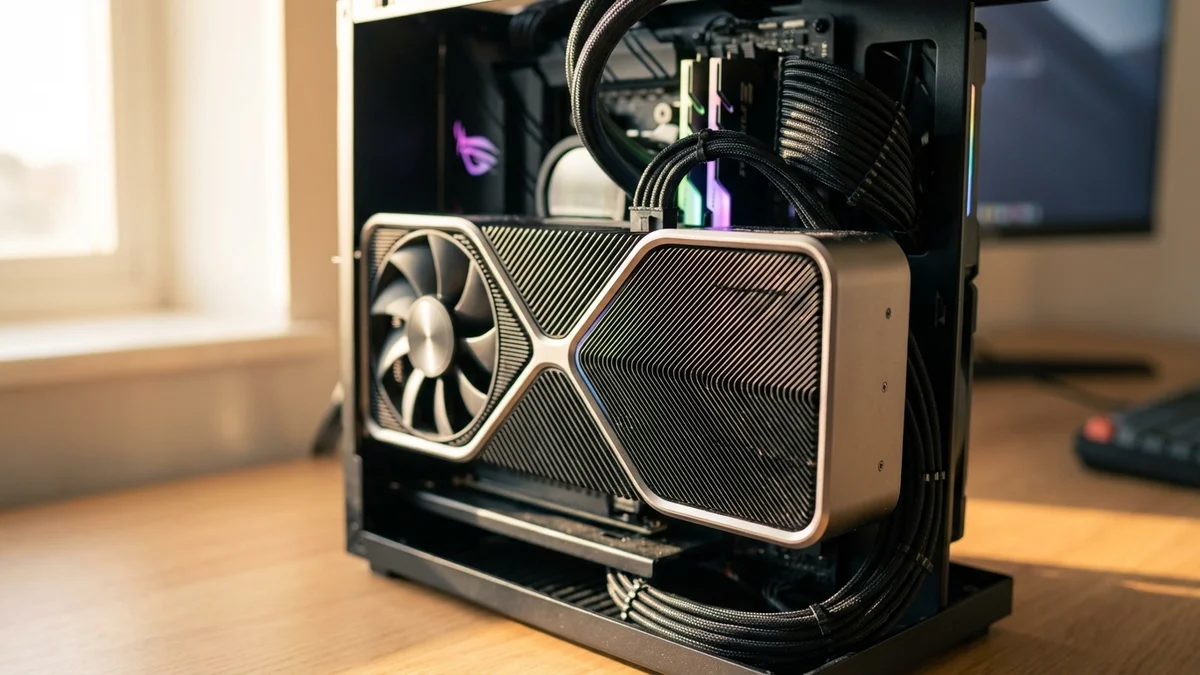
The 128K context window is generous enough for most local use cases, from analyzing documents to maintaining long conversations. If you can only run one local model, this is it.
Best for: Developers and power users who want a single model that does everything well.
DeepSeek R1 shook the industry when it dropped in January 2025 with reasoning capabilities that rivaled models costing 10x more to run via API. The full model sits at 671B parameters in a Mixture-of-Experts architecture, but the distilled versions are where local users should look.
Key specs:
The distilled variants — built by training smaller architectures on R1's reasoning traces — carry over a surprising amount of the full model's chain-of-thought ability. The 32B distilled version is the sweet spot for most users: it fits comfortably on a 24GB GPU and handles complex reasoning, mathematical proofs, and multi-step logic problems with genuine sophistication.
But it's worth knowing: the distilled models score lower than the full 671B on benchmarks. Don't expect full R1 performance from the 14B variant. You're getting a compressed echo of that reasoning capability, not a carbon copy.
Best for: Math, science, logic puzzles, and any task where step-by-step reasoning matters more than creative flair.
Alibaba's Qwen 2.5 series is the model family that quietly became one of the strongest open source options available. The 72B variant competes directly with Llama 3.3 70B, and in some areas — particularly coding and multilingual support — it pulls ahead.
Key specs:
The Qwen 2.5-Coder 32B variant deserves special attention. As of March 2026, it's arguably the best open source coding model that fits on a single 24GB GPU. It handles code generation, debugging, and refactoring across dozens of languages with impressive accuracy.
Qwen 2.5 also supports Chinese, Japanese, Korean, Arabic, and many other languages natively — not as an afterthought but as a core design goal. If you work in a multilingual environment, this should be near the top of your list. So don't sleep on it just because Meta gets more headlines.
Best for: Software development, multilingual applications, and users who want a broad size range to match their hardware.
Microsoft's Phi-4 proves that parameter count isn't everything. At just 14 billion parameters, it consistently outperforms models twice its size on reasoning and math benchmarks. If your GPU has 8-12 GB of VRAM (think RTX 4060 or RTX 3060), Phi-4 is your best option by a wide margin.
Key specs:
The trade-off? A 16K context window is pretty limiting compared to the 128K offered by Llama and Qwen models. You won't be feeding entire codebases into Phi-4. And it's weaker at creative writing and open-ended conversation — it was trained with a heavy emphasis on structured reasoning and synthetic data.
Phi-4 on a $300 GPU gives you better math and logic performance than most cloud APIs gave you two years ago. Let that sink in.
Still, for focused tasks — answering technical questions, solving math problems, analyzing structured data — Phi-4 is remarkable for its size. It's also lightning-fast on modest hardware, generating tokens at speeds that larger models can't touch on the same setup.
Best for: Users with 8-12 GB VRAM GPUs who need strong reasoning without a big hardware investment.
Google's Gemma 2 27B occupies a comfortable middle ground: big enough to be genuinely useful, small enough to run on a single 24GB GPU at decent quantization. Think of it as the well-rounded midfielder of the local LLM team — not the star striker, but always in the right position.
Key specs:
Gemma 2 27B handles instruction following and general knowledge tasks with a level of polish that belies its size. The model is noticeably well-aligned out of the box — it follows instructions carefully and produces clean, well-formatted output without much prompt engineering.
The downsides are real, though. An 8K context window is cramped in 2026, and Gemma 2 doesn't have the coding chops of Qwen 2.5 or the reasoning depth of DeepSeek R1. It's a generalist — a good one — but not a specialist at anything.
Best for: General-purpose use on 24GB GPUs where you want reliability over peak performance.
Built in collaboration between Mistral AI and NVIDIA, Mistral Nemo 12B is a 12-billion-parameter model that punches well above its weight class. It runs comfortably on 8GB GPUs at Q4 quantization, making it accessible to practically anyone with a discrete GPU from the last few years.
Key specs:
The 128K context window at this size is a genuine differentiator. Phi-4 gives you better raw reasoning, but Mistral Nemo lets you feed in much longer documents and conversations. For summarizing papers, analyzing long threads, or working with extensive codebases, that context window matters a lot.
Mistral Nemo also ships with solid function calling support, which makes it a strong pick for building local AI agents and tool-use pipelines. It's like having a Swiss Army knife that fits in your pocket.
Best for: Users with 8-12 GB VRAM who need long context and tool-use capabilities.
Meta's Llama 4 Scout is the newest entry on this list, and it represents a big architectural shift. It's a Mixture-of-Experts model with 109B total parameters but only 17B active during any given forward pass. That means it thinks like a big model but generates tokens closer to the speed of a small one.
Key specs:
Here's the catch (and it's a significant one): even though only 17B parameters fire per forward pass, you still need all 109B loaded into memory. At Q4 quantization, that's roughly 64 GB — which puts it out of reach for most single-GPU setups. You'll need either multiple GPUs or a high-RAM system doing CPU offloading, which tanks generation speed.
But if you have the hardware, Scout's context window is absurd. Ten million tokens. You can feed in entire repositories, full books, or months of conversation history. As of March 2026, nothing else open source comes close to that context length at this level of quality.
Best for: Power users with multi-GPU setups or high-RAM systems who need massive context windows.
DeepSeek V3 is the model you run when you want the absolute best open source performance and you have serious hardware to back it up. At 671B parameters in an MoE architecture with 37B active, it's the largest model on this list and one of the most capable open weights models ever released.
Key specs:
Look — running the full DeepSeek V3 locally requires enterprise-grade hardware. We're talking multiple A100 or H100 GPUs. But heavily quantized versions and partial CPU offloading bring it within reach of determined enthusiasts with 128+ GB of system RAM — just don't expect fast inference.
So why include it? Because its permissive DeepSeek Model License lets you fine-tune it, deploy it commercially, and modify it freely. And its coding performance (82.6% HumanEval-Mul, self-reported) is competitive with many proprietary models.
Best for: Enterprises and researchers with serious hardware who need top-tier performance with full data sovereignty.
| Model | Params | VRAM (Q4) | Context | License | Best For |
|---|---|---|---|---|---|
| Llama 3.3 70B | 70B | ~40 GB | 128K | Llama | All-around |
| DeepSeek R1 | 1.5–671B | 5–40 GB | 128K | MIT | Reasoning |
| Qwen 2.5 72B | 0.5–72B | 6–44 GB | 128K | Apache 2.0 | Coding |
| Phi-4 | 14B | ~10 GB | 16K | MIT | Small hardware |
| Gemma 2 27B | 2–27B | 6–16 GB | 8K | Gemma | Mid-size |
| Mistral Nemo 12B | 12B | ~8 GB | 128K | Apache 2.0 | Lightweight |
| Llama 4 Scout | 109B (17B active) | ~64 GB | 10M | Llama | Massive context |
| DeepSeek V3 | 671B (37B active) | ~350 GB | 128K | DeepSeek | Max capability |
You've picked a model. Now what? Here are the three most popular ways to get up and running.
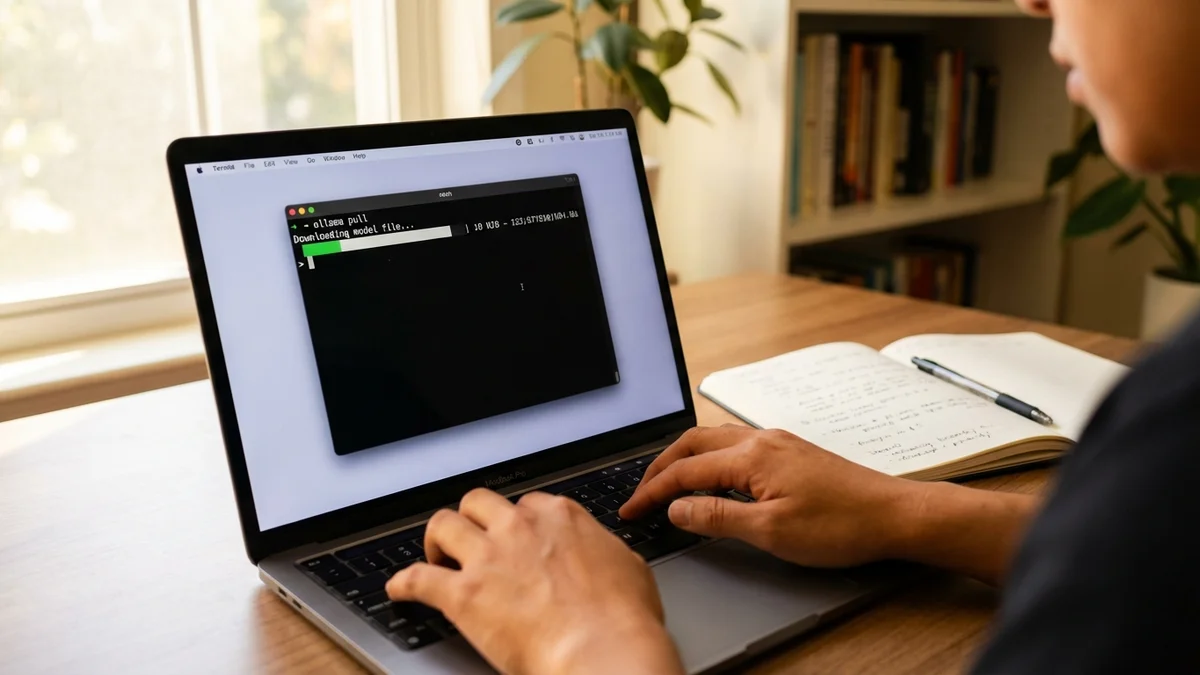
Ollama is the easiest on-ramp. Install it, run ollama pull llama3.3:70b-instruct-q4_K_M, and you're chatting within minutes. It handles quantization, memory management, and model serving automatically. If you're new to local LLMs, start here.
LM Studio gives you a polished GUI with a chat interface, model browser, and performance monitoring. It's great for exploring different models and quantization levels without touching the terminal. Browse and download models from HuggingFace directly through the app.
llama.cpp is the engine that powers most local inference tools under the hood. If you want maximum control — custom quantization, server mode, batch processing — this is where you go. It supports CPU inference, GPU acceleration, and mixed CPU/GPU offloading. If you want uncensored models specifically, check out our best uncensored GGUF models guide.
For a deeper look at local inference speed, see our GPU benchmark comparison. You can also run larger models on CPU with enough system RAM — just expect 5–10x slower token generation compared to GPU inference.
Our selection criteria, ranked by importance:
A quick note on terminology: some purists argue that "open source" requires releasing training data and code, not just model weights. Most models here are technically "open weights" with permissive licenses. We're using "open source" in the common industry sense — you can download it, run it, and (in most cases) use it commercially.
The local LLM ecosystem in 2026 is mature enough that there's no truly wrong choice among these eight. Any of them will outperform what cost thousands per month in API fees just two years ago.
The gap between local and cloud-based AI keeps shrinking. As of March 2026, a setup built around a single high-end GPU running Llama 3.3 70B or DeepSeek R1 Distilled 32B gives you 80–90% of the capability of premium API services — with zero ongoing costs, complete data privacy, and no rate limits.
If you're just getting started, grab Ollama, pull Llama 3.3 70B (or Phi-4 if your GPU is smaller), and see for yourself. Setup takes about five minutes. And once you've experienced local inference — no latency spikes, no API keys, no monthly bills — it's genuinely hard to go back.
Sources
Yes — tools like llama.cpp support pure CPU inference using your system RAM instead of VRAM. A 7B model needs roughly 4-6 GB of RAM at Q4 quantization and runs acceptably on modern CPUs. Larger models like 70B need 40+ GB of RAM and generate tokens 5-10x slower than GPU inference. CPU-only is viable for testing and light use, but a dedicated GPU is strongly recommended for regular use.
At Q4_K_M quantization (the most common choice), a 70B model needs approximately 40 GB of VRAM. This means a single RTX 4090 (24 GB) isn't enough — you'll need either dual GPUs, an NVIDIA A6000 (48 GB), or CPU offloading with 64+ GB of system RAM. At Q3 quantization you can squeeze it into less, but quality degrades noticeably.
Q5 and Q4_K_M quantization typically preserves 95-98% of a model's original quality on most tasks — the difference is hard to spot in everyday use. Below Q4, degradation becomes more noticeable, especially on complex reasoning and math. For most users, Q4_K_M is the sweet spot between quality and VRAM savings. Always test your specific use case before committing to an aggressive quantization level.
It depends on the license. DeepSeek R1 and Phi-4 use the MIT license — fully commercial, no restrictions. DeepSeek V3 uses a permissive DeepSeek Model License that also allows commercial use. Qwen 2.5 (smaller sizes) and Mistral Nemo use Apache 2.0, also fully commercial. Llama models use Meta's community license, which is free for companies with fewer than 700 million monthly active users. Always read the specific license file included with the model weights before deploying commercially.
Yes. Once you've downloaded the model weights (which range from about 4 GB for a 7B Q4 model to 40+ GB for a 70B Q4 model), everything runs entirely on your machine with no internet connection required. This makes local LLMs ideal for air-gapped environments, sensitive data processing, and situations where you need guaranteed uptime regardless of cloud service availability.