Tutorials
Build 3 AI Automations With n8n and Claude Today
Learn how to build three practical AI automations using n8n and Claude — from email summaries to intelligent agents — without writing a single line of code.
April 4, 202612 min read
Learn how to build three practical AI automations using n8n and Claude — from email summaries to intelligent agents — without writing a single line of code.

What if you could have an AI that automatically summarizes your emails, classifies support tickets, and answers customer questions — and you didn't need to write a single line of Python to make it happen?
That's exactly what we're building today. n8n is a source-available workflow automation platform (think Zapier, but you can self-host it and actually see what's going on), and when you connect it to Claude via the Anthropic API, you get AI-powered automations that are shockingly easy to set up. As of April 4, 2026, Claude Sonnet 4.6 costs just $3 per million input tokens — cheap enough to run on every email, ticket, or document flowing through your business.
In this n8n Claude automation tutorial, we'll build three real workflows from scratch. No prior n8n experience required.
By the end of this guide, you'll have three working n8n workflows powered by Claude:
Each one takes roughly 10 minutes to set up. And yes, they all run automatically once you activate them.
Before we start, gather these:
If you want to self-host n8n, here's the fastest path:
docker run -it --rm --name n8n -p 5678:5678 -v n8n_data:/home/node/.n8n n8nio/n8n
That spins up n8n at localhost:5678. Done.
To connect Claude to n8n, add your Anthropic API key as a credential in n8n's settings — this takes about 30 seconds and makes Claude available across all your workflows.
If the connection test fails, double-check that your API key has the right permissions and that billing is active on your Anthropic account. A key without billing will authenticate but reject actual API calls.
That credential is now available across all your workflows. You set it up once.
This is our warm-up — a classic automation that pays for itself on day one. The flow: incoming emails hit a trigger, Claude reads and summarizes them, and the summary gets posted to Slack.
In the Anthropic chat model settings:
claude-sonnet-4-6 — Sonnet 4.6 is the sweet spot for summarization tasks. Fast, cheap, and plenty smart.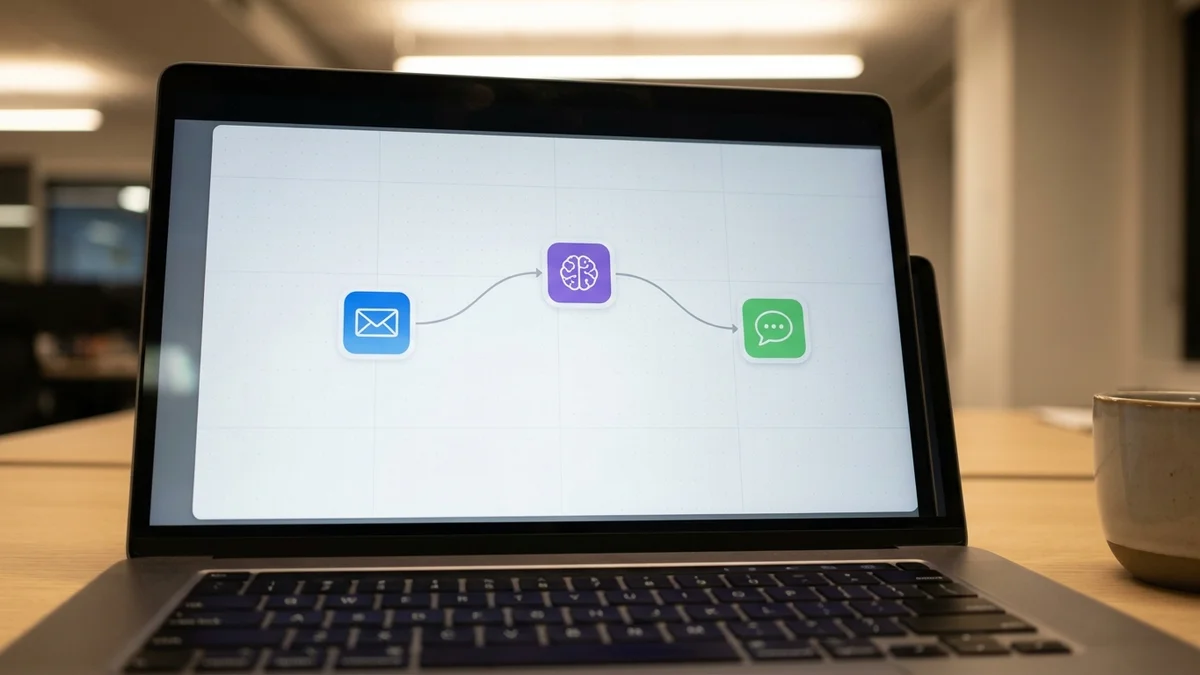
Summarize this email in 2-3 bullet points. Focus on action items and deadlines.

From: {{ $json.from }}
Subject: {{ $json.subject }}
Body: {{ $json.text }}
So every time an email lands in your inbox, Claude reads it and drops a summary in Slack. The cost? As of April 4, 2026, a typical email summary runs well under $0.001 at Sonnet 4.6's $3/$15 per million token pricing. You could process 10,000 emails for a few dollars.
This one's more useful for teams. We'll build a workflow that takes incoming support requests via webhook, classifies them by category and urgency, and routes them to the right people. It's like having a triage nurse for your support queue.

You are a support ticket classifier. Analyze this ticket and respond with ONLY valid JSON.

Ticket: {{ $json.body.message }}
Customer: {{ $json.body.customer_name }}

Respond in this exact format:
{
  "category": "billing|technical|feature_request|bug_report|other",
  "urgency": "low|medium|high|critical",
  "summary": "one sentence summary",
  "suggested_team": "engineering|support|sales|product"
}
Set the temperature to 0. You want deterministic classification, not creative flair.
Add a Code node to parse Claude's JSON response
Add a Switch node that routes based on the urgency field:
Add the appropriate output nodes for each branch
Structured JSON output is one of Claude's strongest capabilities. Sonnet 4.6 produces valid JSON well over 99% of the time when you give it a clear schema to follow.
But here's the pro tip: add a validation step right after the LLM node. If Claude returns something unexpected (rare, but it happens), you want a fallback path — not a broken workflow.
Send a test request to your webhook:
curl -X POST YOUR_WEBHOOK_URL \
  -H "Content-Type: application/json" \
  -d '{"customer_name": "Jane Smith", "message": "I was charged twice for my subscription this month and need a refund ASAP"}'
You should see it classified as billing, high urgency, routed to the support team. Pretty satisfying when it works on the first try.
This is where n8n Claude automation gets interesting. n8n has a dedicated AI Agent node that lets Claude use tools — it can query databases, call APIs, and make multi-step decisions autonomously.
An agent that handles customer inquiries by:
You are a customer support agent for our SaaS product.
Use the available tools to look up customer information
before responding. Be helpful, concise, and professional.
If you cannot resolve the issue, escalate to a human agent.
This is the powerful part. In the AI Agent node, add tool sub-nodes:
lookup_customer with a description like "Look up customer details by email address"search_knowledge_baseescalate_to_humanThe AI Agent passes these tools to Claude, and Claude decides which to call — and in what order — based on the customer's message.
When a customer sends a message, Claude will:
lookup_customer to pull account detailssearch_knowledge_base if it needs product informationescalate_to_human only if it genuinely can't helpAnd all of this happens in a single workflow execution. No code. No orchestration logic on your end. Claude handles the reasoning; n8n handles the plumbing.
If you prefer building agents in code, check out our guide to building AI agents with LangChain for a Python-based approach.
The AI Agent node is genuinely one of the best low-code agent implementations available right now. It gives you tool-use capabilities that would take hundreds of lines of Python to build from scratch — and you can modify the behavior by editing a text prompt instead of refactoring code.

Here are the mistakes that commonly trip people up with n8n and Claude workflows:
Token limits matter. If you're passing large documents to Claude, you'll either hit context limits or rack up costs. As of April 4, 2026, Sonnet 4.6 supports a 1-million-token context window — but that doesn't mean you should fill it. Trim your inputs. Summarize documents before classifying them.
Set timeouts. Claude API calls typically return in 2-10 seconds, but agent loops with multiple tool calls can take 30+ seconds. Check your node timeout settings and adjust them if workflows are timing out.
Use Sonnet for most tasks. It's tempting to throw Opus 4.6 at everything, but Sonnet handles classification, summarization, and straightforward Q&A just as well — at a fraction of the cost. Save Opus for multi-step reasoning and complex analysis where the quality difference actually shows.
Handle errors. Add an Error Trigger workflow that catches failures and alerts you. API rate limits, malformed inputs, and network timeouts will happen. Plan for them.
Pin your model versions. Use specific model IDs like claude-sonnet-4-6 instead of generic aliases. This prevents your workflows from silently breaking when model versions update.
Before flipping any workflow to production:
n8n keeps execution history for every workflow run, including the full input and output of every node. Use it. It's the fastest way to debug when something goes sideways.
You've got three working AI automations. Here's how to push further:
For more Claude workflows, our Claude Code tutorial covers terminal-based AI development.
The real power of n8n Claude automation isn't any single workflow. It's the combination — dozens of small, focused workflows that collectively handle the grunt work your team shouldn't be doing by hand.
Sources
Yes. n8n has built-in chat model nodes for OpenAI (GPT-4o), Google Gemini, Mistral, Ollama (for local models), and others. You can swap the Anthropic model node for any supported provider without changing the rest of your workflow. This makes it easy to test different models on the same automation and compare quality and cost.
n8n Community Edition is free and open-source — self-hosting on a small VPS costs around $5-10/month for the server. Your main cost is Claude API usage. At Sonnet 4.6's pricing of $3 per million input tokens and $15 per million output tokens (as of April 2026), most small-to-medium automations run well under $10/month in API costs. n8n Cloud offers a Starter plan with a free trial if you'd rather skip self-hosting.
Yes, n8n's Anthropic chat model node supports sending images to Claude for analysis. You can pass base64-encoded images or image URLs in your prompts, which opens up automations like receipt processing, screenshot analysis, and visual quality checks. Set the message type to include image content alongside your text prompt.
n8n will mark the execution as failed and log the error. To handle this gracefully, add an Error Trigger workflow that sends you a Slack or email notification on failure. You can also configure retry logic on individual nodes — set 2-3 retries with exponential backoff. For critical workflows, consider adding a fallback branch that queues failed items for reprocessing.
Yes, but you'll need an extraction step first. Add a node to convert PDFs to text before sending content to Claude — n8n's Code node with a library like pdf-parse works, or use an HTTP Request node to call a document extraction API. Once you have the text, Claude can summarize, classify, or extract structured data from documents up to its 1-million-token context limit.