Tutorials
Claude Code Tutorial: 7 Steps to Terminal AI Mastery
Learn how to install, configure, and master Claude Code — Anthropic's CLI coding agent rated 9.4/10. A complete step-by-step tutorial with real commands and workflow tips.
April 1, 2026
Learn how to install, configure, and master Claude Code — Anthropic's CLI coding agent rated 9.4/10. A complete step-by-step tutorial with real commands and workflow tips.

Are you still bouncing between ChatGPT, your IDE, and a dozen browser tabs just to write code? There's a faster way.
Claude Code is Anthropic's terminal-based coding agent, and as of April 1, 2026, it's the highest-rated AI coding tool available — scoring 9.4/10 in our AI tools database. It doesn't just suggest code. It reads your entire codebase, writes files, runs commands, and iterates on errors. All from your terminal. This Claude Code tutorial walks you through everything from installation to advanced workflows, so you can start shipping features faster.
Before we start, make sure you have:
That's it. No VS Code extensions. No IDE plugins. No complex setup.
Installation takes about 30 seconds.
macOS / Linux:
curl -fsSL https://claude.ai/install.sh | bash
Windows:
irm https://claude.ai/install.ps1 | iex
You can also install via Homebrew (brew install --cask claude-code) or WinGet (winget install Anthropic.ClaudeCode).
Verify it worked:
claude --version
You should see the version number printed. If you get a "command not found" error, try restarting your terminal or check the installer output for PATH instructions.
Claude Code runs entirely in your terminal. No browser window, no Electron app, no GUI — and that's exactly what makes it fast.
On first launch, you'll be prompted to authenticate. You can either connect your Anthropic account (if you have a Max or Team subscription) or provide an API key directly. Just run:
claude
That single command drops you into an interactive session. But let's not get ahead of ourselves.
Navigate to any project directory and launch Claude Code:
cd your-project
claude
Claude Code immediately indexes your project structure. It reads your files, understands your architecture, and gives you a conversational interface right in the terminal.

Try something simple first:
> explain the architecture of this project
You'll get a breakdown of your directory structure, key files, and how everything connects. This isn't a generic response — it's reading your actual code.
Now try something more ambitious:
> add input validation to the user registration endpoint
Claude Code reads the relevant files, proposes changes, writes the code, and asks for your approval before modifying anything. And that approval step matters — more on permissions in Step 5.
Here are the commands you'll use every single day.
Type claude in your project directory. This is your bread-and-butter workflow. Ask questions, request changes, debug errors — it's a conversation.
For quick tasks, skip the interactive session entirely:
claude -p "add a .gitignore for a Node.js project"
The -p flag runs a single prompt and exits. Perfect for scripting or quick fixes.
claude --resume
This picks up where you left off. Your conversation history, file context, and decisions are all preserved. So you never lose momentum between sessions.
You can pipe content directly into Claude Code:
git diff | claude -p "review this diff for bugs"
cat error.log | claude -p "what's causing these errors?"
This is where the CLI approach starts feeling like a Unix superpower. Combine Claude Code with grep, git diff, test runners, and any other tool you already use.
This is Claude Code's secret weapon. Create a CLAUDE.md file in your project root:
# Project Guidelines

- This is a Next.js 15 app with TypeScript
- We use Tailwind CSS for styling
- Tests go in __tests__ directories next to the code they test
- Use named exports, not default exports
- All API routes must validate input with Zod
Claude Code reads this file at the start of every session. Think of it as a persistent instruction set — your coding standards, architectural decisions, and project-specific quirks all in one place.

You can also nest CLAUDE.md files in subdirectories. A CLAUDE.md in your /api folder might specify authentication patterns, while one in /components covers design system rules.
Your CLAUDE.md file is basically pair programming context that never gets forgotten. Write it once, benefit forever.
This is honestly one of Claude Code's best features and something most tutorials gloss over. A well-written CLAUDE.md is the difference between generic AI suggestions and code that actually fits your project's patterns.
Worth flagging: Claude Code can read files, write files, and run terminal commands. That's powerful — and it needs guardrails.
There are three general approaches:
Claude Code asks for approval before every file write and every terminal command. Safe, but you'll be hitting "approve" a lot.
You can configure specific tools to be auto-approved (like file edits) while still requiring approval for terminal commands. A good middle ground for trusted projects.
For CI/CD pipelines or scripted workflows, you can allow wider tool access. But be careful — this means Claude Code can run arbitrary commands in your terminal without asking first.
The permission system isn't just a safety net. It's a workflow tool. Start strict, loosen up as you build trust with the tool on your specific codebase.
As of April 1, 2026, Claude Code gives you access to multiple models:
You can toggle between models mid-session. Opus 4.6 scores 75.6% on the SWE-bench Verified benchmark (bash-only, according to the official leaderboard as of April 2026), making it one of the top-performing models for hard engineering problems.
The real power of a CLI tool is composability. Some patterns worth stealing:
# Review only staged changes
git diff --cached | claude -p "review for security issues"

# Explain a failing test
npm test 2>&1 | claude -p "why is this test failing?"

# Generate a commit message
git diff --cached | claude -p "write a concise commit message"
Hooks are shell commands that run in response to Claude Code events — like automatically running your linter after every file edit or kicking off tests after code changes. You configure them in your settings file, turning Claude Code from a coding assistant into an automated workflow pipeline.
Based on community discussions and developer reports, these are the mistakes that come up most:
Pitfall 1: Skipping the CLAUDE.md file. Without project context, Claude Code makes reasonable but generic decisions. Five minutes writing a CLAUDE.md saves hours of correcting code that doesn't match your patterns.
Pitfall 2: Being too vague. "Make the app better" gives you random changes. "Add error handling to the payment processing function in src/services/payments.ts" gets you exactly what you need. Specificity is everything.
Pitfall 3: Not reviewing diffs. Claude Code is good. Really good. But it's not perfect. Always review the changes before accepting, especially for security-sensitive code.
Pitfall 4: Running fully automated on production codebases. Just don't. Use the default permission mode until you understand exactly what Claude Code will and won't do.
Pitfall 5: Ignoring the context window. Claude Opus 4.6 has a 1,000,000-token context window, which is enormous. But on massive monorepos, you can still hit limits. Keep your sessions focused on specific tasks rather than asking Claude Code to "understand everything."
The best Claude Code users treat it like a senior developer on the team — give clear instructions, review the work, and provide project context upfront.
Run a quick sanity check to make sure everything is configured properly:
claudeIf all five steps work, you're ready to go.
For context, here's where Claude Code sits among AI coding tools as of April 1, 2026:
| Tool | Type | Rating | Free Tier |
|---|---|---|---|
| Claude Code | CLI Agent | 9.4/10 | No |
| Cursor | AI IDE | 9.0/10 | Yes |
| GitHub Copilot | IDE Plugin | 8.5/10 | Yes |
| Aider | CLI Agent | 8.5/10 | Yes |
| Gemini CLI | CLI Agent | 8.3/10 | Yes |
| Cline | VS Code Agent | 8.3/10 | Yes |
Claude Code's main advantage is firepower. (For a deeper benchmark dive, see our NousCoder-14B vs Claude Code comparison.) It's backed by the same Opus 4.6 model that scores 75.6% on SWE-bench Verified (bash-only), compared to o3's 58.4% on the same scaffolding, according to the official leaderboard as of April 2026.
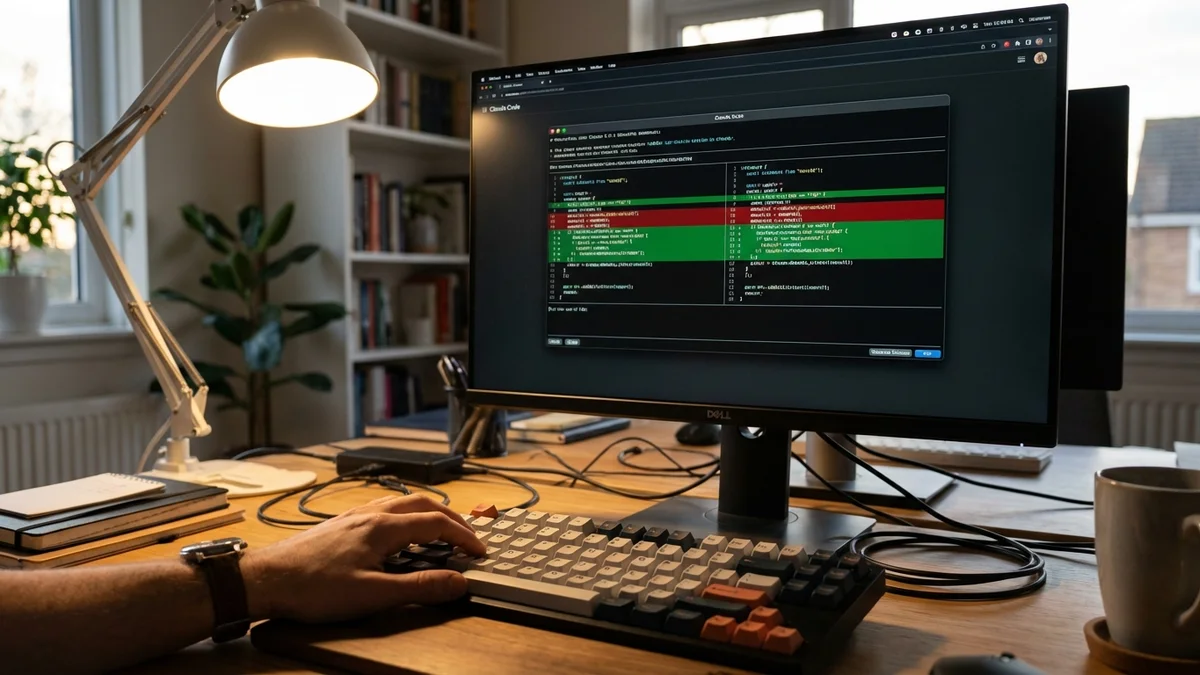
But here's the honest trade-off: it costs money (no free tier), and if you prefer a visual IDE experience, Cursor might feel more natural. Claude Code is built for developers who live in the terminal and want maximum control. If you want a free alternative, Goose vs Claude Code breaks down the differences.
You've got the fundamentals. Here's where to go from here:
Claude Code isn't just another AI coding tool bolted onto an editor. It's a different workflow entirely — one where your terminal becomes the most capable coding environment you've ever used. And once you get used to it, switching back to the old way feels painfully slow.
Sources
Yes, Claude Code now supports Windows natively. You can install it using PowerShell (`irm https://claude.ai/install.ps1 | iex`) or WinGet (`winget install Anthropic.ClaudeCode`). WSL is no longer required, though it remains a supported option. Claude Code runs in bash on all platforms.
Claude Code requires either an Anthropic Max/Team subscription or a direct API key. With API usage, you pay per token — as of April 2026, Claude Opus 4.6 costs $5 per million input tokens and $25 per million output tokens, while Sonnet 4.6 runs $3/$15. Subscription pricing varies by plan, so check anthropic.com for current rates. There is no free tier.
Yes. Claude Code works with whatever files are on your local machine, so if you've cloned a private repo, Claude Code can read and modify it. It doesn't access GitHub directly — it operates on your local filesystem. Your code is sent to Anthropic's API for processing, so review Anthropic's data retention policies if you work with sensitive codebases.
Claude Code is language-agnostic — it works with any programming language since it reads and writes plain text files. It performs best with Python, JavaScript, TypeScript, Go, Rust, Java, and C++, since the underlying Claude models were heavily trained on these. But it also handles Ruby, PHP, Swift, Kotlin, and less common languages reasonably well.
Both are terminal-based AI coding tools, but they differ in architecture. Claude Code is a proprietary agent built by Anthropic that only works with Claude models, while Aider is open-source and supports multiple LLM providers including OpenAI, Anthropic, and local models. Claude Code offers tighter integration with Claude's capabilities (like the 1M token context window) and built-in features like hooks and permission modes, while Aider offers more flexibility in model choice and is free to use.