Tutorials
Ship Your LLM API on AWS: A 5-Step Guide
Learn how to deploy an LLM API on AWS using Bedrock, SageMaker, or EC2 with vLLM. Includes step-by-step code, GPU selection, autoscaling, and production hardening.
April 8, 2026
Learn how to deploy an LLM API on AWS using Bedrock, SageMaker, or EC2 with vLLM. Includes step-by-step code, GPU selection, autoscaling, and production hardening.

What happens when your prototype LLM app hits real traffic — and your laptop can't keep up?
That's the moment you need a proper deployment. And AWS, with its sprawling menu of ML services, gives you at least three solid ways to deploy an LLM API on AWS for production workloads. But the number of options can be paralyzing. SageMaker? EC2 with vLLM? Bedrock? Each path has trade-offs that actually matter. (For a comparison of managed alternatives, see our Railway vs AWS breakdown.)
To deploy an LLM API on AWS, you choose between three main paths: Amazon Bedrock for zero-infrastructure managed APIs, SageMaker endpoints for managed hosting with flexibility, or EC2 instances with vLLM for full control and cost optimization. This guide covers all three with working code.
We'll go deep on the two most practical approaches — with actual code you can copy, paste, and run today.
By the end of this tutorial, you'll have:
Before we start, make sure you have:
aws configureboto3 and pip installedThis is the most important decision you'll make. Think of it like choosing between renting a furnished apartment, a bare office, or buying your own building. Get it wrong and you'll either overpay by 10x or spend weeks fighting infrastructure.
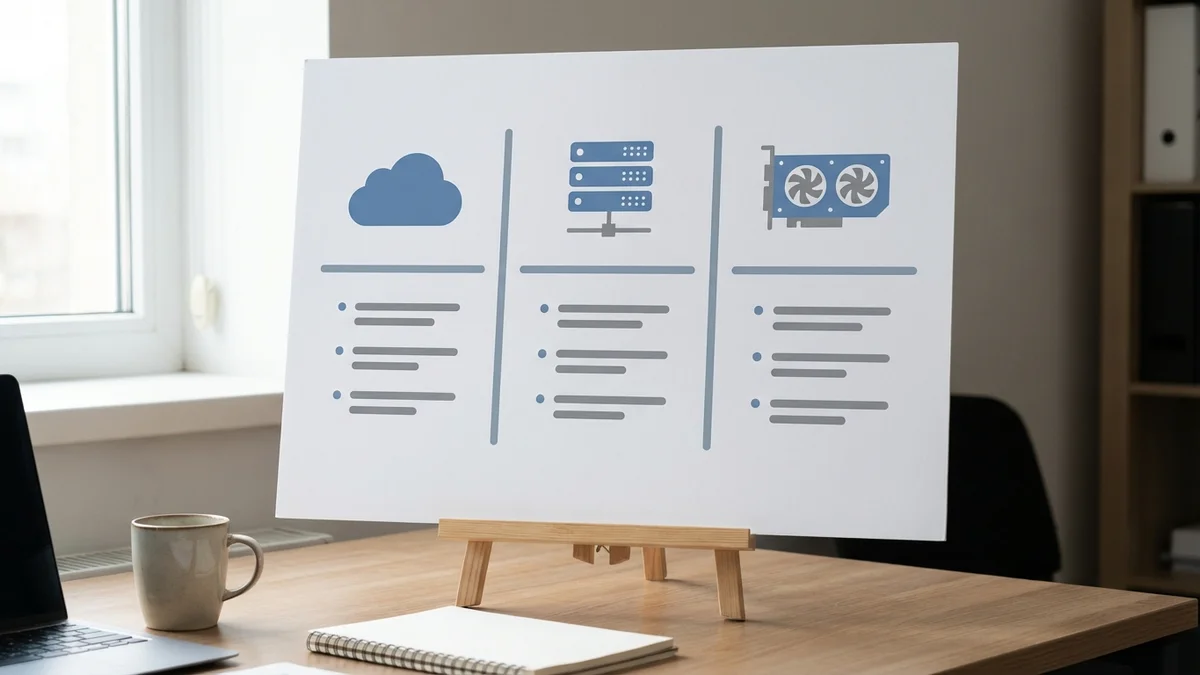
Here's the honest breakdown:
| Path | Best For | Setup Time | Cost Control | Flexibility |
|---|---|---|---|---|
| Amazon Bedrock | Teams wanting zero infrastructure management | Minutes | Low (per-token pricing) | Limited to supported models |
| SageMaker Endpoints | ML teams needing managed hosting with flexibility | Hours | Medium | High |
| EC2 + vLLM/TGI | Teams needing full control and cost optimization | Days | High | Maximum |
If you're just calling Claude or GPT-4o, use Bedrock. If you're deploying open-weight models and care about cost, go EC2 with vLLM. SageMaker sits in the middle — managed but flexible.
Bedrock is the easiest path to deploy an LLM API on AWS. You get API access to models from Anthropic, Meta, Mistral AI, and others without managing any infrastructure. As of April 8, 2026, Bedrock supports Claude Opus 4.6, Llama 4 Maverick, and Mistral Large 2, among others. But you're locked into per-token pricing with no way to optimize inference costs.
SageMaker gives you managed endpoints with autoscaling. You pick the instance type, deploy a model container, and AWS handles the rest. Pretty solid middle ground.
EC2 + vLLM is the power-user path. You get full control over the inference engine, GPU selection, batching configuration, and every other knob. More work upfront, but the cost savings at scale are massive — we're talking 40–60% cheaper than managed alternatives for sustained workloads.
If you just need a self-hosted LLM API running in minutes, Bedrock is your answer. Complete setup:
import boto3
import json

# Initialize the Bedrock runtime client
bedrock = boto3.client("bedrock-runtime", region_name="us-east-1")
def call_llm(prompt, model_id="meta.llama4-maverick-17b-instruct-v1:0"):
    """Call an LLM via Bedrock. Check the Bedrock console for current model IDs."""
    body = json.dumps({
        "prompt": prompt,
        "max_gen_len": 2048,
        "temperature": 0.7
    })

    response = bedrock.invoke_model(
        modelId=model_id,
        body=body,
        contentType="application/json"
    )

    result = json.loads(response["body"].read())
    return result["generation"]
That's it. No GPU provisioning, no Docker containers, no model downloads. You're calling a production LLM inference endpoint in about 15 lines of Python.
But here's the catch — you're paying per token with no volume optimization. For high-traffic applications (think thousands of requests per hour), this gets expensive fast. And you can't tune the inference engine at all.
Now we'll deploy an open-weight model on a GPU instance using vLLM, the fastest open-source LLM inference engine available.
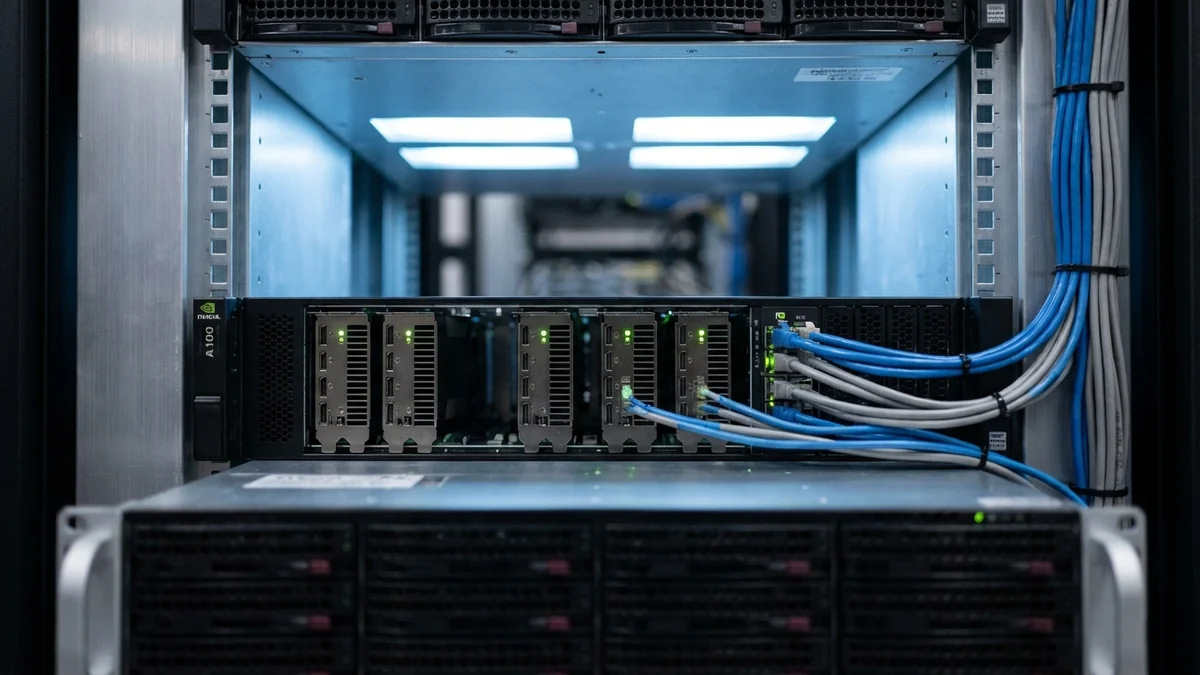
As of April 8, 2026, these are your best GPU options on EC2:
| Instance | GPU | VRAM | Good For |
|---|---|---|---|
| g5.xlarge | A10G (1x) | 24 GB | Models up to 13B (quantized) |
| g5.12xlarge | A10G (4x) | 96 GB | 70B models (quantized) |
| p4d.24xlarge | A100 (8x) | 320 GB | Large models, high throughput |
| p5.48xlarge | H100 (8x) | 640 GB | Maximum performance |
For Mistral Large 2 (123B parameters) at INT4 quantization (AWQ or GPTQ), you need roughly 62 GB of VRAM. A g5.12xlarge with 4x A10G GPUs (96 GB total) handles this with room to spare. At full FP16 precision you'd need roughly 246 GB — requiring a p4d.24xlarge or larger. Check current pricing on the AWS EC2 pricing page — GPU instance costs shift quarterly.
First, launch an EC2 instance with the AWS Deep Learning AMI:
# Replace the AMI ID with the latest Deep Learning AMI for your region
# Find it at: aws ec2 describe-images --filters "Name=name,Values=*Deep Learning*"
aws ec2 run-instances \
  --image-id ami-YOUR-DEEP-LEARNING-AMI \
  --instance-type g5.12xlarge \
  --key-name your-key-pair \
  --security-group-ids sg-your-security-group \
  --block-device-mappings '[{"DeviceName":"/dev/sda1","Ebs":{"VolumeSize":200}}]'
Then SSH in and set up vLLM:
# Install vLLM
pip install vllm

# Download and serve the model
python -m vllm.entrypoints.openai.api_server \
  --model mistralai/Mistral-Large-Instruct-2407 \
  --tensor-parallel-size 4 \
  --max-model-len 32768 \
  --port 8000 \
  --host 0.0.0.0
And just like that, you have an OpenAI-compatible API running on your own hardware. The --tensor-parallel-size 4 flag splits the model across all four GPUs automatically.
vLLM's PagedAttention gives you 2–4x better throughput than naive inference, according to vLLM's benchmarks. This isn't a nice-to-have — it's the difference between serving 10 concurrent users and 40.
curl http://your-ec2-ip:8000/v1/chat/completions \
  -H "Content-Type: application/json" \
  -d '{
    "model": "mistralai/Mistral-Large-Instruct-2407",
    "messages": [{"role": "user", "content": "Explain transformers in one paragraph."}],
    "max_tokens": 256
  }'
If you get a JSON response with a coherent answer, your LLM deployment is working. Time to build the production layer on top.
Raw model endpoints aren't production-ready. You need authentication, rate limiting, and proper error handling — the boring stuff that keeps your service alive at 3 AM. Here's a FastAPI wrapper that adds all three:
from fastapi import FastAPI, HTTPException, Depends
from fastapi.security import HTTPBearer, HTTPAuthorizationCredentials
import httpx
import os

app = FastAPI(title="LLM API Gateway")
security = HTTPBearer()

VLLM_URL = os.getenv("VLLM_URL", "http://localhost:8000")
API_KEYS = set(os.getenv("API_KEYS", "").split(","))

async def verify_key(creds: HTTPAuthorizationCredentials = Depends(security)):
    if creds.credentials not in API_KEYS:
        raise HTTPException(status_code=401, detail="Invalid API key")
    return creds.credentials

@app.post("/v1/chat/completions")
async def chat(request: dict, api_key: str = Depends(verify_key)):
    async with httpx.AsyncClient(timeout=120.0) as client:
        response = await client.post(
            f"{VLLM_URL}/v1/chat/completions",
            json=request
        )
        if response.status_code != 200:
            raise HTTPException(
                status_code=response.status_code,
                detail="Model inference failed"
            )
        return response.json()
So this gives you an authenticated proxy sitting in front of your model. Add rate limiting with something like SlowAPI or AWS API Gateway, and you've got a proper production gateway.
Deploying the model is half the battle. Keeping it running reliably under real traffic is the other half.
For SageMaker endpoints, autoscaling is built in:
import boto3

client = boto3.client("application-autoscaling")

client.register_scalable_target(
    ServiceNamespace="sagemaker",
    ResourceId="endpoint/your-endpoint/variant/AllTraffic",
    ScalableDimension="sagemaker:variant:DesiredInstanceCount",
    MinCapacity=1,
    MaxCapacity=4
)

client.put_scaling_policy(
    PolicyName="llm-scaling-policy",
    ServiceNamespace="sagemaker",
    ResourceId="endpoint/your-endpoint/variant/AllTraffic",
    ScalableDimension="sagemaker:variant:DesiredInstanceCount",
    PolicyType="TargetTrackingScaling",
    TargetTrackingScalingPolicyConfiguration={
        "TargetValue": 70.0,
        "PredefinedMetricSpecification": {
            "PredefinedMetricType": "SageMakerVariantInvocationsPerInstance"
        },
        "ScaleInCooldown": 300,
        "ScaleOutCooldown": 60
    }
)
For EC2, use an Auto Scaling Group behind an Application Load Balancer. Set your scaling metric to GPU use (target ~70%).
Set up CloudWatch alarms for these critical metrics:
/metrics endpointaws cloudwatch put-metric-alarm \
--alarm-name "LLM-High-Latency" \
--metric-name "InferenceLatencyP99" \
--namespace "LLM/Production" \
--threshold 5000 \
--comparison-operator GreaterThanThreshold \
--evaluation-periods 3 \
--period 60 \
--statistic Average \
--alarm-actions arn:aws:sns:us-east-1:123456789:alerts
For a more production-grade setup, wrap everything in Docker and deploy on ECS:
FROM vllm/vllm-openai:latest

ENV MODEL_NAME=mistralai/Mistral-Large-Instruct-2407
ENV TENSOR_PARALLEL_SIZE=4

CMD python -m vllm.entrypoints.openai.api_server \
    --model $MODEL_NAME \
    --tensor-parallel-size $TENSOR_PARALLEL_SIZE \
    --port 8000 \
    --host 0.0.0.0
Docker + ECS gives you reproducible deployments and easy rollbacks. If something breaks at 3 AM, you want to be rolling back a container version — not SSH-ing into a GPU instance debugging Python dependency conflicts.
1. Undersizing your instance. If your model barely fits in VRAM, you'll have no room for the KV cache and throughput will tank. Always leave 20–30% VRAM headroom.
2. Skipping quantization. Running a 70B model in FP16 when AWQ or GPTQ quantized versions exist is burning money. The quality difference is often negligible — typically less than 1% on standard benchmarks.
3. Forgetting cold starts. Large models take 2–5 minutes to load into VRAM. Keep at least one warm instance running, and use SageMaker's minimum instance count or a health-check loop on EC2.
4. No request timeouts. LLMs can occasionally hang on malformed inputs. Set inference timeouts at every layer — the model server, your API gateway, and the client.
5. Ignoring networking costs. Data transfer between availability zones and regions adds up quickly. Keep your API gateway and model endpoints in the same AZ.
Before routing real traffic, run these checks:
Smoke test — send 10 diverse prompts and verify that responses are coherent and complete.
Load test — use a tool like Locust or k6 to simulate realistic traffic patterns:
# locustfile.py
from locust import HttpUser, task, between

class LLMUser(HttpUser):
    wait_time = between(1, 3)

    @task
    def chat(self):
        self.client.post("/v1/chat/completions", json={
            "model": "mistralai/Mistral-Large-Instruct-2407",
            "messages": [{"role": "user", "content": "What is machine learning?"}],
            "max_tokens": 128
        }, headers={"Authorization": "Bearer your-api-key"})
Latency benchmarks — measure P50, P95, and P99 latencies under load. For most applications, you want P95 under 3 seconds for short responses.
Memory leak detection — monitor VRAM usage over 24 hours. Some model-serving frameworks have slow leaks that only show up under sustained traffic.
Once your AWS LLM deployment is running, consider these enhancements:
As of April 8, 2026, the open-weight model ecosystem is moving fast. New models drop monthly, and inference engines like vLLM get regular performance bumps. Build your infrastructure to swap models easily — you'll thank yourself later.
Sources
Costs vary widely by deployment path. A g5.xlarge instance (single A10G GPU) for a small model runs roughly $730/month on-demand in us-east-1, while a p4d.24xlarge (8x A100) costs upwards of $24,000/month on-demand in us-east-1. Spot instances can cut EC2 costs by 60–70% for fault-tolerant workloads. Bedrock charges per token with no fixed infrastructure cost, which is cheaper at low volumes but expensive at scale. Check the AWS pricing calculator for current rates — GPU instance pricing changes quarterly.
Yes, but with caveats. Spot instances offer 60–70% savings on GPU compute, but AWS can reclaim them with just two minutes of notice. This works for batch inference or non-critical workloads where occasional interruptions are acceptable. For real-time APIs with SLA requirements, use a mix: keep a baseline of on-demand instances for guaranteed capacity and add spot instances to handle traffic spikes. SageMaker managed spot training is another option for fine-tuning workloads.
Yes. vLLM's OpenAI-compatible server supports streaming out of the box. Set "stream": true in your request body, and the server returns tokens via Server-Sent Events as they're generated. Your FastAPI proxy needs to forward the SSE stream rather than buffering the full response — use httpx's async streaming or Starlette's StreamingResponse. This reduces time-to-first-token from several seconds to under 500ms for most models.
Real-time endpoints keep instances warm and return responses synchronously, with a hard 60-second timeout. Async endpoints accept requests via S3, process them in the background, and write results back to S3 — no timeout limit. Use async endpoints when your prompts generate long outputs (over 30 seconds of inference), when you need to process large batches, or when you want to decouple request submission from response retrieval. Async endpoints also scale to zero, so you don't pay for idle time.
Use a blue-green deployment pattern. On SageMaker, create a new endpoint configuration with the updated model, then call UpdateEndpoint to switch traffic — SageMaker handles the gradual rollover. On EC2/ECS, deploy the new model version to a separate target group behind your ALB, run smoke tests, then shift traffic using weighted routing. Keep the old version running until the new one is verified. This approach gives you instant rollback if the new model underperforms.