SDXL Tutorial 2026: Master Stable Diffusion XL in 9 Steps | AI Bytes
0% read
SDXL Tutorial 2026: Master Stable Diffusion XL in 9 Steps
Tutorials
SDXL Tutorial 2026: Master Stable Diffusion XL in 9 Steps
A practical 9-step guide to Stable Diffusion XL: install Forge, generate your first image, master prompts, and graduate to LoRAs and ControlNet without the usual headaches.
May 8, 2026
11 min read
691 views
Want photorealistic images without paying $30 a month for a subscription? Stable Diffusion XL is the answer, and it runs on the GPU you already own. SDXL has been the open-source heavyweight since its 1.0 release in July 2023, and as of early 2026 it still has the deepest ecosystem of fine-tunes, LoRAs, and tooling of any local image model.
This guide on how to use Stable Diffusion XL walks you from "never installed Python" to "training your own LoRA" in nine practical steps. No hand-waving. No "draw the rest of the owl" leaps in logic.
What You'll Build
By the end you'll have:
A working local SDXL setup with a fast web UI
A reusable prompt template that consistently produces good output
A working grasp of refiners, LoRAs, and ControlNet
The ability to do img2img and inpainting on your own photos
And you'll know which dials matter and which ones to leave alone.
Prerequisites
Before you start, check these boxes:
An NVIDIA GPU with at least 8GB VRAM (12GB+ strongly recommended for SDXL)
About 30GB free disk space (models alone eat roughly 15GB)
Windows 10/11, macOS on Apple Silicon, or Linux
A bit of patience for the first install
AMD users can run SDXL through ROCm or DirectML, but expect slower speeds and more setup pain. Apple Silicon Macs (M1 through M4) work fine via MPS, just noticeably slower than a comparable NVIDIA card.
Step 1: Pick Your Interface
You have three serious choices for running Stable Diffusion XL locally.
Automatic1111 WebUI is the OG. It has the biggest extension ecosystem, a slightly clunky UI, and most community guides assume you're using it.
ComfyUI uses a node-based workflow. The learning curve is steeper, but you get pixel-level control over every stage of the pipeline. This is what power users and pipeline builders run.
Forge is a fork of Automatic1111 with significant speed improvements and much better VRAM handling. As of 2026 it's the recommended starting point for most people.
We recommend Forge. It's faster than Automatic1111, easier than ComfyUI, and actively maintained.
Step 2: Install Forge
Clone the repo and run the launcher:
Bash
git clone https://github.com/lllyasviel/stable-diffusion-webui-forge.git
cd stable-diffusion-webui-forge
On Windows, double-click webui-user.bat. On Linux or Mac, run ./webui.sh. The script downloads PyTorch, CUDA dependencies, and the base environment automatically. First launch takes 10-20 minutes depending on your internet speed.
Common gotcha: if your system has Python 3.12 or higher as the default, Forge may complain. It wants 3.10. Install Python 3.10 separately and point the launcher at it via the PYTHON variable inside webui-user.bat.
Drop it into models/Stable-diffusion/. While you're there, also grab sd_xl_refiner_1.0.safetensors (6.08GB). Refiners are optional but produce noticeably cleaner faces and textures.
For most users, a community fine-tune will outperform the base model. The favorites as of 2026:
Juggernaut XL v9 for photorealism
DreamShaper XL for fantasy and illustration
RealVisXL V4 for portraits
Pony Diffusion XL for stylized characters
Browse the full catalog at Civitai (heads up: Civitai hosts both safe and NSFW models, filter accordingly).
Step 4: Generate Your First Image
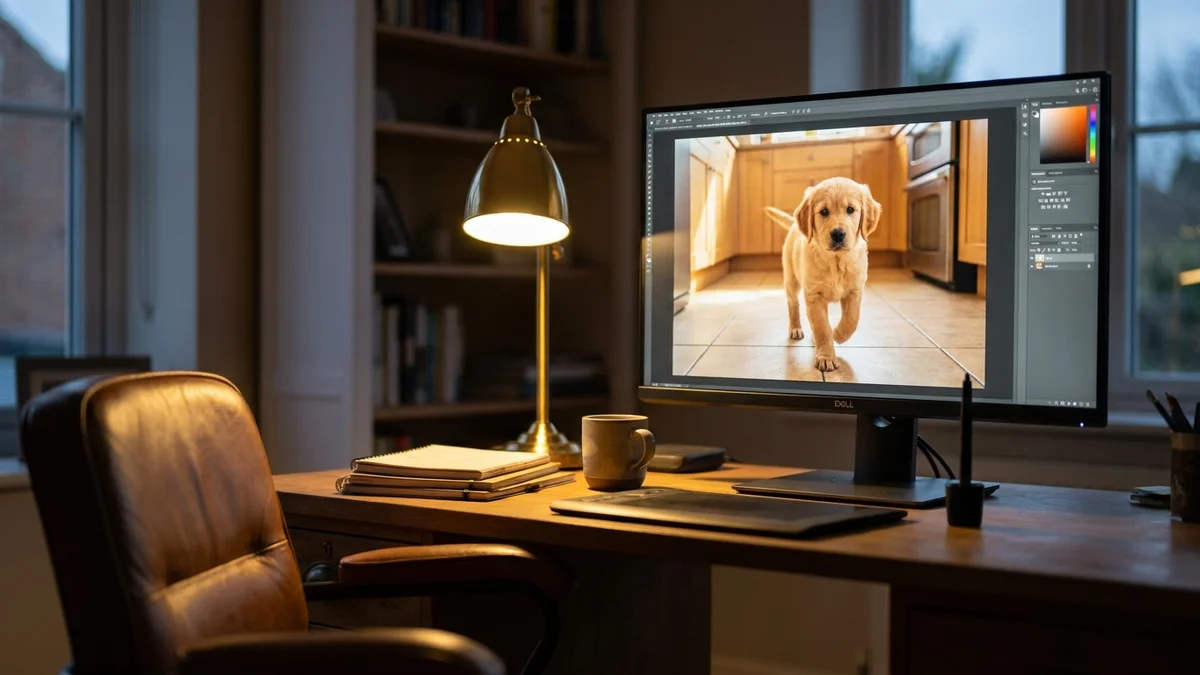
Launch Forge, select your checkpoint from the top-left dropdown, and paste this prompt:
a golden retriever puppy sitting in a sunlit kitchen,
shallow depth of field, photographed on Fujifilm X-T5,
50mm lens, natural window light, hyperdetailed fur
Settings to use:
Sampling method: DPM++ 2M Karras
Steps: 25-30
CFG scale: 6-8
Width x Height: 1024 x 1024
Seed: -1 (random)
Click Generate. On a 12GB RTX 3060 you'll get an image in roughly 8-12 seconds. On a 24GB RTX 4090, expect 2-3 seconds. If your first generation looks weirdly muddy, your CFG scale is probably too high. SDXL likes lower CFG than SD 1.5 did.
a tired barista in her 30s, wiping down an espresso machine,
inside a cozy Brooklyn coffee shop at dawn,
shot on Leica Q3, 28mm, golden hour light,
photojournalistic, candid, film grain
Negative prompts matter less in SDXL than they did in 1.5, but they still help. A solid default:
Avoid stuffing your negative prompt with 50 tags. SDXL's CLIP encoder weights tokens differently, and a bloated negative often makes results worse, not better.
Step 6: Use the Refiner
The refiner model takes a noisy SDXL output and runs an additional 20% of denoising steps to clean up details. In Forge, enable it under "Refiner" and set the switchpoint to 0.8.
Refiners help noticeably with photorealism but slow generation by roughly 30%. For illustrative or anime styles, skip the refiner and use a fine-tuned checkpoint instead. Most community models bake equivalent improvements into the base weights.
Step 7: Add LoRAs
LoRAs (Low-Rank Adaptations) are small files of 10-200MB that teach the model a specific style, character, or concept without retraining everything. You stack them onto your base model.
Download a LoRA from Civitai, drop it in models/Lora/, and reference it in your prompt:
a samurai standing in falling cherry blossoms,
<lora:studio_style_xl:0.8>, soft pastel colors
The number after the colon is strength. The 0.6-0.9 range is the sweet spot. Above 1.0 the LoRA overpowers your prompt; below 0.4 it barely registers. You can stack multiple LoRAs but the math gets weird above three at once.
Step 8: Img2img and Inpainting
Img2img takes an existing image and re-imagines it with a new prompt. The Denoising Strength slider controls how far the AI deviates from your input:
0.3 to 0.5: subtle style transfer, mostly preserves composition
0.5 to 0.75: meaningful changes, subject still recognizable
0.75 to 1.0: essentially a new image with vague composition hints
Inpainting lets you paint a mask over part of an image and regenerate only that region. It's perfect for fixing weird hands, swapping outfits, or removing unwanted elements. Use a soft brush, set Mask Blur to 4-8, and run with Denoising Strength around 0.6 for natural blending.
Step 9: ControlNet for Composition Control
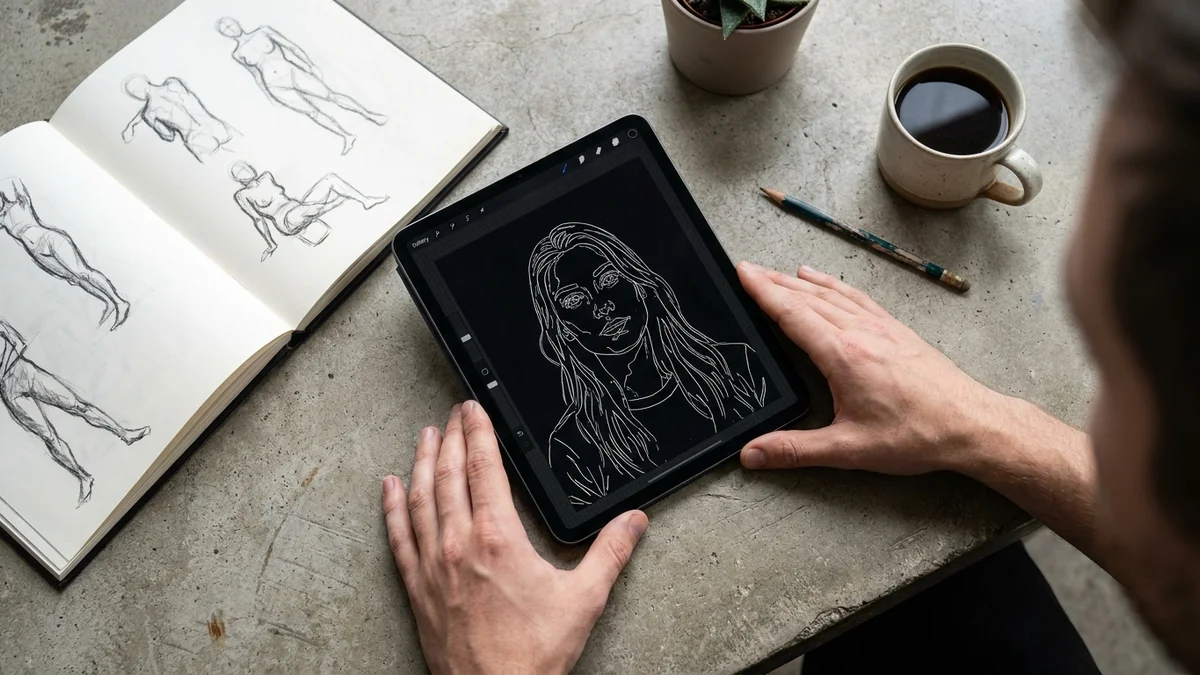
ControlNet adds structural guidance to your generations. Want a portrait that exactly matches a reference pose? Use OpenPose. Want to follow a hand-drawn sketch? Use Canny edges. Want depth-aware composition? Use Depth.
Download the SDXL-compatible ControlNet models from Hugging Face and drop them in models/ControlNet/. The community-trained Canny, Depth, and OpenPose models for SDXL are solid as of 2026.
A workflow that consistently produces good results:
Generate or shoot a reference image
Run it through a Canny preprocessor at low threshold
Use the resulting edge map as ControlNet input
Generate with weight 0.7 and your normal prompt
This combo is how most product mockups, architectural visualizations, and consistent character sheets get made on SDXL.
Common Pitfalls
VRAM crashes. SDXL at 1024x1024 wants 8GB minimum. If you OOM, add --medvram-sdxl to your launch args. Forge handles low VRAM significantly better than Automatic1111 does.
Faces look melted at distance. SDXL is trained on 1024x1024 crops. Tiny faces in a wide shot get fewer pixels and worse quality. Generate at native resolution and use the After Detailer extension to upscale faces specifically.
Prompt bleeding. When two subjects share attributes (a man in a red shirt and a woman in a blue dress), SDXL sometimes mixes them. Use the Forge Couple or Regional Prompter extension to lock attributes to regions.
Slow on Apple Silicon. MPS support works but is unoptimized. An M2 Pro takes 60-90 seconds per image versus 5 seconds on an RTX 3070. Painful, but functional.
Verify Your Setup
Run this quick checklist before you call it done:
Generate a 1024x1024 image with DPM++ 2M Karras at 25 steps
Check the terminal for any CUDA errors
Drag the PNG back into Forge's PNG Info tab; it should embed your prompt and seed
Try the same seed twice with identical settings; outputs should be bit-identical
If any of those fail, the Forge GitHub Issues page is the fastest place to find a fix. Most problems boil down to PyTorch version mismatches or missing CUDA toolkits.
Next Steps
Once you're comfortable, the rabbit hole goes deep:
Move to ComfyUI for production pipelines and batch workflows
Try Flux.1 Dev or Schnell when you need sharper text rendering than SDXL can manage
Experiment with SDXL Turbo for real-time generation at 1-4 steps
SDXL isn't the newest model in the open-source world anymore (Flux has stolen some thunder), but it has the deepest ecosystem of fine-tunes, LoRAs, and tooling. For most people that ecosystem matters more than raw quality bumps from newer architectures. And nothing else lets you go from Civitai download to first generation as quickly. If you want a faster on-ramp before this longer guide, the 5-step SDXL quickstart covers the same install and first-generation flow in a more condensed form.
Technically yes, but expect long generation times and frequent crashes at 1024x1024. Use Forge with the --lowvram-sdxl flag, drop resolution to 768x768, and disable the refiner. A 6GB card like an RTX 2060 will produce a single SDXL image in roughly 45-60 seconds versus 8-12 seconds on a 12GB card.
Is Stable Diffusion XL free for commercial use?
The base SDXL 1.0 model is released under the CreativeML Open RAIL++-M License, which permits commercial use with restrictions on harmful content. However, individual fine-tuned checkpoints and LoRAs on Civitai have their own licenses, ranging from fully open to non-commercial only. Always check the license tag on the model page before using outputs commercially.
Should I use SDXL or Flux.1 in 2026?
Use Flux.1 Dev when you need accurate text rendering inside images, complex multi-subject scenes, or higher base quality with less prompt engineering. Stick with SDXL when you need a specific style not yet ported to Flux, want faster generation on lower-end hardware, or need ControlNet support that Flux still lacks for many control types.
How much faster is SDXL Turbo than regular SDXL?
SDXL Turbo generates images in 1-4 inference steps versus 25-30 for standard SDXL, making it roughly 8-15x faster. The tradeoff is reduced quality and less prompt adherence. It's best for live previews, brainstorming, or applications where speed matters more than final polish, then refine the chosen seed in standard SDXL.
What's the difference between a checkpoint and a LoRA?
A checkpoint is the full model weights (around 6-7GB for SDXL) that you swap in as your base generator. A LoRA is a small adapter (10-200MB) that modifies an existing checkpoint at runtime to add a style, character, or concept. You can only use one checkpoint at a time, but you can stack multiple LoRAs simultaneously.