Tutorials
DeepSeek V4 Pro API: Build an App in 30 Minutes
A practical DeepSeek V4 Pro API tutorial. Get your key, install the SDK, stream responses, and ship a working Python app in under half an hour.
September 29, 202613 min read
A practical DeepSeek V4 Pro API tutorial. Get your key, install the SDK, stream responses, and ship a working Python app in under half an hour.

So you want to try the DeepSeek V4 Pro API without spending a weekend reading docs. Good instinct. The DeepSeek endpoint is one of the most beginner-friendly in the game because it speaks the same dialect as the OpenAI SDK, which means most tutorials you already know still work with a two-line swap.
This DeepSeek V4 Pro API tutorial walks you through a real 30-minute build. You'll ship a small CLI assistant that answers questions, streams tokens as they arrive, and handles the errors that will absolutely bite you on day one. No fluff, no theory detours.
You'll build a Python command-line assistant called bytesbot that:
By the end you'll understand the request shape, the streaming pattern, and enough error handling to build something real on top. According to the official DeepSeek API docs, the endpoint is OpenAI-compatible, so everything you learn here transfers to hundreds of other integrations.
Before the timer starts, make sure you have:
No GPU. No CUDA. No local model weights. This is a hosted API call, not an inference deployment.
Head to platform.deepseek.com and create an account. Confirm your email, then go to the API Keys section in the left sidebar.
bytesbot-dev.env file or your password managerThen top up your balance. DeepSeek requires a small prepaid balance, not a credit card on file. Five dollars will run thousands of test requests at current pricing. Check the pricing page for the latest per-million-token rates, because DeepSeek has changed them more than once in the past year.
Spin up a fresh directory and virtual environment. This keeps your dependencies from colliding with other Python projects on your machine.
mkdir bytesbot && cd bytesbot
python -m venv .venv
source .venv/bin/activate    # Windows: .venv\Scripts\activate
pip install openai python-dotenv
Yes, you install the OpenAI package. That's not a typo. DeepSeek's API is a drop-in replacement, and the OpenAI SDK is the cleanest client for it. You could also use httpx and hit the REST endpoint directly, but that's more code for zero benefit at this stage.
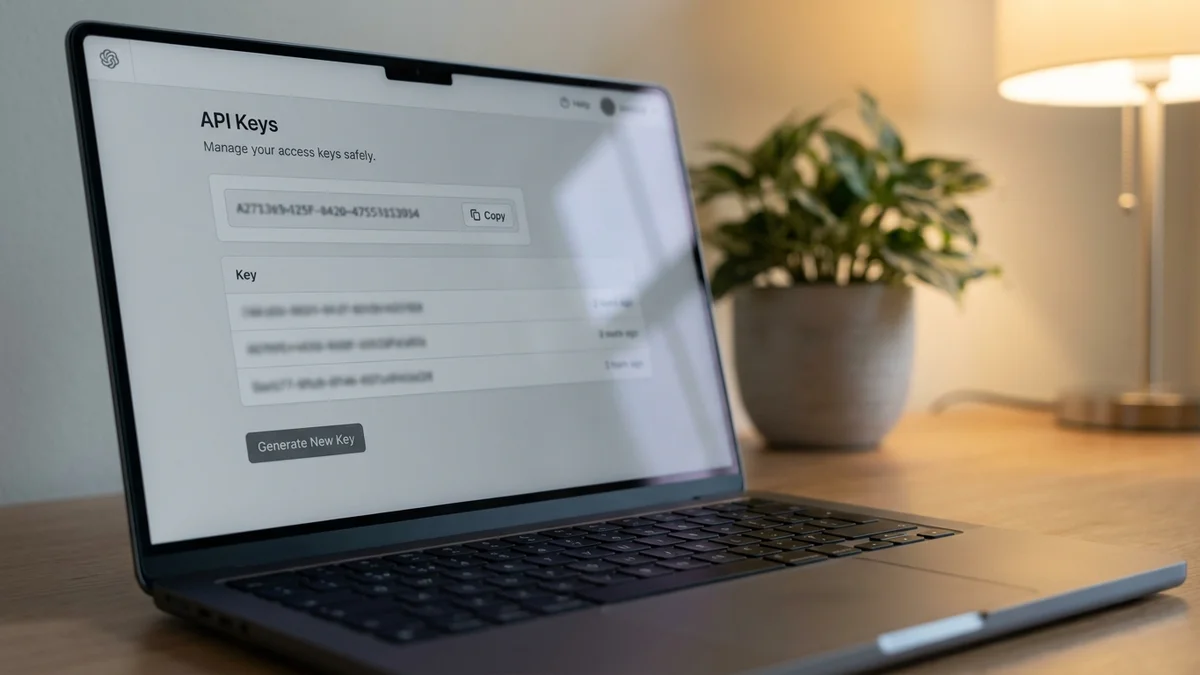
Create a .env file in the project root:
DEEPSEEK_API_KEY=sk-your-key-here
And a .gitignore so you never leak it:
.env
.venv/
__pycache__/
One of the most common ways people get their first API key rotated is committing it to a public repo within the first hour. Don't be that person.
Create hello.py. This is the smallest thing that proves your key works.
import os
from dotenv import load_dotenv
from openai import OpenAI

load_dotenv()

client = OpenAI(
    api_key=os.getenv("DEEPSEEK_API_KEY"),
    base_url="https://api.deepseek.com",
)

response = client.chat.completions.create(
    model="deepseek-v4-pro",
    messages=[
        {"role": "system", "content": "You are a concise coding assistant."},
        {"role": "user", "content": "Explain Python decorators in two sentences."},
    ],
)

print(response.choices[0].message.content)
Run it:
python hello.py
If you see a two-sentence explanation, you're in. If you got a 401 Unauthorized, double-check the key. If you got a 402 Insufficient Balance, top up. That single request costs a fraction of a cent.
The important bits to notice:
base_url points to DeepSeek, not OpenAImodel="deepseek-v4-pro" selects the V4 Pro model. For the faster, cheaper variant with vision, use deepseek-flash. Thinking mode is enabled per request via a thinking parameter (see the DeepSeek thinking mode guide)messages array is identical to the OpenAI schemaWaiting for a full response before printing feels sluggish, especially for longer answers. Streaming fixes that by printing tokens as the model generates them. It's also how ChatGPT feels responsive despite generating slowly under the hood.
Create stream.py using the same imports and client setup as hello.py, then swap the request for a streamed one:

stream = client.chat.completions.create(
    model="deepseek-v4-pro",
    messages=[
        {"role": "user", "content": "Write a haiku about type hints."},
    ],
    stream=True,
)

for chunk in stream:
    delta = chunk.choices[0].delta.content
    if delta:
        print(delta, end="", flush=True)

print()  # trailing newline
And run it. You'll see the haiku appear word by word instead of all at once. The flush=True matters because Python buffers stdout by default, which would defeat the whole point of streaming.
One pitfall: some chunks arrive with delta.content = None (typically the first and last). The if delta: guard handles that. Forget it and you'll get TypeError: can only concatenate str (not "NoneType") at random.
Don't skip this part. A single-shot response isn't an app. Real assistants remember what you said three turns ago. Since DeepSeek (like every chat completion API) is stateless, that memory lives in your code. You append to the messages list and resend the whole thing each turn.
Create bytesbot.py. Reuse the same client setup as hello.py (and add RateLimitError, APIError to the from openai import line), then build the loop:
history = [
{"role": "system", "content": "You are bytesbot, a snarky but helpful CLI assistant. Keep answers under 120 words."},
]
print("bytesbot ready. Ctrl+C to quit.\n")

while True:
try:
user_input = input("you > ").strip()
if not user_input:
continue
history.append({"role": "user", "content": user_input})
print("bot > ", end="", flush=True)
stream = client.chat.completions.create(
model="deepseek-v4-pro",
messages=history,
stream=True,
temperature=0.7,
)
full_reply = ""
for chunk in stream:
delta = chunk.choices[0].delta.content
if delta:
print(delta, end="", flush=True)
full_reply += delta
print("\n")
history.append({"role": "assistant", "content": full_reply})
except RateLimitError:
print("[rate limited — wait a few seconds and retry]\n")
except APIError as e:
print(f"[api error: {e}]\n")
except KeyboardInterrupt:
print("\nbye.")
break
Run python bytesbot.py and have a conversation. Ask it something. Ask a follow-up. Notice it remembers. That's the entire architecture of every chat product you've ever used, in under 50 lines.
Every message you append grows the payload. DeepSeek's context is generous (check the current spec on the models page), but you still pay per input token on every turn. For long-running sessions, truncate old messages or summarize them.
temperature intentionallyDefault is around 1.0, which is chatty and creative. For code generation, drop it to 0.0 or 0.2. For brainstorming, push it to 1.2. The DeepSeek docs recommend specific temperatures for different task types, and following them noticeably improves quality.
The SDK has a default timeout, but for long generations you may want to override it:
client = OpenAI(
    api_key=os.getenv("DEEPSEEK_API_KEY"),
    base_url="https://api.deepseek.com",
    timeout=60.0,
    max_retries=2,
)
DeepSeek V4 Pro supports a thinking mode that produces explicit chain-of-thought before the final answer. Enable it by passing extra_body={"thinking": {"type": "enabled"}} alongside a reasoning_effort of "low", "medium", or "high". Thinking mode is slower and burns more tokens, so reserve it for math, code debugging, or multi-step logic and leave it off for everyday chat.
Exposing your API key to the browser is instant financial pain. Any production app needs a backend that holds the key and forwards streamed chunks via Server-Sent Events or WebSockets. Vercel, Cloudflare Workers, and FastAPI all work fine for this.
Run through this checklist before calling the tutorial done:
hello.py prints a coherent responsestream.py shows tokens arriving progressively, not all at oncebytesbot.py remembers context across at least three turns.env produces a clear 401 error, not a crashIf all five pass, your build works. Total elapsed time should sit somewhere between 25 and 35 minutes depending on how much you fight with your Python environment.
A quick sanity check on why you'd pick DeepSeek at all. Per DeepSeek's own V3 technical report, the V3 Chat model reached 82.6% on HumanEval-Mul (Pass@1) and 90.2% on MATH-500, putting it in the same tier as GPT-4o on coding and math despite costing a fraction. The V4 Pro release continues that pattern of aggressive price-to-performance.
Compared to Claude Opus 4.6 at $5/$25 per million tokens or GPT-4o at roughly $2.50/$10, DeepSeek V4 Pro's cache-miss rates land well below both (see the official pricing page for current per-token numbers, which vary by peak and off-peak windows). That gap is why so many indie developers and startups default to it for high-volume workloads where every fractional cent per request compounds.
The honest tradeoff: DeepSeek's Chinese-hosted infrastructure means it's not the right choice for regulated data (healthcare, finance) with strict data-residency rules. For side projects, prototypes, and non-sensitive production, it's hard to beat.
You have a working baseline. From here the interesting extensions are:
tools parameter as OpenAI, so you can wire up function calling for weather lookups, database queries, or web searchresponse_format={"type": "json_object"} to force valid JSON responses for downstream parsingAnd if you want to compare model behavior side by side, try flipping thinking mode on (pass extra_body={"thinking": {"type": "enabled"}} and reasoning_effort="high") on a hard prompt. The difference in reasoning depth is genuinely striking, and it costs you nothing to test.
Build something small. Ship it to one friend. That single loop teaches more than any tutorial.
Yes, DeepSeek is fully OpenAI-compatible for chat completions. You install the official `openai` package and swap the `base_url` to `https://api.deepseek.com`. Almost every OpenAI code example works unchanged, including streaming, tool calling, and JSON mode.
Well under one US cent for all five test scripts combined. DeepSeek's token pricing is significantly cheaper than GPT-4o or Claude Opus. Fund your account with the $5 minimum and you'll have credit left over for weeks of prototyping at typical hobbyist volume.
`deepseek-v4-pro` is DeepSeek's flagship model with a 1M-token context and the highest reasoning quality, while `deepseek-flash` is the cheaper, faster tier that also supports vision. Both support DeepSeek's thinking mode via the `thinking` parameter and a `reasoning_effort` setting, so you no longer pick a separate reasoner model — you toggle thinking on the same endpoint.
No, never expose your API key in client-side JavaScript. Anyone can view-source it and drain your balance in minutes. Always proxy requests through a backend such as FastAPI, Next.js API routes, or Cloudflare Workers, and stream responses to the client using Server-Sent Events or WebSockets.
The SDK raises `RateLimitError` for 429s and `APIError` for 5xx responses. Wrap calls in try/except and implement exponential backoff with two to three retries. For production, add a fallback to another provider (Groq, Together, or OpenRouter host DeepSeek weights) so a DeepSeek outage doesn't take your app down with it.