Tutorials
Claude Code CLI Tutorial: A Real Developer's Guide
A no-fluff walkthrough of installing, authenticating, and actually shipping code with Claude Code. Commands, pitfalls, and the workflow that pays off.
May 12, 202613 min read
A no-fluff walkthrough of installing, authenticating, and actually shipping code with Claude Code. Commands, pitfalls, and the workflow that pays off.

According to the SWE-bench Verified leaderboard, Claude Opus 4.6 with the mini-SWE-agent scaffolding posts 75.6% on real-world software engineering tasks, one of the highest scores any model has reached on the official leaderboard. That's the engine behind Claude Code, Anthropic's terminal-based coding agent. And if you've been ignoring CLI agents because GUI tools like Cursor felt easier, this Claude Code CLI tutorial will probably shift that opinion.
So this is a hands-on walkthrough. By the end you'll have it installed, authenticated, talking to your repo, and running real multi-step tasks. No theory padding.
You're going to set up Claude Code, run it against a TypeScript project, refactor a file with it, kick off a multi-step task, and learn the commands that actually matter in daily use. Total time: about 30 minutes if your tooling is already in shape.
This tutorial assumes you're comfortable with a shell and have used Git before. You don't need any prior AI agent experience.
Before installing anything, check that you have:
A quick sanity check:
node --version
git --version
If either fails, fix that first. Claude Code can't bootstrap missing system dependencies for you.
Installation is one command:
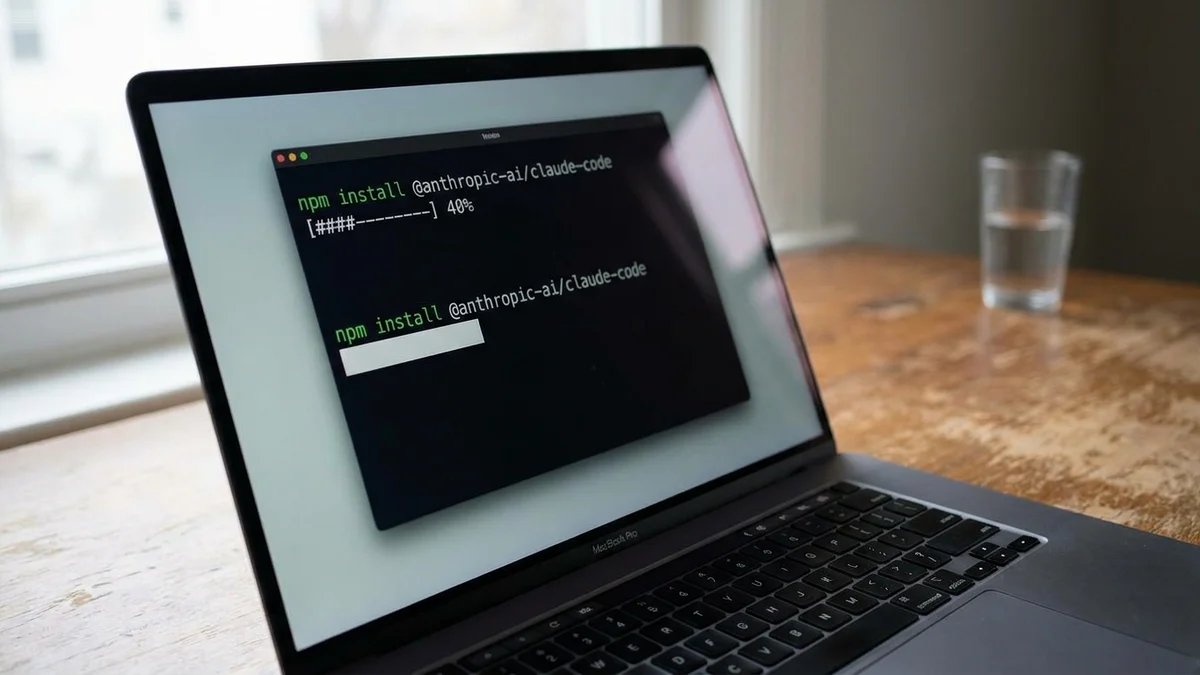
npm install -g @anthropic-ai/claude-code
That puts a claude binary on your PATH. Verify it landed:
claude --version
If you see a version string, you're set. If you get "command not found," your npm global bin directory isn't in your PATH. On macOS with Homebrew Node, that's usually /opt/homebrew/bin. On Linux, it's wherever npm config get prefix points.
(Side note: do NOT install with sudo. If npm complains about permissions, fix the prefix to a user-owned directory. The official docs cover this under troubleshooting.)
Run claude from inside any project directory. The first launch triggers an auth flow:
cd ~/code/your-project
claude
You'll see a browser tab open. Sign in with your Anthropic account. If you have Claude Max, sessions bill against that plan. Otherwise the agent uses pay-as-you-go API credits.

Pricing as of early 2026 for the underlying model is $5 per million input tokens and $25 per million output tokens for Opus 4.6, per the Anthropic pricing page. Sessions cache aggressively, so real costs land lower than naive token math suggests.
Once authenticated, Claude Code drops you into an interactive prompt inside your terminal. The first thing to do is orient it. Try:
> what's in this repo?
The agent will scan the project structure, read key files (package.json, README.md, top-level configs), and summarize what it found. This is also how it builds context for everything you do next, so the first prompt matters more than you'd think.
If your repo is large, run /init to generate a CLAUDE.md file. That file lives in your repo root and tells Claude Code things like which commands run your tests, where the entry point lives, and which directories to avoid. It's the single biggest quality multiplier for agent sessions. Skip it at your own risk.
Pick a file with a function you've been meaning to clean up. Then ask the agent directly:
> Refactor src/utils/parser.ts to use early returns instead of
  nested ifs. Keep the existing test suite passing.
Claude Code will:
That permission step is the safety model. By default, the agent asks before every file write and every shell command. You can loosen this with /permissions once you trust a workflow, but starting strict is wise.
Single-file edits are the warm-up. Where Claude Code really earns its keep is multi-step work that spans files. Try something like:
> Add a /health endpoint that returns 200 with a build timestamp.
  Wire it into the router, write a test, and update the README.
The agent breaks this into subtasks, reports progress between them, and stops if anything fails. You can interrupt with Ctrl+C and redirect at any point.

A subtle thing worth knowing: the agent maintains a task list internally. If a session looks confused, asking it the plan usually reveals why before you waste more tokens.
A short list that pays for itself:
| Command | What it does |
|---|---|
/init | Generate a CLAUDE.md for the current repo |
/clear | Drop the current context window and start fresh |
/compact | Summarize the session so far to save tokens |
/permissions | Adjust what the agent can do without asking |
/cost | Show token spend for the current session |
/review | Review pending changes on the current branch |
/help | List every available command |
Run /help once and skim it. Anthropic adds commands frequently, and the docs lag the CLI by a few weeks sometimes.
Claude Code is git-aware out of the box. You can ask it to:
For PRs, the agent uses gh (the GitHub CLI) under the hood. Install it from cli.github.com if you haven't already.
One pitfall worth flagging: by default the agent will NOT push to a remote without explicit confirmation. Good. Leave that guardrail on.
A few things that bite new users:
Context window discipline. Even with 200K tokens, you can fill the context fast on a big repo. Use /clear aggressively between unrelated tasks. Stale context degrades reasoning quality more than people expect.
Don't paste secrets. The agent reads files. If you have .env with real credentials checked in, fix that first. Claude Code respects .gitignore via the respectGitignore setting, so make sure secrets are excluded there.
Test commands matter. If your CLAUDE.md doesn't tell the agent how to run tests, it'll guess. Sometimes wrong. Spell out npm test or pytest -xvs or whatever your project actually uses.
Long-running commands hang. Background a 20-minute build with & or use a separate terminal. The agent will sit and wait otherwise.
Be specific. "Make this faster" is a worse prompt than "Reduce the time complexity of processBatch from O(n²) to O(n log n) using the existing sort utility." Vague prompts get vague code.
A clean way to verify everything works end-to-end:
git init and add a single hello.js with one buggy functionclaude in that directoryIf all five steps complete without errors, your install is healthy. If you hit token errors or repeated permission denials, check your auth status with /login.
The CLI agent space got crowded fast. Three alternatives worth knowing:
On raw coding ability, the SWE-bench Verified numbers favor Claude. Opus 4.6 with scaffolding hits 75.6% versus o3's 58.4% on the same benchmark. Whether that gap shows up in your daily work depends a lot on the kind of code you write. For greenfield React components, the gap shrinks. For multi-file refactors in a 100K-LOC codebase, the gap is real.
The CLI agents that win aren't the smartest in isolation. They're the ones that ask the fewest dumb clarifying questions because you gave them a good CLAUDE.md.
Once the basics feel natural, three directions are worth exploring:
.claude/commands/ to define your own. A /ship command that runs lint, tests, and opens a PR is a common one.settings.json to run scripts before or after tool calls. Useful for auto-formatting, security scanning, or pinging Slack on completion.The agent is most useful when it knows your project deeply. Spend an afternoon writing a thorough CLAUDE.md and you'll get back hours every week. Skip it and you'll wonder why the agent keeps asking the same questions.
Sources
Claude Code itself is free; you pay for the underlying API usage or a Claude Max subscription. Heavy daily use on Opus 4.6 typically lands between $30 and $150 per month for individual developers based on community reports, with prompt caching cutting costs roughly 40-60%. Max subscriptions ($100 and $200 tiers) include generous Claude Code allowances and are usually cheaper for power users; the $17/mo Pro plan also includes a smaller Claude Code allowance.
Yes, Claude Code runs natively on Windows through PowerShell or Windows Terminal as of the 2026 releases, but WSL is still recommended if your project uses POSIX-only tooling like bash scripts or sh-based test runners. Native Windows mode handles git, Node, and most JavaScript workflows fine. For Python or Go projects with shell-heavy build steps, install WSL2 and run Claude Code inside it.
You can set a default model with `claude --model claude-sonnet-4-6` to drop costs, and you can add project-level instructions through `CLAUDE.md` files at any directory depth. Anthropic does not expose direct system-prompt overrides for safety reasons, but `CLAUDE.md` covers nearly every customization need. Hooks in `.claude/settings.json` let you inject context dynamically before each turn.
By default, every file write, shell command, and git operation requires explicit approval, so destructive changes are hard to trigger accidentally. If something slips through, Claude Code never force-pushes or runs `git reset --hard` without confirmation. Your safety net is git itself: commit before risky sessions, and use `git reflog` to recover orphaned commits if needed.
It depends on your workflow. Cursor wins for inline edits and tight feedback loops because the diff UI is visual. Claude Code wins for multi-step refactors, codebase-wide changes, and headless automation in CI pipelines. Many developers use both: Cursor for line-level work, Claude Code for tasks that span five-plus files.