Tutorials
GPT-Live-1 API Tutorial: Build a Voice Agent in 20 Min
A practical walkthrough for wiring GPT-Live-1 into your app: WebSocket setup, custom voices, telephony hooks, and the pitfalls nobody warns you about.
September 15, 2026
A practical walkthrough for wiring GPT-Live-1 into your app: WebSocket setup, custom voices, telephony hooks, and the pitfalls nobody warns you about.
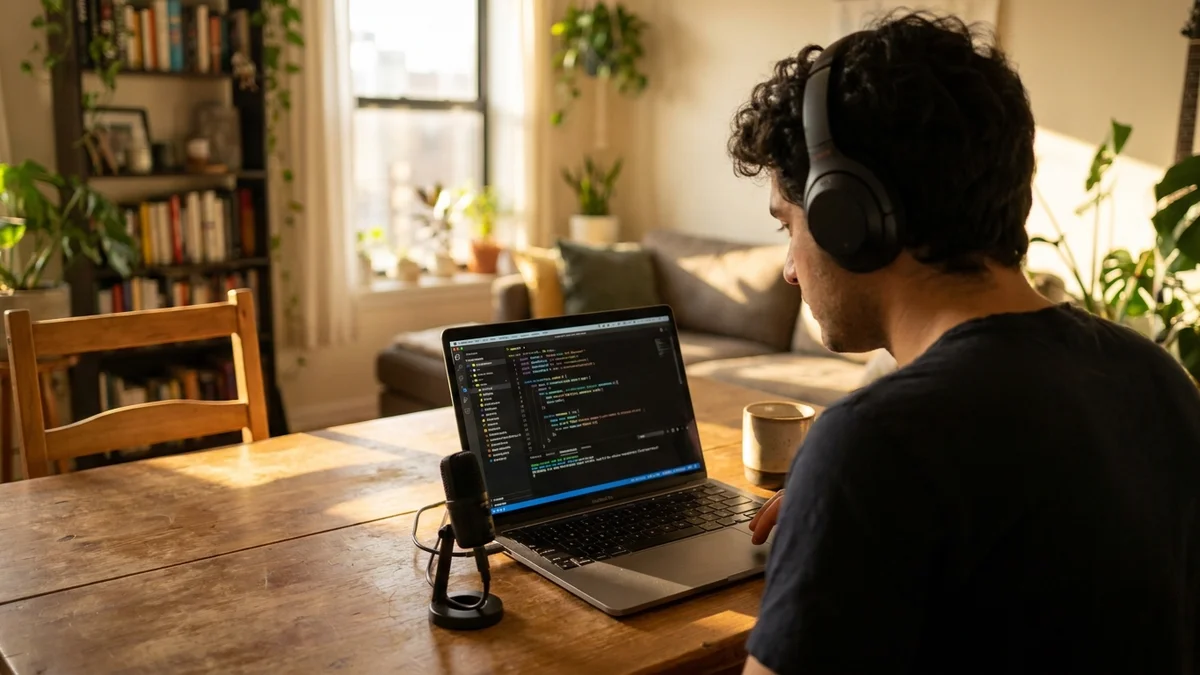
OpenAI just dropped GPT-Live 1 in the API, and if you've ever tried duct-taping Whisper + a chat model + a TTS engine into something that sounds vaguely human, you already know why this matters. The old stack had latency you could measure with a sundial. This new one talks back before you finish your sentence.
This GPT-Live-1 API tutorial walks through building a working voice agent end to end. No fluff. Just the code, the gotchas, and the reasoning behind the choices. By the end you'll have a Node.js prototype that answers calls, handles interruptions, and speaks in a voice you picked.
A browser-to-server voice agent that:
And yes, it uses a backend Responses call for reasoning, which is how GPT-Live-1 is actually designed to work — the voice model handles speech, a backend model handles thinking and tools.
Before you write a single line, get these squared away:
One budget note. GPT-Live-1 voice sessions cost $0.05 per minute, billed per second, and backend model and tool usage bill separately at the configured model's normal rate. Not scary for prototypes, but do the math before you ship a consumer app. See the OpenAI pricing page for current rates.
Spin up a fresh folder and install the SDK.
mkdir voice-agent && cd voice-agent
npm init -y
npm install openai ws dotenv
Create a .env file with your key:
OPENAI_API_KEY=sk-...
And a server.js skeleton:
import 'dotenv/config';
import OpenAI from 'openai';
import { WebSocketServer } from 'ws';
const client = new OpenAI();
const wss = new WebSocketServer({ port: 8080 });
wss.on('connection', (browser) => {
console.log('Browser connected');
handleSession(browser);
});
So far, nothing dramatic. This is the plumbing for the actual session.
GPT-Live-1 uses a persistent WebSocket via the client.live API. You send audio chunks, you receive audio chunks, and the model manages turn-taking on its own. That last part is the big deal, because in the old Whisper-plus-chat-plus-TTS pipeline you had to invent your own voice activity detection and it always felt slightly broken.
async function handleSession(browserSocket) {
  const connection = await client.live.connect();

  await connection.session.start({
    session: {
      model: 'gpt-live-1',
      instructions: 'You are a concise, friendly support agent for a coffee shop. Never speak for more than two sentences at a time.',
      audio: {
        format: { type: 'audio/pcm', rate: 24000 },
        output: { voice: 'marin' }
      }
    }
  });

  connection.on('session.output_audio.delta', (event) => {
    browserSocket.send(JSON.stringify({
      type: 'audio',
      data: event.delta
    }));
  });

  browserSocket.on('message', async (raw) => {
    const msg = JSON.parse(raw.toString());
    if (msg.type === 'audio') {
      await connection.session.input_audio.append({ audio: msg.data });
    }
  });
}
A few things worth flagging. Server-side voice activity detection is on by default for speech-to-speech sessions, which is fine for most cases. If your users mumble or your environment is noisy, tune the VAD settings via session.update. And the instructions field is way stickier than in the old Realtime API — GPT-Live-1 actually holds its persona through long sessions.
GPT-Live-1's audio output supports the same voice roster as the Realtime API. Current voice options are alloy, ash, ballad, coral, echo, sage, shimmer, verse, marin, and cedar. For best quality, OpenAI recommends marin or cedar.
// Pass any supported voice into the session config:
audio: {
format: { type: 'audio/pcm', rate: 24000 },
output: { voice: 'cedar' }
}
// Once the model has emitted audio in a session, voice cannot be changed
// for the rest of that session.
A note on custom voices. OpenAI has not opened general-purpose voice cloning in the GPT-Live-1 API at launch, so if you need a brand-specific voice you're currently choosing from the built-in set. Watch the voice options docs for updates.
Interruption handling is where naive voice apps fall apart. The user starts asking a follow-up, the agent keeps monologuing, everyone hates it. GPT-Live-1 fires input transcript events as new audio comes in, so you can cut playback the moment the user starts talking.
connection.on('session.input_transcript.delta', () => {
  // Any new user speech should stop current output on the client.
  browserSocket.send(JSON.stringify({ type: 'flush' }));
});
On the browser side, flush should stop the audio playback queue immediately. If you don't drain the buffer, the model may go silent server-side but the user still hears stale audio, which is worse than not handling barge-in at all.
A voice agent that can't do anything is a party trick. This is where GPT-Live-1's architecture matters — it delegates reasoning and tool use to a backend model or agent that you configure separately. The voice model handles speech; the backend model handles thinking, tools, and knowledge.
That means when the user asks something like "what are your Tuesday hours", GPT-Live-1 hands the request to your configured backend model, that backend calls your tools, and the result flows back into the voice stream. You choose the backend model independently of the voice model. If you want ideas for what the backend model can do, our GPT tips and tricks piece has a bunch of patterns worth stealing.
The upshot: wire your function-calling logic into the backend agent config, not the live voice session. Consult the OpenAI voice agents guide for the current backend configuration surface, since this is where the API is evolving fastest.
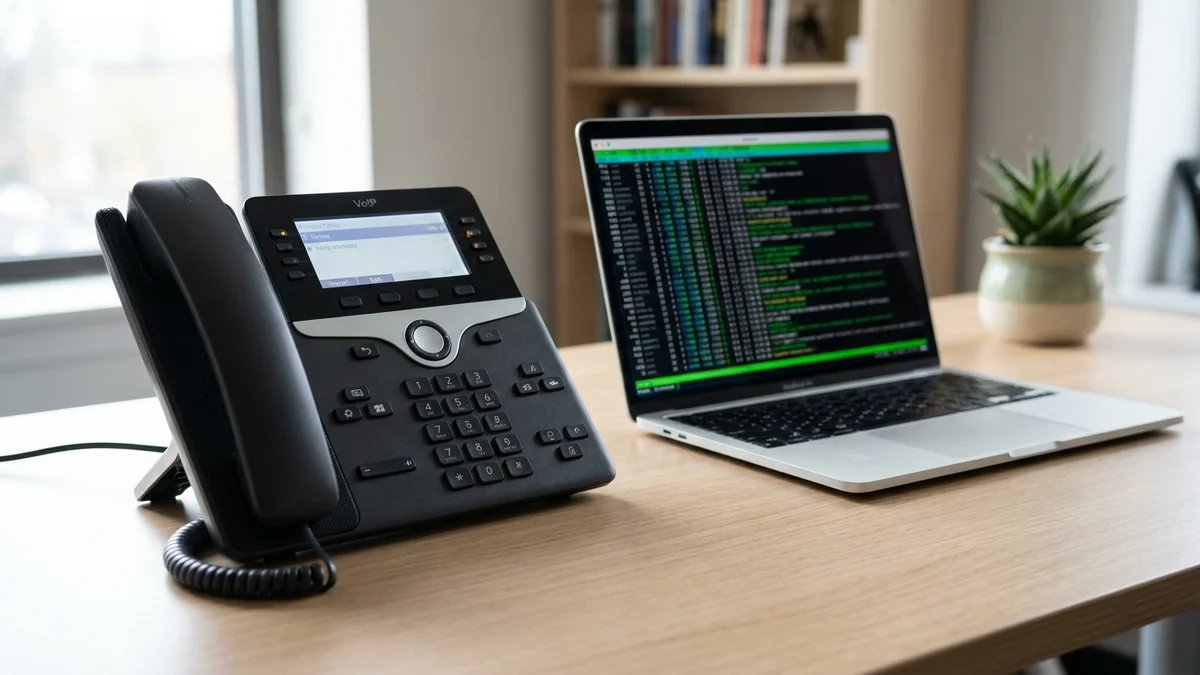
One of the more genuinely useful additions is direct telephony support. You can bridge a Twilio Media Stream straight into a GPT-Live-1 session by asking for a G.711 audio format on both sides.
Twilio streams μ-law at 8 kHz. GPT-Live-1 accepts audio/pcmu at 8 kHz (G.711 μ-law) as a format, which saves you a resampling step:
await connection.session.start({
  session: {
    model: 'gpt-live-1',
    audio: {
      format: { type: 'audio/pcmu', rate: 8000 },
      output: { voice: 'cedar' }
    }
  }
});
Point your Twilio webhook at a WebSocket endpoint on your server, forward the audio frames both directions, and you have a phone number an AI can answer. This used to be a weekend project involving three different vendors. Now it's a hundred lines.
Some things bite everyone the first time.
Sample rate mismatches. Browsers usually record at 48 kHz. GPT-Live-1's audio/pcm format wants 24 kHz. If you skip the downsample, the model hears chipmunks and responds with garbage. Use the Web Audio API's AudioContext({ sampleRate: 24000 }) and you're fine.
Not closing sessions. Every open Live session bills continuously by the second, even if nobody is talking. Add a timeout that closes idle sessions after 60 seconds. Ask me how I know.
Over-instructing the model. Long system prompts hurt latency noticeably. Keep the voice persona tight and push knowledge to the backend model instead of stuffing it into instructions.
Ignoring transcript events. GPT-Live-1 emits session.output_transcript.delta events with the text of what it's saying, and session.input_transcript.delta for the user. Log both. When something goes wrong at 3am, you'll want the transcript, not just the audio.
Two checks before you show anyone.
First, latency. Time from end-of-user-speech to first-audio-byte-back should sit under a second on a decent connection. If yours is noticeably higher, check your server region (route through OpenAI's closest edge), your VAD settings, and whether you're doing any synchronous work between events.
Second, interruption. Talk over the model mid-response and confirm playback stops promptly. If it drags on, your flush handler on the client isn't draining the audio buffer aggressively enough.
And honestly, the last test is just calling your own agent and listening. Robotic pauses, weird prosody, cutting off too early. Your ears will catch things metrics never will.
Once the basic loop works, the interesting problems start. Consider adding:
voice on a new session (voice can't change mid-session once audio has been emitted)GPT-Live-1 is genuinely one of the first voice APIs where the demo and the reality are close to the same thing. Not gonna lie, that's rare. If you've been putting off building voice features because the last generation was too clunky, this is the moment to actually ship something.
GPT-Live-1 voice sessions cost $0.05 per minute, billed per second. Backend model and tool usage bill separately at the configured model's normal price. Check the OpenAI pricing page for the current rate, since audio costs can change with new model releases.
No. GPT-Live-1 is only available through OpenAI's hosted API and requires a persistent WebSocket to their servers. If you need on-device or self-hosted voice, look at open models like Kyutai's Moshi or NVIDIA's Riva stack instead. Latency for the hosted API is low enough that most apps won't need a local alternative.
The session ends and any conversation state is lost. To handle this, store transcripts as they arrive via the `session.output_transcript.delta` and `session.input_transcript.delta` events, then on reconnect create a new session and inject a summary of the prior turns into the instructions field. There is no built-in session resume, so resilience is on you.
According to OpenAI's documentation, GPT-Live-1 supports multilingual voice conversations. For coverage of specific languages and quality by language, consult the current OpenAI model docs, since language support and voice quality are still evolving with each release.
GPT-Live-1 is a separate voice product from the Realtime API. It is full-duplex (listen and speak at the same time) and delegates reasoning and tool use to a backend model or agent that you configure independently. The Realtime API's current GA model, gpt-realtime-2.1, keeps speech, reasoning, and tool selection inside one model. The APIs use different SDK entry points too: `client.live.connect()` for GPT-Live-1 versus `client.realtime.connect()` for the Realtime API.