Best Of
9 Best AI Image Generators in 2026, Ranked
We ranked the 9 best AI image generators of 2026, from Midjourney's unmatched quality to free open-source tools like Stable Diffusion and Flux that are closing the gap fast.
April 9, 2026
We ranked the 9 best AI image generators of 2026, from Midjourney's unmatched quality to free open-source tools like Stable Diffusion and Flux that are closing the gap fast.
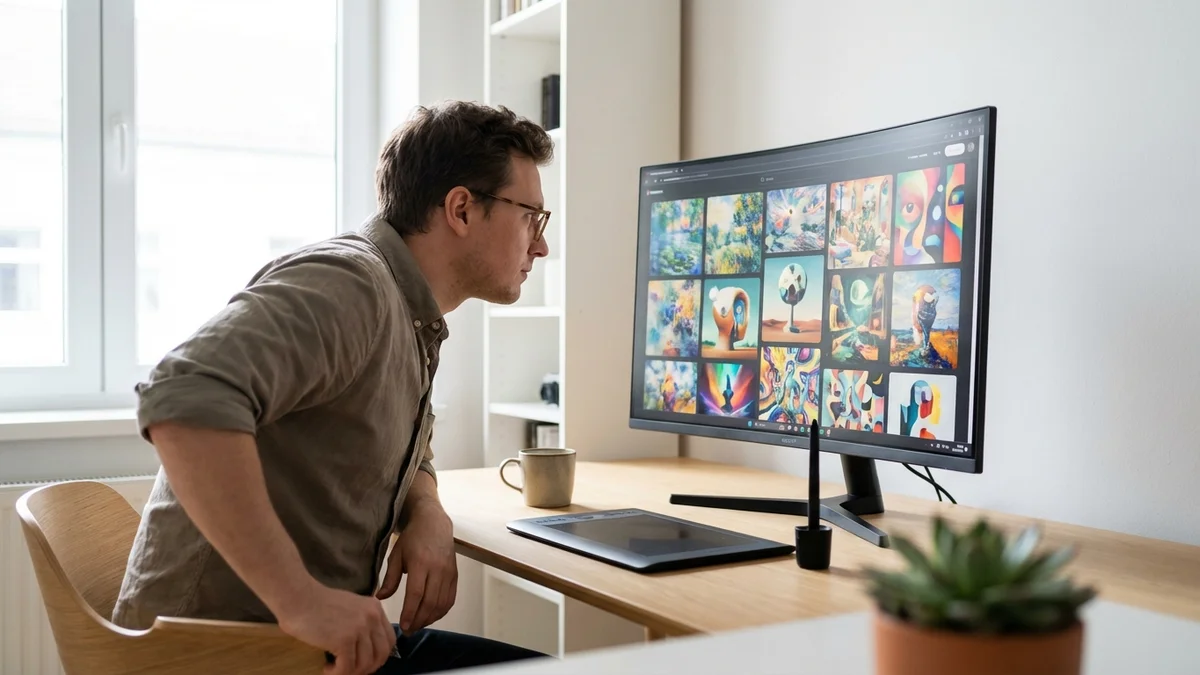
Midjourney is still the best AI image generator in 2026. But here's what's changed: the free options have gotten so good that paying for image generation is now a choice, not a necessity.
After testing every major AI image tool — from Midjourney's latest model to open-source options you can run on your own hardware — we ranked the 9 best AI image generators available right now. This list covers both free and paid options, so you can find the right fit whether you've got a budget or not. (If you're specifically looking for free tools beyond image generation, check out our list of 15 free AI tools actually worth using in 2026.)
| Tool | Best For | Price |
|---|---|---|
| Midjourney | Overall image quality | Subscription required |
| Recraft | Professional design work | Free tier available |
| Stable Diffusion | Full creative control | Free and open source |
The best AI image generator in 2026 is Midjourney. It doesn't just generate images — it makes art.
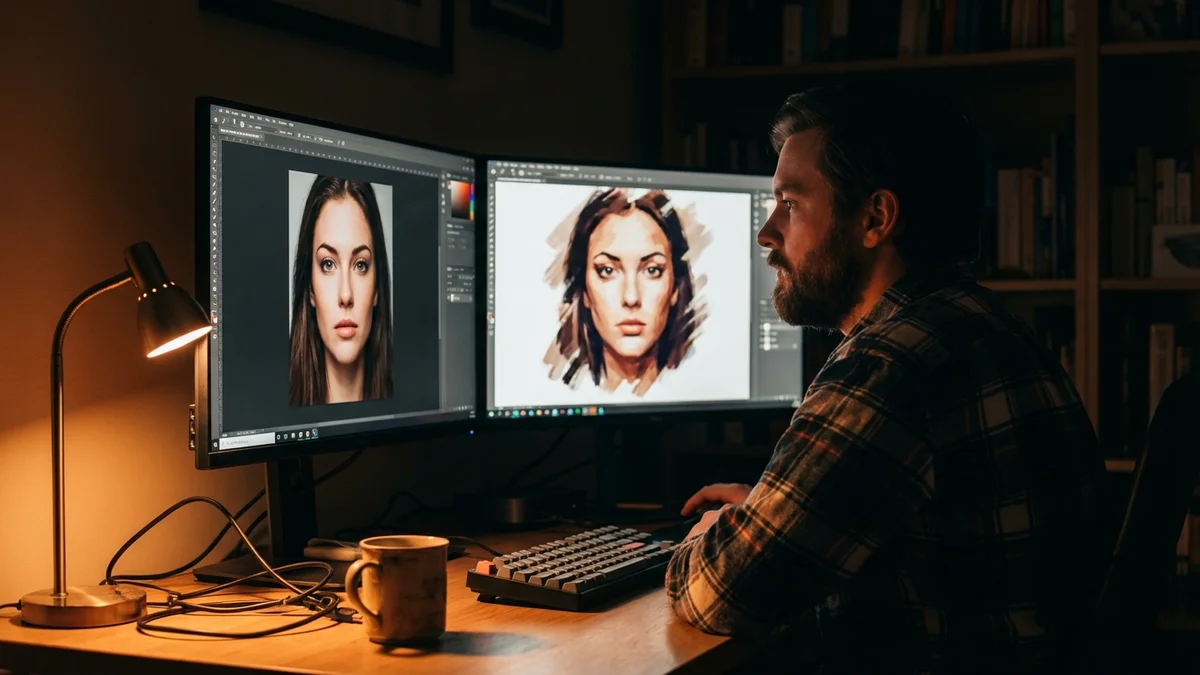
As of April 9, 2026, Midjourney remains the gold standard for AI image generation, and it's not particularly close. The quality gap between Midjourney and everything else shrinks with each passing month, but it's still there — especially for photorealistic portraits, complex lighting scenarios, and images that just feel right without extensive prompting.
What makes Midjourney special isn't any single feature. It's the consistency. Other tools can occasionally match its output quality on a lucky generation, but Midjourney delivers at that level most of the time. That reliability is worth paying for if you're producing images professionally.
Key features:
Pricing: Subscription only — no free tier. Check Midjourney's official site for current plan pricing.
Best for: Photographers, artists, content creators, and anyone who wants the best output quality and doesn't mind paying for it.
If you're only going to pay for one AI image generator, make it Midjourney. Nothing else consistently produces images this good.
Recraft is the tool that actually understands what designers need. While most AI art generators spit out pretty pictures and call it a day, Recraft gives you vector output, brand color control, and style consistency across batches — things that matter when you're building real design systems.
It's like the difference between getting a beautiful painting and getting a production-ready asset. Most designers need the latter. And Recraft delivers exactly that.
Key features:
Pricing: Free tier available with paid plans for higher volume and priority generation.
Best for: Graphic designers, brand teams, and marketing departments who need production-ready assets, not just eye candy.
Stable Diffusion is the Linux of AI image generation. It's free, endlessly customizable, and runs entirely on your own hardware. That means no content filters you can't adjust, no usage caps, and no monthly subscription draining your wallet.
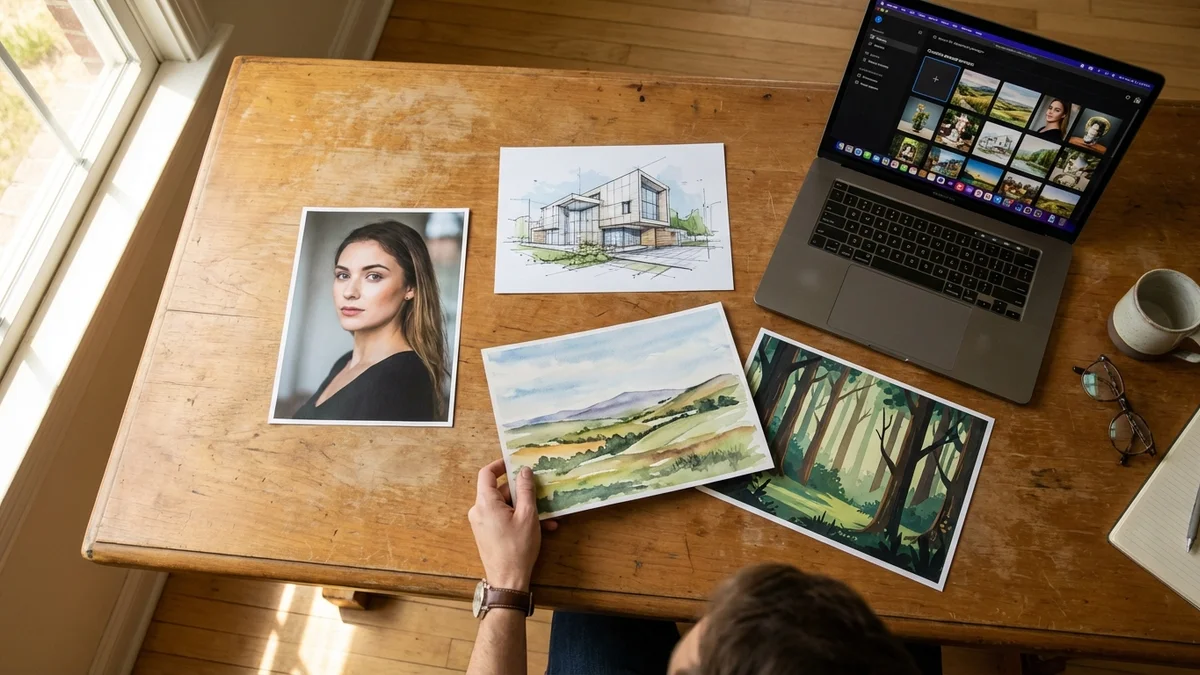
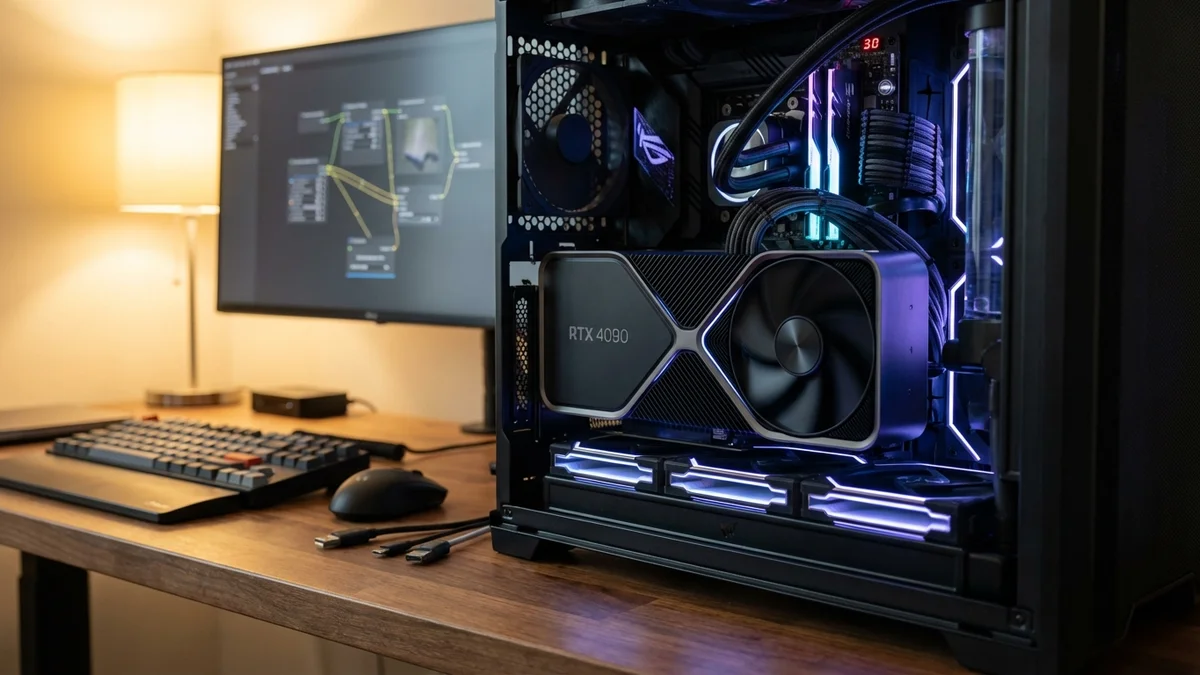
The trade-off? Setup isn't trivial. You'll need a decent GPU, some comfort with the command line, and patience for the initial configuration. But once it's running, you've got an image generation powerhouse that rivals paid alternatives — and a community of thousands building custom models, LoRAs, and extensions on top of it.
The ecosystem around Stable Diffusion is genuinely massive. ComfyUI and Automatic1111 provide polished graphical interfaces, Civitai hosts thousands of community-trained models, and new fine-tunes drop daily. So if you're willing to invest the setup time, the return is enormous.
Key features:
Pricing: Completely free. You just need the hardware.
Best for: Technical users who want maximum control, privacy-conscious creators, and anyone tired of subscription fees. If you're also interested in running LLMs locally, see our guide to open source LLMs for local AI in 2026.
Open source won the AI image generation race in terms of flexibility. Stable Diffusion gives you total control — no content filters, no usage limits, no monthly fees.
Look, about most AI image generators: they're terrible at text. Ask one to put "Happy Birthday" on a cake and you'll get something like "Hapy Brithday" (and that's on a good day). Ideogram actually solved this problem.
As of April 9, 2026, Ideogram remains the best option for generating images that include readable, accurate text. It's almost suspiciously good at it. Need a poster, a book cover, or a social media graphic with words baked in? This is your tool.
But Ideogram isn't a one-trick pony. Its general image quality has improved dramatically, putting it in genuine competition with more established tools for non-text images too. The text rendering is just the killer feature that makes it stand out.
Key features:
Pricing: Free tier available; paid plans unlock higher resolution and priority access.
Best for: Social media marketers, content creators who need text-heavy graphics, and anyone who's been burned by misspelled AI text before.
Flux, built by Black Forest Labs (the team behind the original Stable Diffusion architecture), represents the next generation of open-weights image models. It generates high-quality images fast, and the open weights mean you can run it locally or through various cloud providers without vendor lock-in.
What sets Flux apart from Stable Diffusion is raw quality out of the box. You don't need to hunt for community fine-tunes or spend hours tweaking samplers. The base model produces results that are noticeably closer to Midjourney than Stable Diffusion's base models ever were. And the inference speed is impressive — you're looking at seconds, not minutes, on modern hardware.
Key features:
Pricing: Free — open weights available for download. Also available through various hosting providers for cloud inference.
Best for: Developers building image generation into apps, and users who want open-source quality closer to Midjourney than traditional Stable Diffusion.
If you want good AI-generated images without spending a dime, Leonardo.ai offers one of the most generous free tiers in the space. You get daily token refreshes, access to multiple fine-tuned models, and — this is the kicker — the ability to train your own models on custom image sets. All without entering a credit card.
The platform strikes a nice balance between power and accessibility. It's not as technical as Stable Diffusion, but it gives you far more control than ChatGPT or Canva. Think of it as the middle ground: enough knobs to tweak without requiring a PhD in diffusion models.
Key features:
Pricing: Free tier with daily token limits; paid plans for higher volume and priority processing.
Best for: Hobbyists, students, and anyone who wants serious image generation capabilities without financial commitment.
ChatGPT's built-in image generation isn't the best on this list in raw quality. But it might be the most convenient.
If you already use ChatGPT (and statistically, you probably do), image generation is built right in — now powered by OpenAI's latest models (the gpt-image-1 family), which replaced the older DALL-E 3. Describe what you want in plain English, have a back-and-forth conversation about adjustments, and iterate naturally without switching tools. So if you're a ChatGPT subscriber already, you're getting image generation as a bonus feature — and the conversational workflow is genuinely great.
The raw image quality sits below Midjourney and Recraft, but ChatGPT's prompt understanding is excellent. It follows complex instructions well and handles compositional requests ("a red ball on top of a blue box next to a green tree") better than most competitors.
Key features:
Pricing: Available to ChatGPT subscribers; free tier has limited generations. Check OpenAI's site for current pricing.
Best for: ChatGPT power users who want image generation without leaving their existing workflow, and developers building on OpenAI's API.
Adobe Firefly isn't going to win any quality benchmarks against Midjourney. But it has something no other tool on this list can match: IP indemnity.
As of April 9, 2026, Adobe Firefly is trained exclusively on licensed content — Adobe Stock, openly licensed images, and public domain material. That means you can use Firefly outputs in commercial projects with genuine legal protection. For enterprise users and agencies who can't afford a copyright lawsuit, that peace of mind is worth the trade-off in raw quality.
The deep integration with Photoshop, Illustrator, and the broader Creative Cloud ecosystem is the other major selling point. Generative fill, generative expand, and text-to-image are all built into tools designers already use daily.
Key features:
Pricing: Free tier available; included with Creative Cloud subscriptions.
Best for: Enterprise teams, agencies, and anyone who needs bulletproof commercial licensing for AI-generated content.
Not everyone needs a dedicated AI art generator. Sometimes you just need a decent image for a blog post, a social media graphic, or a presentation slide — and you need it in five minutes, not fifty.
Canva AI (through its Magic Studio tools) is exactly that. The image generation quality won't blow you away compared to the tools higher on this list, but the integration with Canva's entire design ecosystem makes it ridiculously easy to go from generated image to finished design. And honestly, for most casual users, that's more than enough.
Key features:
Pricing: Free tier available; Canva Pro unlocks additional AI features and higher limits.
Best for: Small business owners, social media managers, and anyone who needs quick visuals without a learning curve.
Not all text to image AI tools are built for the same purpose, so we weighted our evaluation criteria based on what actually matters across different use cases:
Image quality was the heaviest factor. We looked at photorealism, artistic coherence, detail preservation, and how well each tool handles complex scenes with multiple subjects. Midjourney dominates here, but Flux and Recraft have closed much of the gap.
Ease of use matters more than the AI community likes to admit. A tool that requires ComfyUI node graphs and model merging isn't competing with one that takes a text prompt and returns a great image in seconds. We gave credit to tools that lower the barrier.
Pricing and value got weighted heavily because this article explicitly covers free options. A free tool that produces 80% of Midjourney's quality is often the smarter choice for casual users.
Text rendering accuracy is still a real differentiator in 2026. We tested each tool with standard text prompts — signs, logos, handwritten notes — and scored accuracy. Ideogram leads by a mile.
Customization and control rewards tools that let you fine-tune outputs through style controls, LoRAs, inpainting, or parameter adjustments. Stable Diffusion and Flux score highest here.
Commercial licensing is increasingly important as AI-generated content enters mainstream marketing and publishing. We noted each tool's licensing terms and flagged any IP protections offered.
The gap between free and paid AI image generators has never been smaller. Tools like Flux and Ideogram prove you don't need a subscription to create stunning visuals.
Sources
It depends entirely on the tool. Adobe Firefly offers the strongest commercial protections — it's trained on licensed content and provides IP indemnity to enterprise subscribers. Midjourney's paid plans grant commercial usage rights, but there's no indemnity clause. Stable Diffusion and Flux, being open source, impose no licensing restrictions, but the legal status of their training data remains unsettled. For maximum safety in commercial work, either use Firefly or consult a lawyer familiar with AI copyright law in your jurisdiction.
For Stable Diffusion, 8 GB of VRAM is the practical minimum for generating images at 512x512 resolution. For higher resolutions and SDXL models, you'll want 12 GB or more. Flux's smaller model variants can run on 8 GB VRAM cards, but the full-size models benefit from 16-24 GB. An NVIDIA RTX 3060 12GB or RTX 4060 Ti 16GB are popular budget choices. AMD GPUs work but require extra setup and generally have slower inference speeds.
For product photography specifically, Midjourney produces the most photorealistic results with accurate lighting and reflections. Adobe Firefly is a strong second choice if you need commercial licensing protection and already use Photoshop for post-processing. For e-commerce teams on a budget, Leonardo.ai's product-focused models can produce surprisingly good results on the free tier. Just be aware that AI-generated product images may need manual touch-ups for accuracy — these tools approximate your product, they don't photograph it.
Yes, but your options vary by tool. Stable Diffusion offers the most flexibility — you can train custom LoRAs or full fine-tunes on as few as 15-20 reference images using tools like Kohya_ss. Leonardo.ai lets you train custom models directly in their web interface, even on the free tier. Flux supports LoRA training through community tools. Midjourney, ChatGPT (OpenAI's image generation), and Adobe Firefly do not currently support user fine-tuning. If brand consistency is critical, Stable Diffusion with a custom LoRA is the gold standard.
Most cloud-based generators — Midjourney, Ideogram, Leonardo.ai, ChatGPT, and Canva AI — work fine on mobile through their web interfaces or dedicated apps. ChatGPT has iOS and Android apps with full image generation support, and most other cloud-based generators work well through mobile browsers. Stable Diffusion and Flux require local GPU hardware, so they don't run natively on phones (though you can access them remotely via tools like RunPod or a home server setup). For purely mobile workflows, Canva AI and ChatGPT offer the smoothest experience.