5 Google Search Hacks That Crush Thrift & Vintage Hunting | AI Bytes
0% read
5 Google Search Hacks That Crush Thrift & Vintage Hunting
Best Of
5 Google Search Hacks That Crush Thrift & Vintage Hunting
Google quietly rolled out AI features that turn random thrift hauls into curated vintage scores. Five ways to use Search, Lens, and Shopping to find the good stuff faster.
June 5, 2026
8 min read
249 views
Thrifting used to be a numbers game. You'd drive to six Goodwills, dig through 400 sweaters, and maybe walk out with one decent flannel. But Google's been quietly stuffing its Search and Shopping products with AI features that flip the math, and most thrifters have no idea they exist.
The official rundown landed on the Google blog in June 2026, and honestly, some of these tools are pretty solid. Others feel half-baked. So we ranked them by how much they actually move the needle when you're hunting for secondhand gold.
If you're trying to get better at Google Search thrift shopping, this is the list.
Quick picks: the top 3 at a glance
Rank
Feature
One-liner
1
Google Lens visual search
Snap a photo, identify the piece, surface secondhand listings instantly
2
AI Overviews for vintage queries
Ask broad style questions, get synthesized answers with shoppable links
3
Google Shopping "used" filter
Filter aggregated listings across eBay, Depop, Mercari in one view
The other two (Circle to Search and Shopping Graph alerts) are useful but more situational. We'll get to them.
How we ranked these features
We didn't run a controlled study, and we're not pretending we did. The ranking is based on three things: how often the feature actually solves a real thrifter's problem, how mature the AI behind it feels right now, and how accessible it's across devices. Features that only work on Pixel got dinged. Features that require a Google One subscription got dinged harder.
We also leaned on Google's own documentation and reporting from outlets like The Verge on how these tools have evolved through 2026. Where Google's marketing claims something we can't verify, we said so.
Now the actual list.
1. Google Lens: the cheat code for identifying vintage pieces
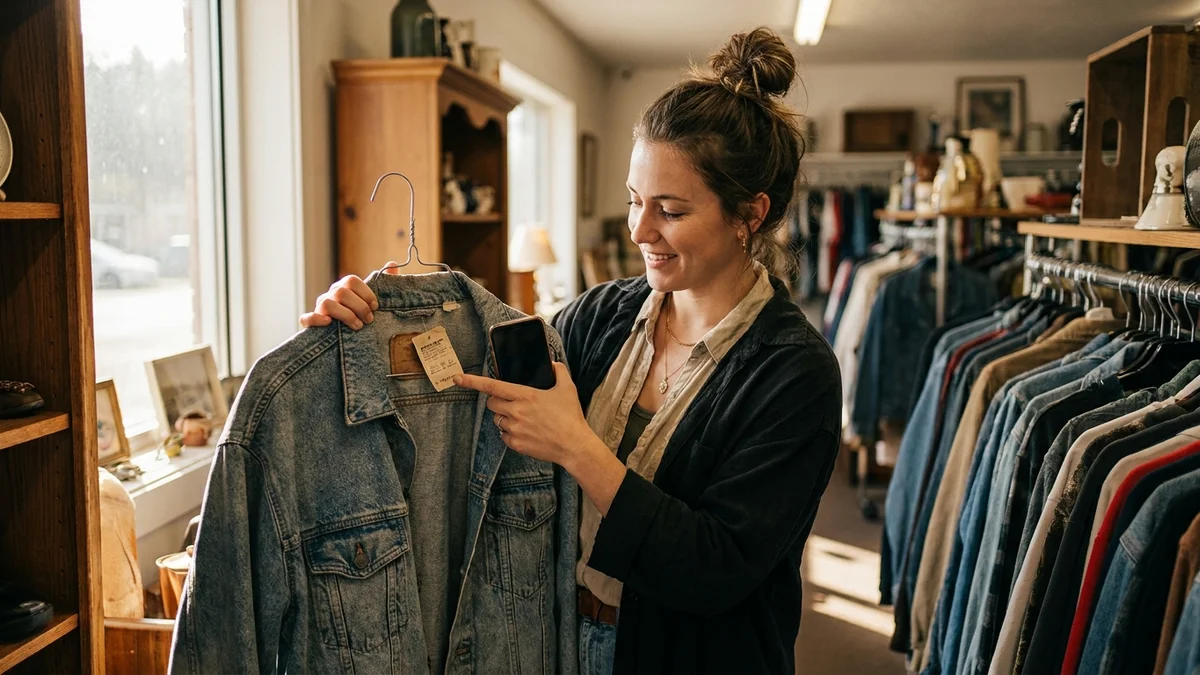
Google Lens is the single most useful AI tool for thrifting right now. Full stop.
You point your phone at a weird ceramic lamp, a band tee with a faded tag, or a chair with a confusing silhouette, and Lens tries to identify the brand, era, and (crucially) what comparable pieces are going for online. According to Google's official Lens documentation, the model now pulls from a much wider Shopping Graph index than it did a year ago, which means even niche midcentury furniture lines and obscure 90s streetwear brands tend to surface.
Where it shines
Identifying clothing tags you've never seen before
Spotting fakes vs authentic vintage (the resale comp prices give it away fast)
Pricing furniture, glassware, and decor in real time
Reading half-faded care labels with the text recognition layer
You pull it up from the Google app, the Chrome search bar on mobile, or the camera button next to the search bar on desktop. On Pixel phones it's baked into the camera shutter.
Where it falls flat
Lens still struggles with handmade or one-off pieces. If a sweater doesn't have a recognizable brand tag, you'll often get generic "knit cardigan" results that don't help much. And the price comparisons skew toward eBay sold listings, which can lag actual current values by months. Not gonna lie, it's also weirdly bad at identifying ceramics from smaller studios.
Best for: Mid-tier vintage clothing, brand-name furniture, branded glassware, and anything with a tag you can photograph.
2. AI Overviews: the underrated style research tool
AI Overviews (Google's generative search summaries) are the feature people love to hate. But for vintage shopping research, they're actually kind of great.
Ask something like "what 1970s coat styles are trending in 2026" and you'll get a synthesized answer covering shearling-lined trenches, suede ranch coats, and short Penny Lane styles, with shoppable links injected throughout. The AI pulls from style blogs, recent trend pieces, and Shopping Graph data, then stitches it into a single response.
Why this beats just Googling it
Before AI Overviews, vintage research meant opening 12 tabs of style blogs and Pinterest boards. Now you get a baseline summary, and you can drill into the cited sources if you want depth. So for someone who's just starting to explore a decade or aesthetic, this is genuinely faster.
It also handles really specific queries well. Try "how to tell if a Pendleton wool shirt is from the 60s" and the Overview will walk you through tag styles, the script logo era, RN numbers, and what the construction details should look like.
The catch
AI Overviews still hallucinate occasionally, especially on hyper-niche brands. Cross-check anything load-bearing before you drop $200 on a piece. And they don't show up on every query. Google routes lots of shopping-adjacent searches to the standard SERP instead.
Best for: Decade research, style identification, brand history, and figuring out what to even look for.
3. Google Shopping "used" and "refurbished" filters
Google Shopping has been aggregating secondhand listings from eBay, Mercari, Depop, and ThredUp for a while, but the filtering has gotten noticeably sharper in 2026.
You search for, say, "vintage Carhartt detroit jacket," hit the Shopping tab, and apply the "used" condition filter. You'll see listings pooled from dozens of resale platforms in a single view, with price comparisons across them. So instead of opening five apps, you scan one page.
The killer feature: cross-platform price comparison
This is where Shopping earns its spot. The same listing or comparable item often shows up on multiple platforms at wildly different prices. eBay sellers tend to price higher; Depop skews trendier and pricier on streetwear; Mercari is usually cheapest if you're patient. Seeing all three side by side saves real money.
What's missing
Google Shopping doesn't index Facebook Marketplace, Craigslist, or local thrift store inventories. So this is purely an online resale tool. And the aggregation can lag, with sold listings sometimes showing as available for a day or two.
Best for: Brand-specific vintage searches where you want to compare prices across resale platforms fast.
4. Circle to Search: for when you spot something in the wild
Circle to Search is the feature that lives between Lens and standard search. You're scrolling through a vintage style account on Instagram or watching a thrifting haul on TikTok, you long-press the home button, circle a piece in the image, and Google searches it.
It's available on most recent Android phones (rollout varies by device) and on iPhones through the Google app's similar feature. For thrifters, it's the answer to "what's that jacket and where can I find one."
The actual use case
Most vintage Instagram accounts and TikTok creators don't tag the brands of their finds. (Sometimes deliberately, because they're trying to resell.) Circle to Search lets you identify a piece visually and start hunting for comparable listings without leaving the app you're in.
Why it's only number four
It's narrowly useful. If you don't spend time on visual platforms looking at vintage, you'll rarely reach for it. And the visual matching is still inconsistent on heavily stylized photography, which is exactly what vintage content tends to use. Coverage on iOS is also patchier than Android.
Best for: Identifying pieces from social media content without having to ask the creator.
5. Shopping Graph alerts and price tracking
Google's Shopping Graph can now track specific products and alert you when prices drop or new listings appear. For vintage hunting, you set a watch on something like "Levi's 501 big E redline" with a price ceiling, and Google pings you when matching listings hit the threshold.
This sounds amazing in theory. In practice, it's the weakest of the five features for one reason: vintage pieces are almost never identical. So a generic price alert often misses the listings that matter and pings you on ones that don't.
Where it does work
It's solid for specific reissues or branded vintage with clear identifiers (think Apple Macintosh boxes, specific Polo Ralph Lauren Snow Beach pieces, certain Air Jordan colorways). For one-of-one pieces, you're better off saving searches manually on the individual resale platforms.
Best for: Tracking specific, identifiable vintage products with consistent naming conventions.
What about Gemini for thrifting?
Fair question. Gemini (Google's AI assistant, which recently shipped its Flash Live upgrade) overlaps with several of these features, especially through the multimodal image input. You can upload a photo of a thrift find and ask Gemini to identify it, estimate value, and suggest what to search for.
But Gemini isn't integrated into the in-the-aisle workflow the same way Lens is. You have to leave the Google app, open Gemini, upload the image, type the question. For real-time thrifting, that friction matters. Lens is built for the moment you're standing in front of the rack. Gemini is better for post-thrift research at home.
The honest verdict
If you only use one of these features, make it Google Lens. The other four are bonuses. The reason Google is pushing this whole thrifting angle (per the official blog post) is that secondhand shopping has become a massive search category, especially among Gen Z buyers, and they want to own that intent before Pinterest or TikTok Shop locks it down — or before ChatGPT's growing shopping integrations chip away at it.
For thrifters, that competition is good news. The tools are getting better fast, and they're mostly free.
Google Search thrift shopping isn't a replacement for actually being good at thrifting. You still need an eye, patience, and a feel for what's worth picking up. But these AI features close the knowledge gap between casual hunters and seasoned resellers in a way that didn't exist three years ago. And that's a pretty meaningful shift.
Yes, Google Lens is completely free and doesn't require a Google One subscription. You can access it through the Google app on iOS and Android, the Chrome search bar on mobile, or the camera icon in Google Search on desktop. There's no usage cap on identifications either, so you can scan as many thrift finds as you want.
Can Google Lens identify vintage clothing brands without a tag?
Sometimes, but it's hit or miss. Lens works best when there's a visible tag, logo, or distinctive design element like a specific stitch pattern or hardware. For unbranded or handmade pieces, you'll usually get generic descriptions like 'knit sweater' rather than a brand match. Pair Lens with the AI Overview feature for better results on construction-based identification.
Does Google Shopping include Facebook Marketplace or Craigslist listings?
No, Google Shopping aggregates from retailer-style platforms like eBay, Mercari, Depop, Poshmark, and ThredUp, but not peer-to-peer local marketplaces. For Facebook Marketplace and Craigslist, you still have to search those platforms directly. This is the biggest gap in Google's secondhand coverage as of mid-2026.
How accurate are Google Lens price estimates for vintage items?
Price estimates are based on eBay sold listings and active Shopping Graph data, so accuracy depends on the category. For mainstream vintage brands like Levi's, Carhartt, or Pyrex, estimates are usually within 15 to 20 percent of fair market value. For niche or one-off pieces with limited comp data, the estimates can be way off, sometimes by 50 percent or more.
Which Google AI thrifting feature works on iPhone?
Google Lens and AI Overviews both work fully on iPhone through the Google app or Chrome. Circle to Search has a similar implementation in the Google app but isn't as smoothly integrated as on Android. Shopping Graph alerts work cross-platform if you're signed into your Google account on either device.