Project Genie Prompts: 4 Tips to Build Better Worlds | AI Bytes
0% read
Project Genie Prompts: 4 Tips to Build Better Worlds
Tutorials
Project Genie Prompts: 4 Tips to Build Better Worlds
Google DeepMind's Project Genie lets you generate interactive worlds from text. Here are 4 proven tips for writing prompts that produce stunning, explorable environments.
March 20, 20269 min read
568 views
Updated March 21, 2026
What if you could type a sentence and walk through the world it creates?
That's the pitch behind Project Genie, Google DeepMind's experimental prototype powered by Genie 3. You write a text prompt — something like "a foggy bamboo forest with a stone path" — and the system generates a photorealistic, explorable environment you can actually move through in real time. It's wild. And writing good Project Genie prompts is the difference between a flat, boring scene and something that genuinely surprises you.
As of March 2026, Project Genie is available to Google AI Ultra subscribers in the United States through labs.google/projectgenie. The underlying model, Genie 3, renders worlds at 720p and runs at 20–24 frames per second. Environments stay consistent for several minutes, with visual memory reaching back about 60 seconds. That's not infinite — but it's more than enough to explore, experiment, and iterate on your prompts.
Optionally, the Gemini app for refining your prompts before entering them
That's it. No coding. No 3D modeling experience. Just words.
Tip 1: Paint Your Environment With Specifics
How do you write good prompts for Project Genie? Start with your environment, and be ruthlessly specific. Genie 3 responds to detail — the more precise your description, the more coherent and visually interesting your world becomes. Vague prompts produce vague worlds.
The field — forest, city, mountain, underwater cave, desert highway
The style — realistic, cartoonish, game-like, or (their words) "built of nacho cheese"
The contents — structures, objects, and background elements like "a stone building with terracotta roofs" or "temple ruins in the distance"
The behavior — wind blowing through trees, dust rising from footsteps, waves lapping at a shore
Don't just tell Genie where you're. Tell it what the ground feels like under your feet.
Here's the difference in practice:
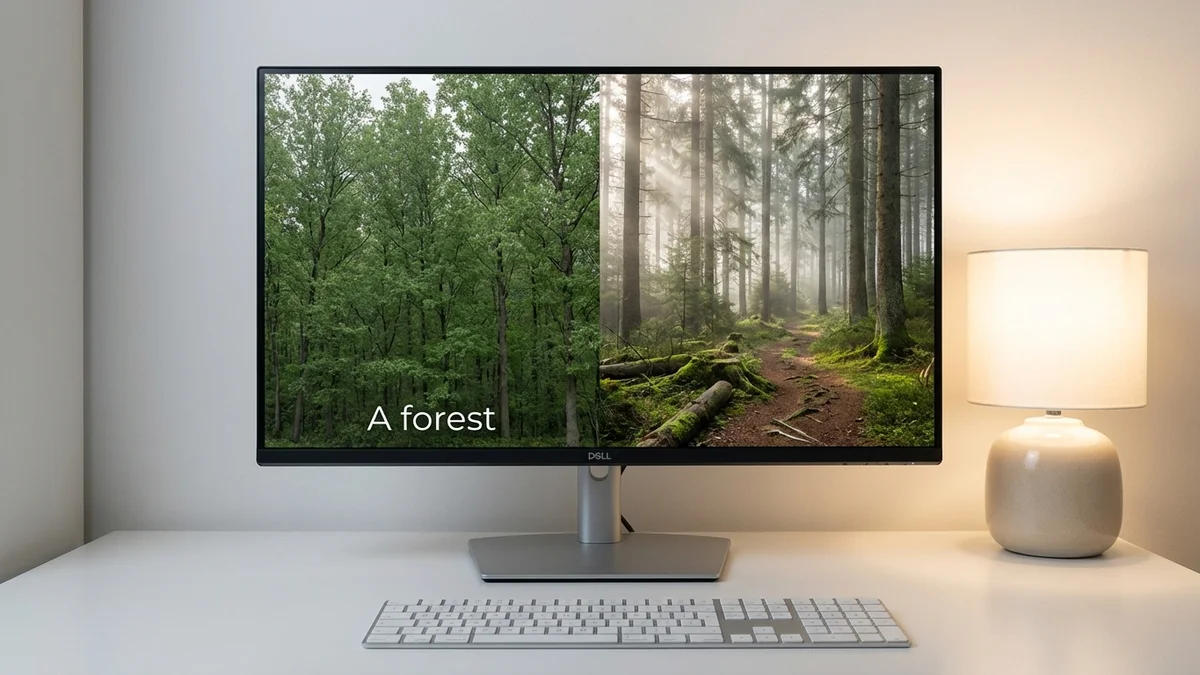
Weak prompt: "A forest"
Strong prompt: "A dense pine forest with a narrow dirt trail. Morning fog hangs between the trees. Sunlight breaks through the canopy in golden beams. Fallen logs are covered in moss."
See the gap? The second prompt gives Genie 3 enough raw material to build something with atmosphere. And that word — atmosphere — is the key. You're not writing a Wikipedia entry. You're setting a mood.
Surfaces matter too. Specify whether the ground is dirt, cobblestone, sand, or asphalt. Genie 3 uses these cues to determine how your character interacts with the terrain, which feeds directly into Tip 3.
Style Choices Are Underrated
Most people default to "realistic" and call it a day. But some of the most interesting Project Genie worlds come from pushing the style in weird directions. Try prompts like:
"A medieval village made entirely of stained glass"
"An underwater coral reef rendered in watercolor brushstrokes"
"A city skyline that looks like a pencil sketch"
Genie 3 handles stylistic variety surprisingly well. Don't be afraid to get strange with it.
Tip 2: Define Your Character Clearly
Your character is how you experience the world. And if you don't describe it well, you'll end up with a generic blob drifting through your beautiful environment. That's a waste.
The prompt guide breaks character design into three parts:
Appearance and Identity
Be explicit about what your character looks like. According to Google's examples, your character could be "a fluffy white rabbit," "a microscopic ant," or even "robotic arms gripping the handlebars of a motorcycle." The range is enormous — person, animal, vehicle, object, or something that doesn't exist yet.
Movement and Abilities
Describe how your character moves. Can it fly? Drive forward and backward? Run and hop? Sprint and slide? This matters because Genie 3 maps your keyboard inputs to the actions you describe. If you say your character can fly, you'll get flight controls. If you say it drives, you'll get driving physics.
Perspective
You can toggle between first-person and third-person views in Project Genie. But your prompt should account for which perspective you prefer. A first-person motorcycle experience needs different descriptors than a third-person view of a rabbit hopping through a meadow.
Your character isn't decoration — it's your interface with the world. Design it like one.
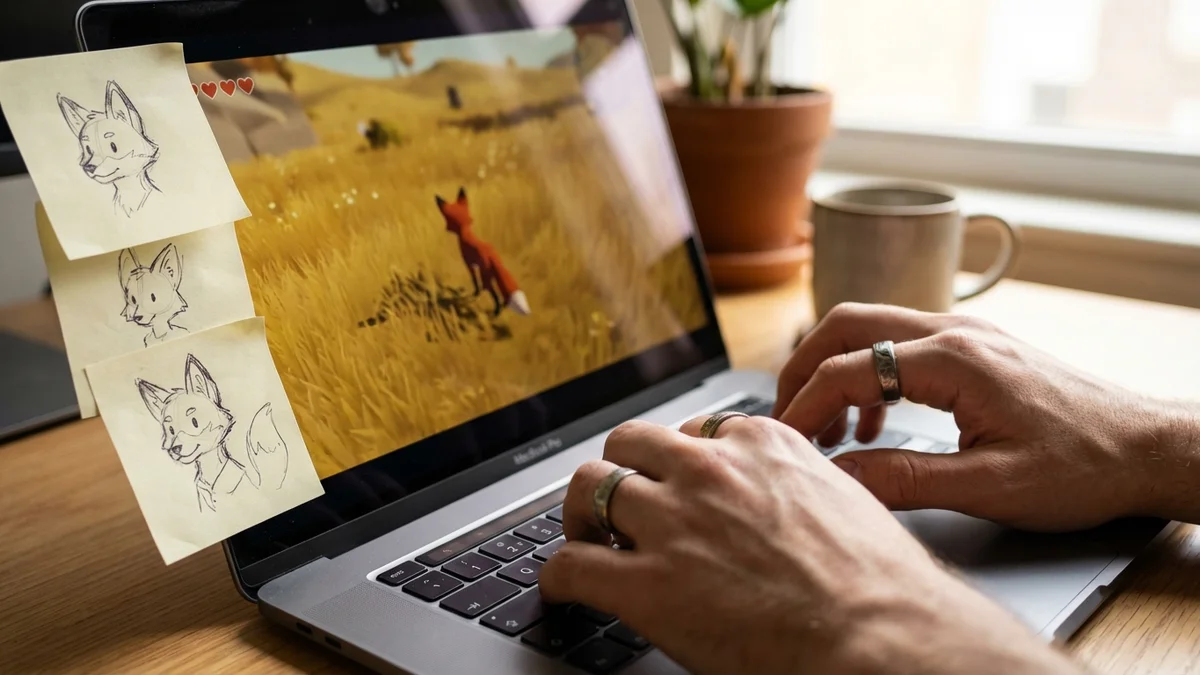
So a solid character prompt might look like: "A small red fox with a bushy tail. It runs quickly and can leap over fallen logs. When it stops, it sits and looks around."
Short. Clear. Actionable. Which brings us to the next tip.
Tip 3: Add Dynamic Elements and Interactions
This is where Project Genie prompts go from good to genuinely impressive. Static worlds are pretty. Dynamic worlds are interesting.
The key insight from Google's guide: describe how your character's movement affects the world around it. This is the interaction layer, and it's what separates Genie 3 from a fancy screensaver.
Examples of dynamic interactions:
"The vehicle leaves tire tracks in the dirt as it drives"
"The grass mower cuts the grass as it moves through the field"
"Footsteps kick up small dust clouds on the sandy path"
"Snow compresses under the character's boots"
But don't stop at character interactions. You can also describe ambient movement in the environment itself:
"Wind ripples across a wheat field"
"Rain drips from the edges of rooftops"
"Fireflies drift through the clearing at dusk"
The One-Minute Memory Window
Something important about Genie 3's architecture. As of March 2026, the model generates worlds frame by frame using an auto-regressive approach. It recalls previous environments and actions multiple times per second, but its visual memory extends back roughly one minute.
What does that mean for your prompts? Keep your dynamic elements relatively local. Don't describe a chain reaction that takes five minutes to play out — Genie 3 won't remember the beginning by the time you reach the end. Instead, focus on immediate, repeatable interactions: footprints, particle effects, vegetation responding to movement.
Short memory means your best tricks are the ones that happen right around you, right now.
Tip 4: Iterate With Images and Previews
Most people skip this, and it might be the most powerful move: use images and the world sketch preview to refine your results before committing.
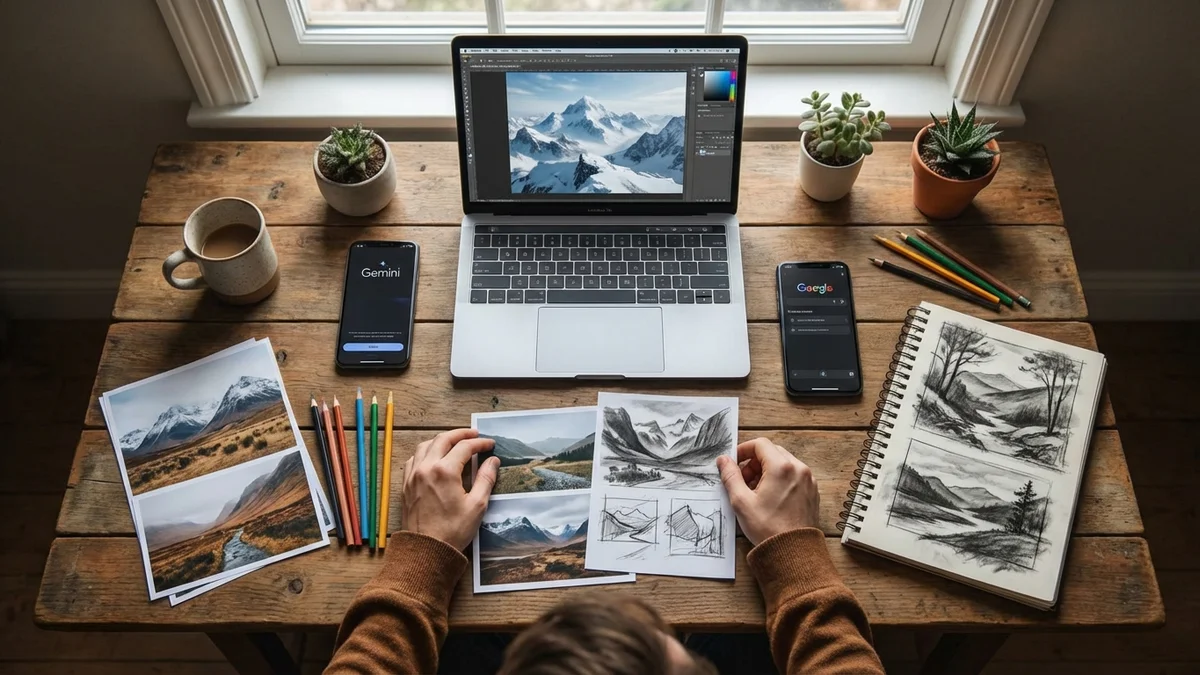
Project Genie accepts both text and image prompts. According to Google's guide, "uploading a high-quality image will yield the best results" — and you should "place your character in the center of the frame." So if you have a reference image (a photo, a screenshot from a game, a piece of concept art), upload it alongside your text prompt.
The workflow looks like this:
Write your initial text prompt covering environment, character, and dynamics
Check the world sketch preview — does the generated preview match your vision?
If not, refine — adjust wording, add detail, or change the style
Try an image upload — pair your text with a reference image for tighter control
Use Gemini to expand your prompt — Google specifically recommends using the Gemini app to "rewrite, expand, and elaborate your descriptions"
Keep Sentences Short and Direct
One more thing the official guide emphasizes: keep your descriptions to-the-point. Short declarative sentences work better than long, winding paragraphs. Genie 3 parses direct language more reliably.
Instead of: "I would like a world that features a beautiful mountain field with snow on the peaks and a winding river that flows down through a valley where there are pine trees."
Try: "Snow-capped mountains. A winding river flows through a pine valley below. Clear blue sky."
Same world. Half the words. Better results.
Tips and Common Pitfalls
Do:
Use sensory details — "dimly lit with mysterious smoke on the ground" beats "dark cave"
Mix environment + character + dynamics in every prompt
Experiment with non-realistic styles
Preview before entering the world
Don't:
Write essay-length prompts (keep it punchy)
Expect accurate real-world locations (Genie 3 doesn't simulate real places well)
Rely on text rendering inside the world (it's a known limitation)
Expect hours-long sessions (a few minutes of continuous interaction is the current ceiling)
Testing Your World
Once you've entered your world, here's a quick checklist to evaluate your prompt:
Does the environment match your description? If not, refine the world and style keywords.
Does your character look and move correctly? If movement feels off, revisit the abilities section of your prompt.
Are dynamic elements working? Check for the interactions you described — tracks, particles, environmental responses.
Is the perspective right? Toggle between first-person and third-person to see which serves your world better.
Take screenshots of what works. Use those as image prompts for your next iteration.
Next Steps
Once you're comfortable with the basics, try these more advanced approaches:
Combine multiple style references — "a Japanese garden rendered in the style of a watercolor painting with cel-shaded characters"
Chain worlds together — build a desert, then use a screenshot from it as an image prompt for a version at sunset
Push character variety — try vehicles, insects, floating cameras, or objects that don't normally move
Project Genie is still an experimental prototype with real limitations — short session times, 720p resolution, and a one-minute memory window. But the core experience of typing words and walking through the result is unlike anything else available right now. And getting better at writing Project Genie prompts is the fastest way to unlock what it can actually do.
Project Genie is an experimental prototype from Google DeepMind, powered by the Genie 3 world model. It generates interactive, photorealistic environments from text and image prompts that users can explore in real time at 20–24 fps and 720p resolution.
How do you write good prompts for Project Genie?
Focus on three elements: describe your environment with specific details (landscape, style, contents, behavior), clearly define your character's appearance and movement abilities, and add dynamic interactions like footprints or wind effects. Keep sentences short and declarative for best results.
Is Project Genie free to use?
As of March 2026, Project Genie is available to Google AI Ultra subscribers in the United States through labs.google/projectgenie. It requires a paid Google AI Ultra subscription.
How long can you explore a world in Project Genie?
Project Genie supports a few minutes of continuous interaction per session, not extended hours. The model's visual memory extends back roughly one minute, so environments stay consistent within that window.
Can you use images as prompts in Project Genie?
Yes. Project Genie accepts both text and image prompts. Google recommends uploading high-quality images with your character placed in the center of the frame for best results. You can combine image and text prompts together.