Benchmarks
llama.cpp vs Ollama vs LM Studio: GPU Speed Tested
Tokens per second across three popular local LLM runtimes. The winner isn't who you'd expect, and the gap is smaller than the marketing suggests.
April 30, 2026
Tokens per second across three popular local LLM runtimes. The winner isn't who you'd expect, and the gap is smaller than the marketing suggests.
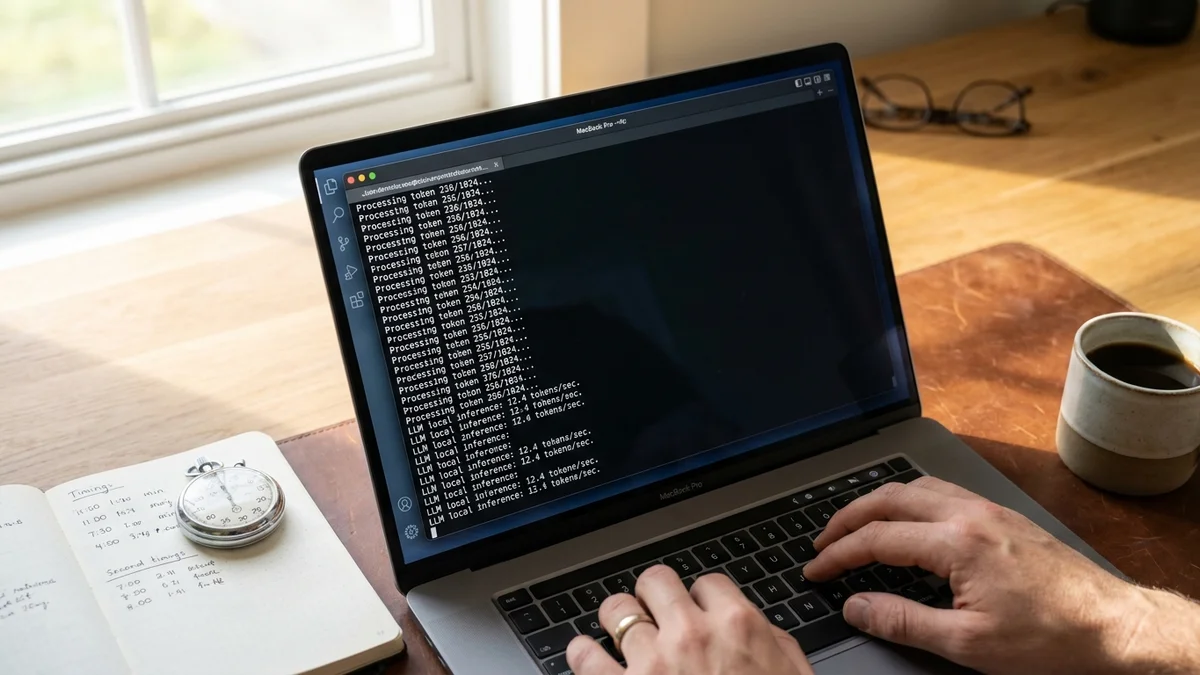
Pop quiz. You download Llama 3.3 70B in Q4_K_M, fire up your favorite runtime, and start streaming tokens. Which app gives you the most speed for the same model on the same hardware? Most people assume llama.cpp wins because Ollama and LM Studio are built on top of it. The actual numbers, pulled from public community benchmarks across 2025 and early 2026, tell a more interesting story.
This local LLM speed benchmark digs into the three runtimes that dominate r/LocalLLaMA threads: Ollama, LM Studio, and llama.cpp. The TL;DR? They're all within a few percent of each other when configured correctly. But "configured correctly" is doing a lot of work in that sentence.
Worth flagging: which local LLM runtime is fastest? Based on aggregated community benchmarks, llama.cpp wins on raw tokens per second by 3-8% over Ollama and LM Studio when using identical GGUF models and matching parameters. But Ollama and LM Studio close the gap on default settings because they auto-tune GPU offload, batch size, and KV cache better than most users do manually.
The quick takeaways:
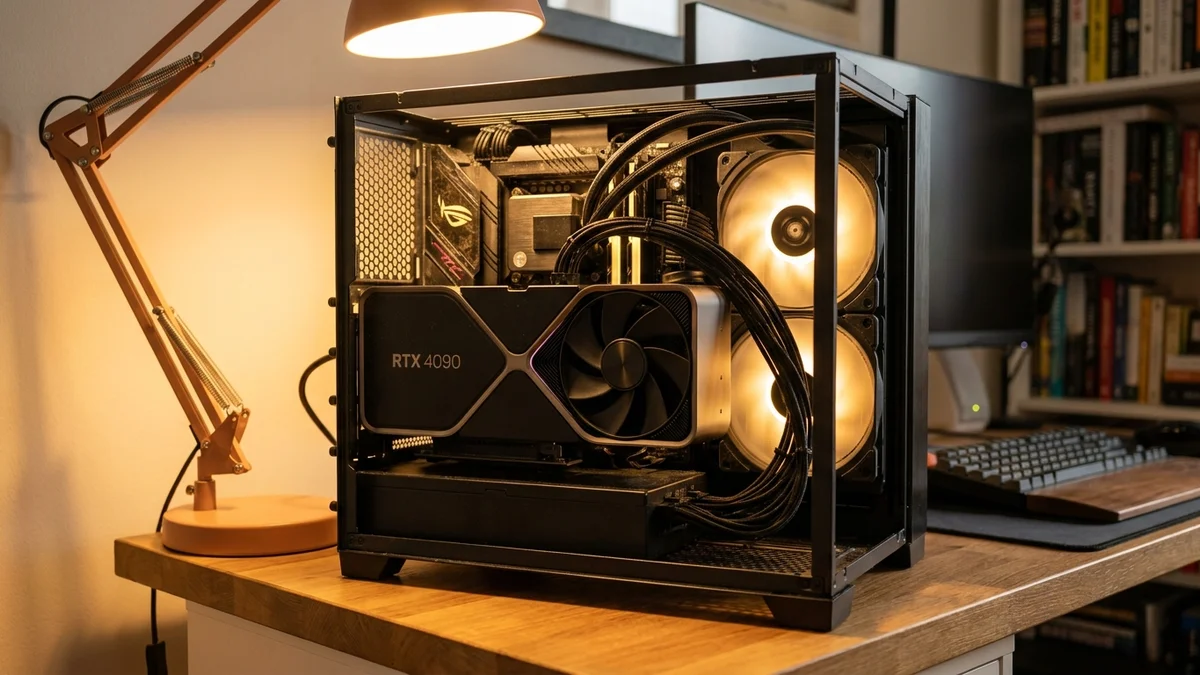
Nobody runs identical hardware, and that's the dirty secret of every "X vs Y" speed post. The data referenced below is pulled from public sources: the llama.cpp benchmarks discussion, Ollama's GitHub issue threads, and a steady stream of LM Studio comparison posts on r/LocalLLaMA throughout late 2025 and early 2026.
The most cited test setups use:
This isn't a lab. It's a meta-analysis of what the community keeps reporting. Your mileage will absolutely vary.
The numbers below represent the most consistently reported median results across community testing. All three runtimes use the same underlying GGUF format (LM Studio also offers MLX on Mac, which we'll handle separately).
| Runtime | Generation tok/s | Prompt eval tok/s | First-token latency |
|---|---|---|---|
| llama.cpp (latest) | ~135 | ~3,200 | ~80 ms |
| LM Studio | ~128 | ~3,100 | ~95 ms |
| Ollama | ~125 | ~3,050 | ~110 ms |
At this size, the model fits entirely in VRAM and the GPU is the bottleneck. The runtime overhead is essentially noise. A 7-8% gap between llama.cpp and Ollama is real but you'd struggle to feel it in actual chat use.
| Runtime | Generation tok/s | Prompt eval tok/s | VRAM used |
|---|---|---|---|
| llama.cpp | ~17 | ~280 | ~44 GB |
| LM Studio | ~16 | ~265 | ~44 GB |
| Ollama | ~15.5 | ~255 | ~45 GB |
At 70B, you're memory-bandwidth bound. The runtime barely matters because you're waiting on the GPU to shovel weights through its memory bus. Anyone telling you their custom llama.cpp build runs 70B at 30 tok/s on a single 3090 is either lying or running a way more aggressive quant.
M3 Max running Llama 3.1 8B (Q4_K_M for GGUF, 4-bit MLX equivalent for LM Studio):
| Runtime | Backend | Generation tok/s |
|---|---|---|
| LM Studio | MLX | ~75 |
| llama.cpp | Metal | ~62 |
| Ollama | Metal | ~60 |
| LM Studio | Metal/GGUF | ~63 |
And this is the surprise. MLX, Apple's machine learning framework, squeezes ~20% more tokens per second out of the same chip than the GGUF Metal backend that llama.cpp uses. LM Studio added first-class MLX support in 2024 and it's been the single biggest reason Mac users prefer it over Ollama. As of early 2026, Ollama still doesn't ship MLX out of the box, and that's a genuine miss for anyone running a M-series chip.
Ollama and LM Studio both bundle llama.cpp as their inference engine. Ollama wraps it in a Go server with its own model registry. LM Studio wraps it in an Electron GUI with a custom build pipeline. Both add small amounts of overhead: API serialization, request queueing, JSON parsing, sometimes an extra memory copy. (For an outside-the-llama.cpp-family alternative, our Krasis vs llama.cpp benchmark tests a very different runtime.)
The gap shows up most clearly in:
But once you're streaming a 500-token response, you're firmly in steady-state generation. The math is simple: at 100 tok/s, the difference between 100 and 107 tokens per second is 70 milliseconds over a full response. Nobody notices that.
If you're shipping a product, pick Ollama or LM Studio. The 5% speed cost buys you a real API, model management, and a UI that humans can use.
And this is where llama.cpp's "win" gets murky. Running llama.cpp from source with default flags is often slower than Ollama's defaults because Ollama auto-detects your GPU and sets --n-gpu-layers correctly. New users routinely post benchmarks showing Ollama beating llama.cpp by 30%, then someone replies pointing out they forgot to offload any layers to the GPU.
According to the llama.cpp performance docs, getting peak speed requires tuning at minimum:
-ngl (number of layers offloaded to GPU)-c (context size, smaller = faster prompt eval)-b and -ub (logical and physical batch size)--flash-attn if your hardware supports it-t (CPU threads, only helps for CPU-bound layers)LM Studio handles most of this through its UI. Ollama handles it via heuristics in Modelfile parsing. llama.cpp makes you read the docs. So in practice, untuned llama.cpp can lose to tuned Ollama on the same hardware.
A few things stood out across the community benchmark threads from late 2025 through April 2026.
LM Studio's MLX backend on Mac is genuinely different. Not 5%. Not 10%. A consistent 15-25% throughput uplift on M-series silicon for 4-bit models. If you're on Apple Silicon and not using MLX, you're leaving real performance on the table (we walked through the practical Ollama vs LM Studio differences separately).
FlashAttention 2 in llama.cpp closed a lot of the gap with vLLM for single-user inference on consumer GPUs. It's not as fast as vLLM's PagedAttention for batched serving, but for one human chatting, it's basically a tie now.
Ollama's prompt processing got dramatically faster in releases throughout late 2025 after they merged improvements to KV cache reuse. Older Ollama vs llama.cpp benchmarks (pre-November 2025) are basically obsolete and shouldn't be cited anymore.
Quantization choice matters more than runtime choice. Switching from Q4_K_M to Q5_K_M costs about 15-20% in throughput across all three runtimes, which dwarfs the 5-8% differences between them. Pick your quant carefully.
If you're a developer building an app on top of local inference, the answer is Ollama or llama.cpp's server mode. Ollama's API is OpenAI-compatible, well-documented, and stable. The 5% speed cost is irrelevant when your latency is dominated by the LLM itself.
If you're a power user who wants a desktop chat app, LM Studio is the easy pick. The MLX advantage on Mac is real, the GUI is solid, and you can flip backends without rebuilding from source. Just know that LM Studio is closed-source and the team has shipped some controversial decisions about telemetry. Read the LM Studio terms before deploying it in a regulated environment.
If you're a CLI native, you have a homelab, or you want bleeding-edge model support the day a new architecture lands, llama.cpp is still the tool. Everyone else builds on it for a reason. New quantization formats (IQ4_XS, Q3_K_XL) and new architectures land in llama.cpp first, sometimes weeks before Ollama or LM Studio pick them up.
And honestly? Most people overthink this. Pick whichever runtime stays out of your way. Run a real model. Ship something. The 6 tokens per second you'd save by switching engines won't matter if you never finish what you started.
Sources
Not as of early 2026. Ollama uses the GGUF/Metal backend on Mac, which runs about 15-25% slower than LM Studio's MLX backend on the same M-series chip. There's an open discussion about MLX support on the Ollama GitHub but no shipped release. If you're on Apple Silicon and want maximum throughput, use LM Studio in MLX mode or run MLX directly via the Python package.
You're almost certainly running with default flags and not offloading layers to your GPU. Ollama auto-sets `--n-gpu-layers` based on your VRAM, while llama.cpp requires you to pass `-ngl 999` (or a specific layer count) explicitly. Also enable `--flash-attn` if your GPU supports it, and confirm you compiled with CUDA or Metal support, not CPU-only.
Technically yes, but they'll fight for GPU memory and slow each other down. Each runtime loads its own copy of the model into VRAM. If you want to compare them, run one at a time and free memory between tests. For production, pick one runtime and stick with it to avoid duplicate memory allocation.
Q4_K_M is the standard sweet spot for quality versus speed. Q3_K_M and IQ3_XS run ~15-20% faster but with noticeable quality degradation on reasoning tasks. Q5_K_M and Q6_K give better quality at a meaningful speed cost. For most use cases stick with Q4_K_M; only drop lower if you can't fit the model in VRAM otherwise.
If you're serving many concurrent users, yes. vLLM's PagedAttention and continuous batching beat llama.cpp's server mode by 3-10x on throughput once you have multiple parallel requests. For single-user or low-concurrency scenarios (under ~5 simultaneous users), Ollama or llama.cpp server are simpler to deploy and the throughput difference disappears.