Best Of
10 Best AI Writing Tools for Content Creators in 2026
An honest, opinionated ranking of the 10 best AI writing tools for content creators in 2026, based on benchmark data, pricing, and actual creator workflows.
April 24, 2026
An honest, opinionated ranking of the 10 best AI writing tools for content creators in 2026, based on benchmark data, pricing, and actual creator workflows.

Most "best AI writing tools" roundups read like affiliate link salad. Every tool earns the same inflated rating, every description sounds copy-pasted from a press release, and the ranking magically correlates with commission rates.
This list is different. It's opinionated, and some tools rank well below their Product Hunt reputation. Others (like Claude) rank higher than most sponsored content will admit.
So if you want the actual best AI writing tools for content creators in 2026, ranked on output quality and not marketing budget, keep reading.
The short answer for busy creators: Claude Opus 4.6 is the best AI writing tool for long-form drafting in 2026, ChatGPT Plus is the strongest all-around workhorse, and NotebookLM is the pick for research-heavy posts. Everything else on this list is supporting cast.
| Rank | Tool | Best For | Starting Price |
|---|---|---|---|
| 1 | Claude (Opus 4.6) | Long-form drafting and editing | $20/mo (Pro) |
| 2 | ChatGPT (GPT-4o + o3) | Versatile workhorse, brainstorming | $20/mo (Plus) |
| 3 | NotebookLM | Source-grounded research writing | Free tier |
And the rest of the list goes deeper. But the gap between #1 and #10 is bigger than most roundups will let on.
Rankings pull from three inputs: published benchmark data, pricing from official sources, and the actual writing workflow each tool imposes. No anonymous "we ran 40 hours of tests" claims, because that's almost always fiction in AI tool roundups.
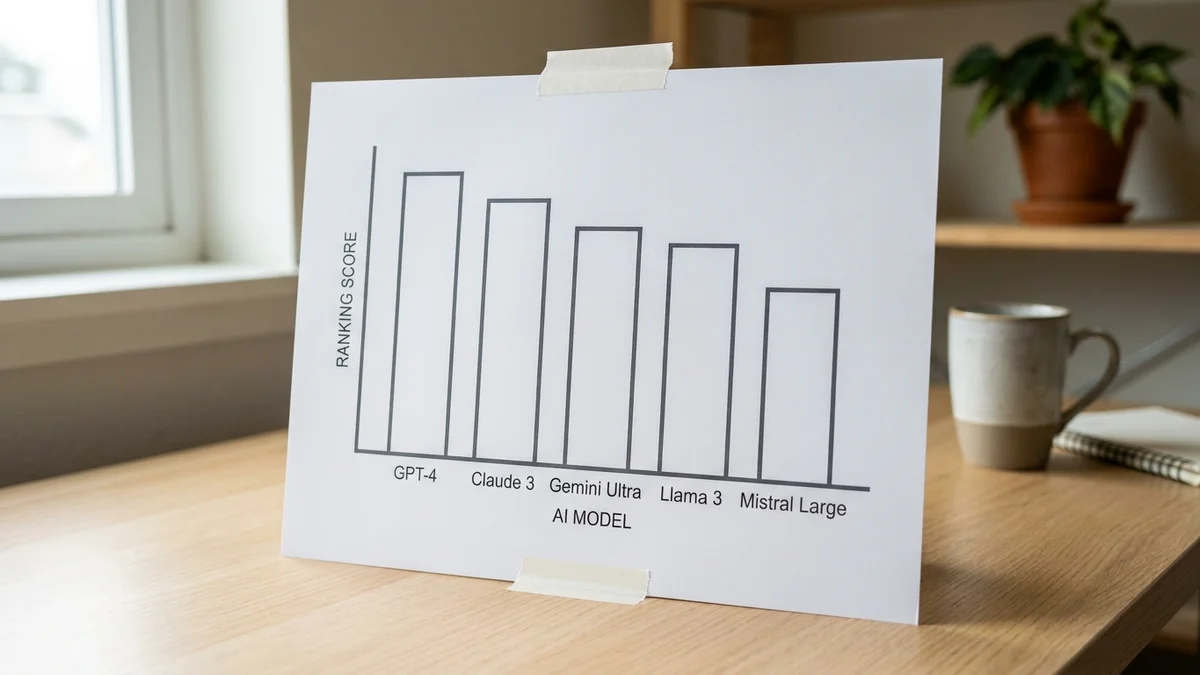
Benchmark sources: published vendor evaluations plus the LMSYS Chatbot Arena leaderboard. Pricing comes from each vendor's public docs as of early 2026.
What matters most for writers, ranked:
Anthropic's Claude Opus 4.6 is the writing tool I'd pick if forced to keep only one. It's not the cheapest and it's not the fastest. It wins on output quality, full stop.
On the LMSYS Chatbot Arena leaderboard, Claude Opus 4.6 sits near the top of the text arena alongside the latest GPT-4o and Gemini entries. Writing quality is a different game than raw chat-preference scores, though. Claude's prose has noticeably less "AI voice" leak. Fewer hollow transitions, fewer empty adjectives, and it holds a consistent tone across 2,000-word drafts better than anything else on this list.
On benchmarks, Anthropic highlights SWE-bench Verified and long-context evaluations for Opus 4.6 rather than classic academic benchmarks like MMLU. More relevantly for writers, the 200,000 token context means you can dump an entire research folder and still get coherent output, and the Developer Platform offers a 1M-token beta tier for even longer inputs.
Key features:
Pricing: Claude Pro is $20/month. API pricing for Opus 4.6 sits at $5 input / $25 output per million tokens via the Anthropic docs.
Best for: Long-form bloggers, newsletter writers, ghostwriters, anyone allergic to the generic ChatGPT voice.
ChatGPT is still the default, and for good reason. GPT-4o remains near the top of the LMSYS Chatbot Arena on raw preference, and the Plus tier bundles access to o3 for reasoning-heavy tasks. The ecosystem is huge: custom GPTs, DALL-E 3 image generation, voice mode, Canvas for collaborative editing.
Output quality? Pretty solid, but not class-leading. GPT-4o tends toward safe, middle-of-the-road prose. It's the tool I'd pick for brainstorming and outlining, then hand the draft to Claude for final voice polish. The o3 reasoning model is a beast for outline structure and fact-dense explainers (OpenAI reported o3 at 96.7% on AIME 2024 and 87.5% on ARC-AGI at high compute in its launch materials), but it's overkill for casual drafting.
Key features:
Pricing: Plus is $20/month. Pro (unlimited o3) is $200/month.
Best for: Writers who want one subscription covering chat, research, image generation, and voice.
Google's NotebookLM is weirdly underrated in writing tool lists. It's not a general-purpose chatbot. Instead, you upload sources (PDFs, Google Docs, YouTube links, web pages) and the AI answers only from those sources, with inline citations.

For content creators doing research-heavy work (investigative posts, literature reviews, case studies), this is the most useful AI tool released in the past year. The Audio Overview feature, which turns your notes into a conversational podcast, is genuinely novel and surprisingly listenable.
And it's largely free. Google rolled out paid tiers for heavier use through Google One AI Premium, so check the official NotebookLM page for current limits.
Key features:
Pricing: Free tier is generous. Plus tier included with Google One AI Premium.
Best for: Researchers, investigative bloggers, anyone writing from large source material.
Gemini 3 Pro is Google's current flagship, and its long-context handling is genuinely impressive on paper. The trouble is that Gemini's prose still feels the most "AI" of the frontier models. It's technically capable and competitive on Google's published benchmarks, but the default voice is stiff.
Where Gemini wins: Google Workspace integration. If you live inside Docs, Sheets, and Gmail, the Gemini side panel is a legitimate productivity boost. Drafting emails, summarizing long Docs, pulling data from Sheets into a summary paragraph, all smooth. The Deep Research mode is also surprisingly good for multi-source reports.
Key features:
Pricing: Free tier available. Google One AI Premium is $19.99/month.
Best for: Content teams already running on Google Workspace.
Perplexity is search with citations, and for content creators, it's replaced Google for probably half my research queries. Every answer includes inline source links, so no scrolling through 10 blog-spam results to find the original data.
It's not a long-form drafting tool. The writing it produces is paragraph-length, not article-length. But as a research assistant feeding into a drafting workflow, it's better than any "research mode" bolted onto general-purpose chatbots. Pro tier unlocks Claude Opus, GPT-4o, and Gemini as the underlying model, plus Spaces for topic-organized research.
Pricing: Free tier is usable. Pro is $20/month.
Best for: Writers who need cited facts fast. Journalists, analysts, anyone who's ever been burned by a hallucinated statistic.
Grammarly has been around forever and still earns its place. The 2026 version goes well beyond comma fixes: tone detection, clarity rewrites, plagiarism checking, and an AI generative mode competitive with mid-tier tools.
It's not going to draft your 2,000-word post from a prompt. But as a browser-extension copyeditor that runs invisibly in Gmail, Docs, and Notion, Grammarly remains the default for a reason. Not gonna lie, I still keep it on even though Claude catches most of the same issues.
Pricing: Free tier covers basics. Premium starts around $15/month on the annual plan (check grammarly.com/plans for current rates).
Best for: Writers who want a passive editing layer that catches sloppy drafts before they publish.
If your second brain already lives in Notion, Notion AI is a no-brainer add-on. It's not the smartest model underneath (it routes to a mix of OpenAI and Anthropic models), but the workflow integration is unbeatable for Notion-native creators.
Inline AI blocks, summaries, translation, Q&A across your entire workspace, and a recent agent that can automate multi-step workspace edits. The value is in context, not raw model quality. Your wiki, notes, and content calendar are already there, so the AI can actually use them.
Pricing: Notion AI is $10/user/month on top of your Notion plan.
Best for: Solo creators and small teams running their content ops inside Notion.
Gamma isn't a traditional writing tool. It generates presentations, documents, and webpages from a prompt, styled automatically. For content creators who need to turn a blog draft into a carousel, a deck, or a one-pager, nothing else on this list comes close.
The output is genuinely usable, not the "AI slop" most auto-deck tools crank out. Templates are tasteful, the editing experience feels closer to Notion than PowerPoint, and export options cover PDF, PPTX, and shareable links.
Pricing: Free tier includes a credit allowance. Paid plans start in the single-digit dollars per month on annual billing — see gamma.app/pricing.
Best for: Creators who repackage content into decks, pitch docs, or lead magnets.
Copy.ai is explicitly a marketing copywriting tool. Templates for ads, emails, social posts, product descriptions. The output is average (this is a mid-tier tool running on stock LLM APIs with good prompt templates), but the template library is the actual reason to use it.
For solo creators and tiny teams producing a high volume of short-form assets (launch emails, tweet threads, ad variations), Copy.ai's workflow saves time compared to prompting ChatGPT from scratch every time. For anyone writing long-form, skip it and just pair Claude with a prompt library.
Pricing: Free tier available. Paid plans start around $29/month (billed annually comes out cheaper). See copy.ai/pricing for the current tier names.
Best for: Solo marketers and e-commerce copywriters shipping high volumes of short-form.
Jasper earns a spot here not because it's the best writing tool, but because it's the platform enterprise marketing teams actually buy. Brand voice training, team collaboration, SEO workflows, and integrations with HubSpot and Google Docs. It's not built for solo creators, and the pricing makes that clear.
And honestly? The raw output quality is kind of disappointing for what it costs. Most of what Jasper does, a sharp solo creator can replicate with Claude, a brand-voice system prompt, and $20/month. The value is in the workflow wrapper and the compliance story, not the underlying AI.
Pricing: Creator starts at $59/month billed yearly (or $69 month-to-month). Enterprise: contact sales.
Best for: Marketing teams with compliance needs, brand consistency requirements, and procurement budget.
A few tools almost made the list but fell short:
If you're a solo content creator in 2026, the real answer is a stack, not a single tool:
That runs about $40-60/month and covers 95% of a working content creator's needs. Fancy enterprise platforms like Jasper are overkill unless you have a team, brand compliance requirements, and a procurement department that prefers one invoice.
Pick the stack. Skip the hype.
Sources
Claude Opus 4.6 generally hallucinates less on long-form drafts, partly because of its 200K context window and partly because Anthropic tunes for refusal over confabulation. GPT-4o is more likely to invent plausible-sounding citations if you don't give it grounded sources. For fact-heavy writing, pair either model with Perplexity or NotebookLM and verify numbers against the cited URL.
Google's stance since the March 2024 core update is that AI-generated content isn't penalized on its own. The helpful content system targets low-quality, unedited, mass-produced content regardless of origin. Well-edited AI-assisted writing with original research and clear expertise ranks fine. Pure copy-paste output from a prompt with no editing tends to get buried.
It depends on the plan. ChatGPT Plus does not train on your chats by default (settings toggleable). Claude Pro explicitly does not train on paid-tier conversations per Anthropic's policy. API usage across both is excluded from training. Free-tier products (Gemini free, Copy.ai free) often do use inputs for improvement, so check each vendor's data policy before pasting sensitive drafts.
A free stack works surprisingly well in 2026: Gemini (free via gemini.google.com) for drafting, Perplexity (free tier) for research, Grammarly (free) for editing, and NotebookLM (free) for research-heavy posts. The main tradeoff is Gemini's stiffer default voice compared to paid Claude. If you want one paid subscription, Claude Pro at $20/month delivers the biggest quality jump per dollar.
Not yet. Claude Opus 4.6 is the closest (long-form quality plus artifacts for editing), but it lacks native web search with citations and doesn't repackage content into decks. Most working creators combine two or three tools. If you have to pick one, Claude Pro covers drafting and editing, with Perplexity's free tier handling research.