An honest look at Google's Gemini Advanced (Google AI Pro) in 2026. The 1M context window is wild, Workspace integration is genuinely useful, but does it actually beat ChatGPT? Let's break it down.
May 23, 2026
9 min read
459 views
Google spent two years getting beaten up over Bard, and somehow Gemini Advanced has clawed its way into being a real ChatGPT contender. Not a polite "also-ran," but a genuine alternative that some people now prefer outright.
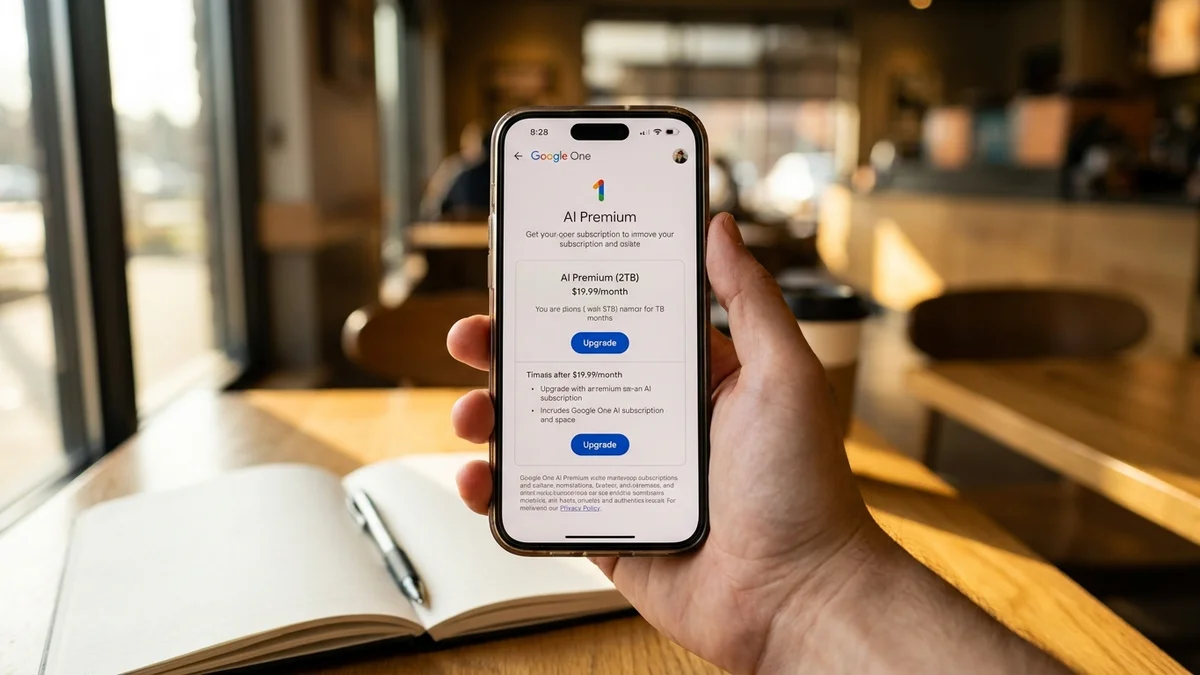
So is it actually worth $19.99 a month? And more importantly, is this Gemini Advanced review going to convince you to switch?
Probably not entirely. But the answer is more interesting than you'd expect.
Quick Verdict
Rating: 8.6/10
One-line verdict: Gemini Advanced is the best AI assistant for Google Workspace users and anyone who needs massive context, but ChatGPT still edges it out on raw reasoning quality.
Best for: Heavy Gmail/Docs/Sheets users, researchers analyzing huge documents, anyone already living inside Google's ecosystem.
Skip it if: You mostly want the smartest possible model for coding or hard reasoning. Claude Opus 4.6 and OpenAI's o3 still pull ahead there.
What Is Gemini Advanced in 2026?
Gemini Advanced is Google's premium AI subscription (now branded as Google AI Pro), currently built around the Gemini 3 Pro model. It costs $19.99/month and includes 5TB of cloud storage across Drive, Gmail, and Photos, plus deep integration across Gmail, Docs, Sheets, Slides, and Meet.
Think of it as Google's answer to ChatGPT Plus, except with a 1 million token context window and the entire Google graph behind it. That's a big deal. You can drop a 1,500-page PDF into a chat and ask it questions, which still feels mildly illegal.
And unlike the original Bard launch, which was genuinely rough, this version actually works.
Key Features Worth Caring About
1. The 1 Million Token Context Window
This is the headline feature, and it's not just marketing. According to Google's official Gemini docs, the Gemini 3 family handles around 1,000,000 tokens of input. For comparison, GPT-4o caps at 128K and Claude Opus 4.6 at 200K.
What does that mean practically? You can dump entire codebases, multi-hour meeting transcripts, full books, or years of email history into a single conversation. And Gemini will actually reference specific lines from page 847 when you ask about something on page 12.
This is one area where Google straight up wins on raw size. No contest.
2. Google Workspace Integration
If you use Gmail and Docs daily, this is the killer feature. Gemini lives inside the sidebar of every Google app. Ask it a 47-email thread, draft a reply in the tone of your last five emails, or pull data from three different Sheets into a summary slide deck.
It's the kind of integration Microsoft has been chasing with Copilot, and honestly, Google's version feels tighter. The Workspace stuff just works, where Copilot still occasionally forgets it has access to your files.
3. Deep Research Mode
Google's Deep Research feature spins up an agent that browses dozens of sources, takes notes, and writes you a multi-page report. It takes 5-10 minutes per query, but the output is the closest thing to a real research assistant that any of the major chatbots offer.
It's not as fast as Perplexity, but the depth is genuinely better. And the cited sources are clickable, which sounds basic until you realize how often other tools mess this up.
4. Native Multimodality
Gemini was designed multimodal from the ground up, and it shows. Image understanding is sharp. Video analysis (up to about an hour of footage) actually works. And the integration with Google Veo for video generation gives Advanced subscribers access to one of the better text-to-video tools out there.
ChatGPT can do most of this too, but Gemini's video handling is a step ahead. Sora is more cinematic, Veo is more controllable.
5. NotebookLM Integration
NotebookLM Plus comes bundled with the Advanced plan, and it's quietly one of the best products Google ships. Upload 50 sources, get an AI tutor that actually grounds its answers in your documents. The audio overview feature (which turns your notes into a podcast-style conversation) is weirdly addictive.
6. Gems (Custom Assistants)
Gemini's version of ChatGPT's custom GPTs. You build a custom assistant with specific instructions, give it documents to reference, and it persists across conversations. The implementation is fine. Not better than OpenAI's, but on par.
7. Real-Time Google Search Grounding
Unlike older ChatGPT models, Gemini's responses are grounded in live Google Search by default. You get current information without needing to flip a switch. Citations link directly to the source pages. This is a quiet win that adds up over time. (For more on Google's latest Gemini cadence, see our coverage of the 3.1 Flash Live upgrades.)
How Does It Stack Up on Benchmarks?
For a $19.99/month tool, the benchmark question matters. Here's how Gemini 3 Pro lands against the competition based on the most recent vendor-reported scores and community rankings from the LMSYS Chatbot Arena. Note that Google's published numbers shift between releases and are self-reported unless stated otherwise.
The pattern is pretty clear from community testing and vendor-reported numbers: Gemini 3 Pro is competitive across the board, but it rarely takes first place on coding evals. It is usually neck-and-neck with Claude Opus 4.6 on knowledge and reasoning, slightly behind GPT-4o on conversational preference, and well behind o3 on the hardest reasoning tasks.
That's not a damning critique. Being a top-three model in the world is still really good. But if you're picking a tool purely on intelligence, this isn't the obvious winner.
Real-World Performance
Benchmarks don't tell the whole story, so let's talk about how Gemini actually feels in daily use, based on official documentation and community reports across Reddit, the Google AI Forum, and developer blogs.
Writing and Analysis
Gemini's writing has improved dramatically. The previous "Google corporate memo" tone is mostly gone. It's now genuinely conversational, and the analysis of long documents is where it shines. Drop in a 200-page PDF and ask for a structured summary. The output is consistently solid.
Where ChatGPT still wins: creative writing with personality. Gemini plays it safer.
Coding
This is the weakest area. Gemini's coding chops are fine for routine work, but Claude Opus 4.6 and GPT-4o both feel sharper for anything complex. On the harder SWE-bench Verified benchmark, Gemini consistently trails Anthropic's offerings.
If coding is your primary use case, Gemini isn't the answer. Period. (See our Claude Code review for what we actually recommend.)
Research and Long-Context Tasks
This is where Gemini Advanced earns its keep. The 1M context window combined with Deep Research mode makes it genuinely better than anything else for academic-style research. You can paste 30 papers, ask synthesis questions, and get answers that pull from specific sections accurately.
The 1M token context window isn't a benchmark gimmick. It's the one feature that meaningfully changes what you can do with an AI assistant.
Multimodal Tasks
Video understanding is genuinely impressive. Upload a screen recording of a bug, Gemini will walk through what's happening frame by frame. Image-based math problems? Solid. Diagrams and charts? Better than most.
Pricing: Is It Worth $19.99/Month?
Gemini Advanced costs the same as ChatGPT Plus. So the question becomes value comparison.
The bundled 5TB of Google One storage is genuinely useful if you actually use Google Drive. Functionally, you're paying for an AI subscription and getting cloud storage thrown in, which sweetens the deal if you were considering Google One anyway.
That's a pretty solid deal. Especially if you were already considering a Google One upgrade, the AI math is almost a no-brainer.
Pros and Cons
Pros
1M token context window that dwarfs GPT-4o (128K) and Claude (200K)
Gmail, Docs, and Sheets integration that actually works (not just demos)
Bundled 5TB cloud storage sweetens the subscription value
Deep Research mode produces genuinely useful multi-source reports
NotebookLM Plus included — one of Google's best products
Video understanding and Veo access beats most rivals
Live Search grounding by default means fresher answers
Cons
Coding performance lags Claude Opus 4.6 and OpenAI's reasoning models
Hard reasoning tasks (GPQA, MATH, ARC-AGI) trail o3 by significant margins
Image generation via Imagen is solid but not at Midjourney's level
Response latency is noticeably slower than ChatGPT for short queries
API pricing for Gemini 3 Pro is mid-tier, not budget — confirm current rates at ai.google.dev/pricing
Custom Gems feel underbaked compared to ChatGPT's GPT marketplace
Personality still leans corporate compared to Claude's warmth
Who Should Actually Subscribe?
You should get Gemini Advanced if:
You live in Gmail and Google Docs
You analyze long documents, transcripts, or codebases regularly
You already pay for Google One (the upgrade is basically free AI)
You need video understanding or want Veo access
You're a researcher, student, or knowledge worker
Skip it if:
Coding is your primary use case (get Claude or Cursor instead)
You need the absolute smartest reasoning model (o3 via ChatGPT Pro wins)
You don't use Google Workspace
You want playful, creative writing personality (Claude does this better)
How It Compares to ChatGPT
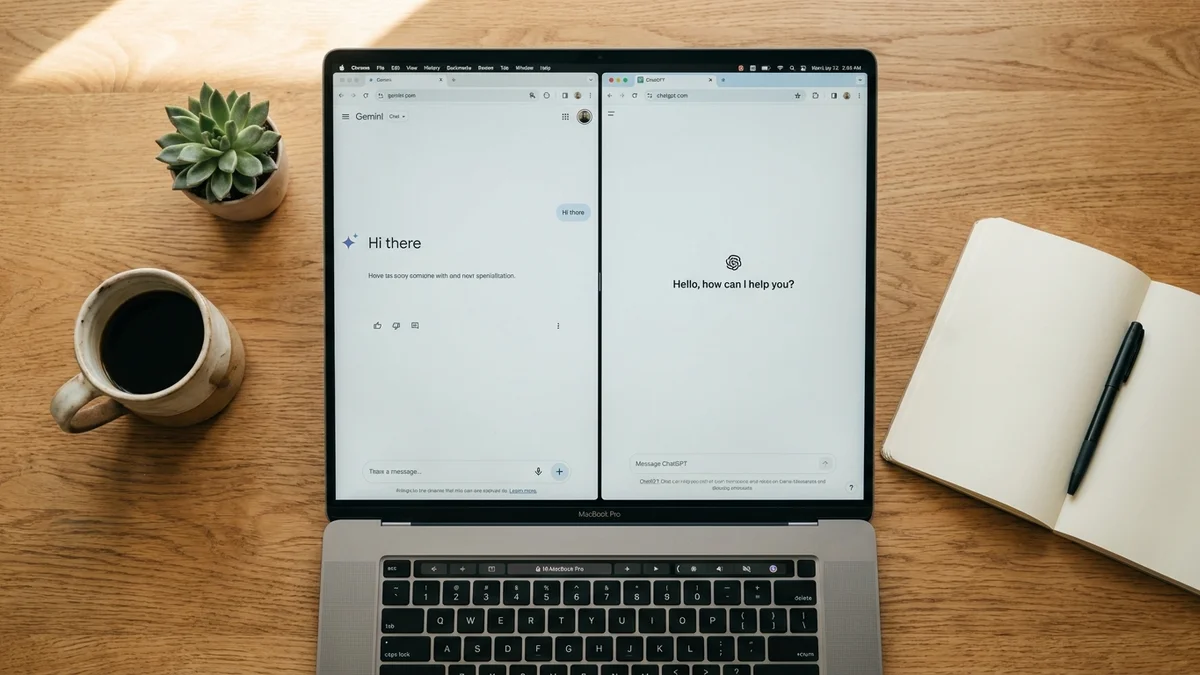
The honest answer? They're closer than the marketing wars suggest. ChatGPT Plus gives you access to GPT-4o and o3-mini, plus DALL-E 3, plus a massive ecosystem of custom GPTs. Gemini Advanced gives you Gemini 3 Pro, Veo, NotebookLM Plus, 5TB storage, and Workspace integration.
If you graded both purely on model intelligence, ChatGPT wins by a small margin. If you graded on practical productivity value, Gemini wins by a small margin. The Chatbot Arena rankings put both in the top cluster, which tells you basically everything: these tools are neck and neck in everyday use.
And that's actually impressive given where Google was eighteen months ago.
Final Verdict: 8.6/10
Google finally built something that competes. Not in every dimension, but in enough of them to matter. The 1M context window is a genuine differentiator, the Workspace integration is best-in-class, and the bundled storage plus NotebookLM Plus turns the subscription into actual value rather than just a chatbot tax.
But it's not the smartest model on the market. Claude Opus 4.6 beats it on coding and reasoning. OpenAI's o3 demolishes it on hard math and AGI-style benchmarks. So if you want the single best AI, Gemini isn't it.
If you want the most useful AI for a typical knowledge worker living in the Google ecosystem? It's now a legitimate top pick. And the gap to ChatGPT is much smaller than the diehards on either side want to admit.
Not gonna lie, two years ago I'd have called this verdict insane.
Gemini Advanced is no longer Google's awkward catch-up attempt. The 1M context window, Workspace integration, and bundled storage make it a genuine top-tier AI subscription, especially for knowledge workers already in Google's ecosystem. It still isn't the smartest model on the market, but for everyday productivity it's now a legitimate alternative to ChatGPT, not a distant runner-up.
Pros
+ 1 million token context window dwarfs GPT-4o and Claude
+ Best-in-class Google Workspace integration across Gmail, Docs, and Sheets
+ Bundled cloud storage and NotebookLM Plus add real value
+ Deep Research mode delivers genuinely useful multi-source reports
+ Strong multimodal capabilities including video understanding and Veo access
+ Live Google Search grounding keeps answers current by default
Cons
- Coding quality trails Claude Opus 4.6 and OpenAI reasoning models
- Hard reasoning benchmarks (GPQA, ARC-AGI) lag well behind o3
- Response latency feels slower than ChatGPT for short queries
- Custom Gems ecosystem is thinner than ChatGPT's custom GPTs
- Writing personality still leans corporate compared to Claude
Frequently Asked Questions
Can I cancel Gemini Advanced and keep the bundled Google One storage?
No. The bundled cloud storage is part of the Google AI Pro plan (formerly Google One AI Premium), so canceling drops you back to whatever free or paid storage tier you had before. Files above your new limit stay accessible but become read-only until you free up space.
Does Gemini Advanced work outside the United States?
Yes, Gemini Advanced is available in many countries and supports a wide range of languages as of early 2026. Some features like Deep Research and Veo video generation roll out region by region, so a few capabilities may lag in non-English markets. Check the Google One status page for your country to confirm feature availability.
Can I use Gemini Advanced for commercial projects?
Yes. Outputs from Gemini Advanced can be used commercially under Google's standard terms. However, video generated via Veo and images from Imagen include SynthID watermarking, which is invisible but flags the content as AI-generated. For enterprise commercial use with stronger indemnification, Google offers Gemini through Vertex AI instead.
What happens to my data when I use Gemini Advanced?
By default, Google may use your conversations to improve its services unless you turn off Gemini Apps Activity in your account settings. With activity off, conversations are retained for a shorter period and aren't used for human review. Workspace data (Gmail, Docs) accessed through Gemini follows separate Workspace privacy controls and isn't used for training. Check Google's current activity and data retention settings for specifics.
Is there a free trial for Gemini Advanced?
Google has historically offered a free trial of the Google AI Pro / AI Premium tier for new subscribers, which includes Gemini Advanced. Trial length and eligibility vary depending on prior usage and region. Check the current Google One signup page for the trial terms that apply to your account before subscribing.